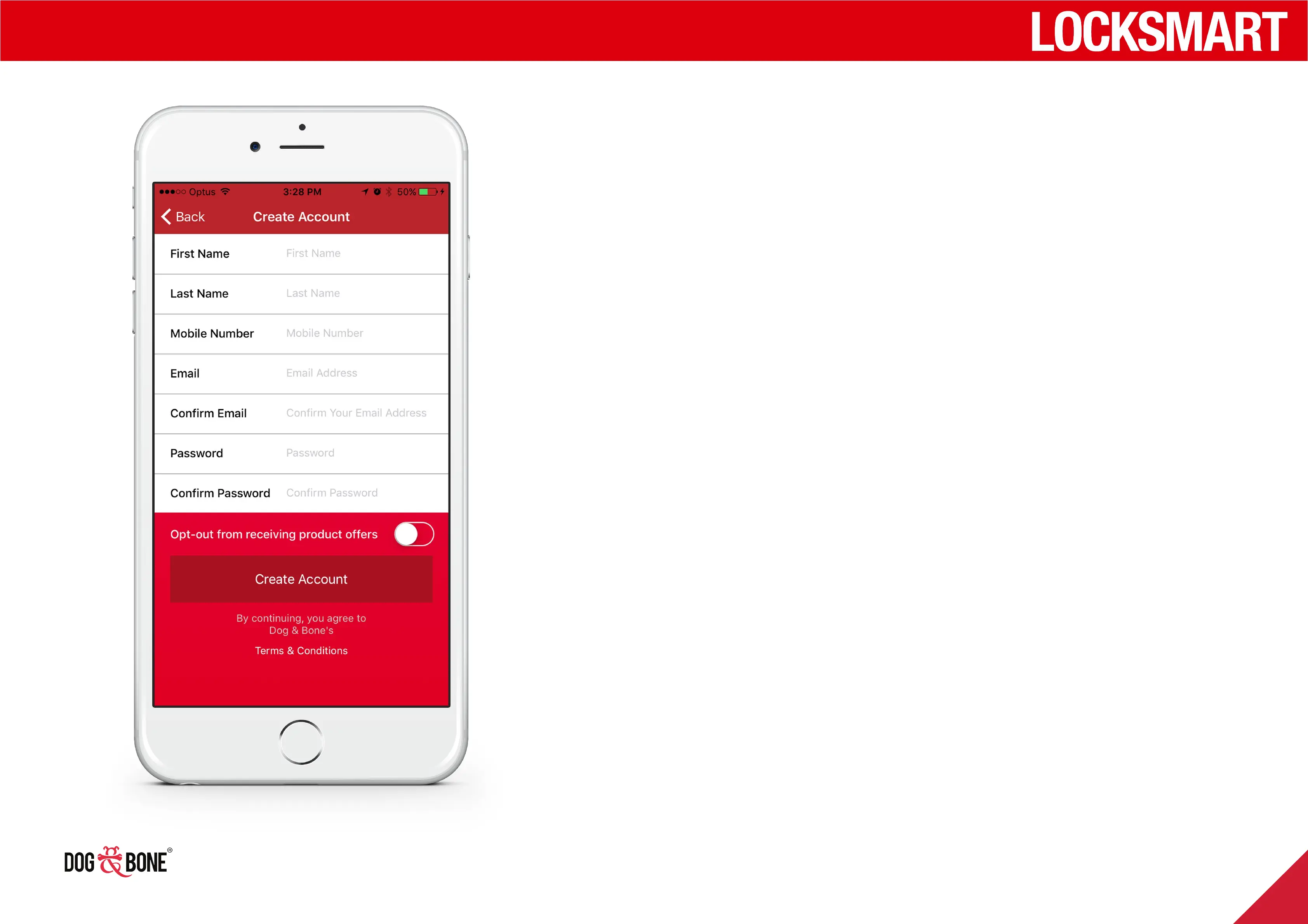
Create a LockSmart account
1. Press ‘Create Account with Email’ on the home
screen
2. Fill in all of the required details including First
Name, Last Name, Mobile Number, Email and
Password
3. Choose whether or not to opt-out from receiving
product oers
4. Press ‘Create Account’ to create your account
Log in with a LockSmart
account
1. To log in with your LockSmart account, press the
‘Have an account? Sign in’ button on the home screen
2. Enter your user name and password
3. Press ‘Sign In’ to log in to your account
Getting started
7



 To Next Page