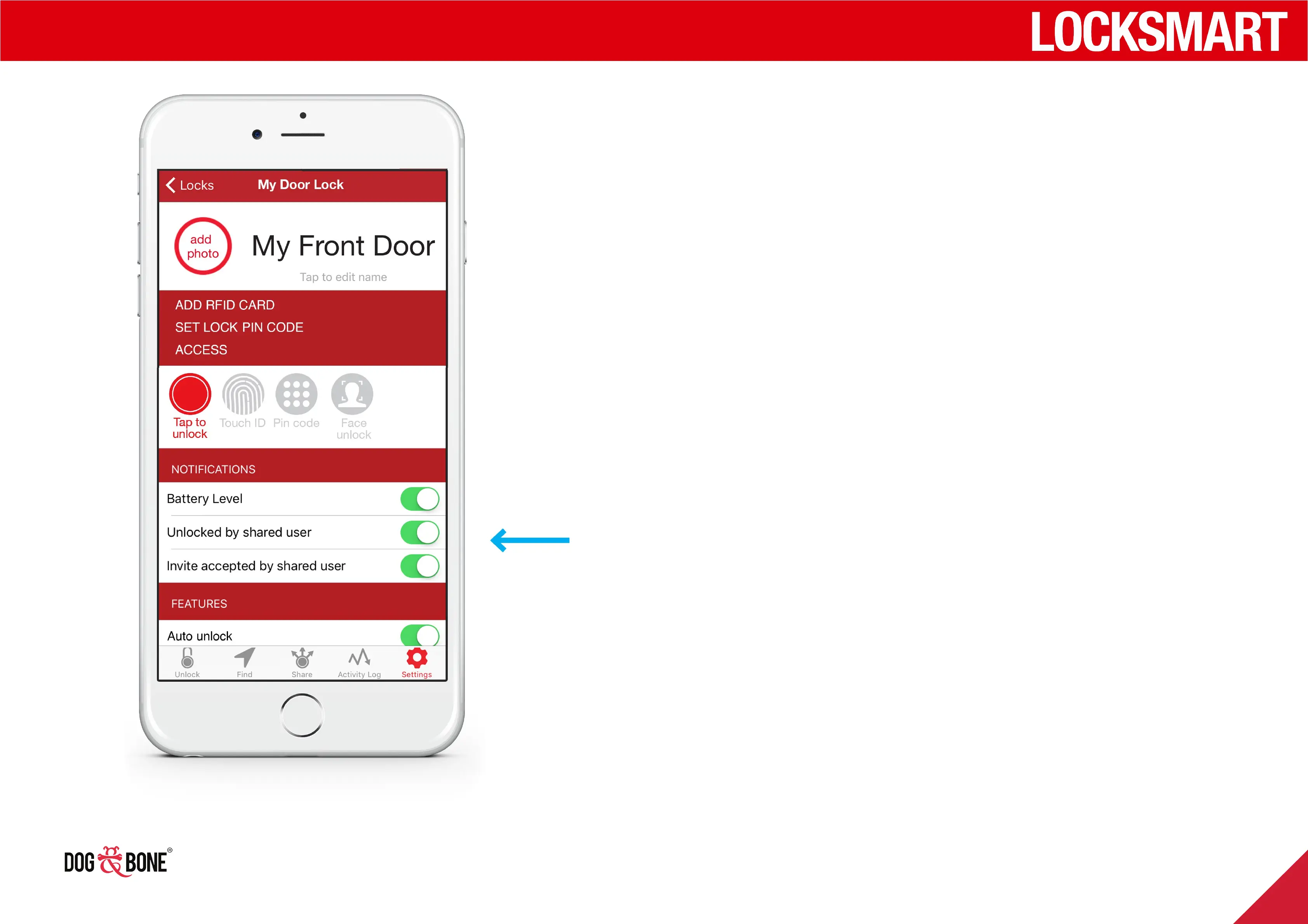
Notifications
1. Choose any lock from the lock list screen
2. Press the ‘Settings’ option from the bottom menu
3. Under the ‘Notifications’ section, toggle on or o the
following notification options:
4. ‘Battery Level’: with this option enabled, you will
receive a notification upon connecting to your lock
when the battery level has dropped below 50%, 10%,
and 5%
5. ‘Unlocked By Shared User’: when enabled, you will
receive a notification every time this lock is unlocked
by a user in your shared users list
6. ‘Invited Accepted By Shared User’: when enabled,
you will be notified when your lock invitation is
accepted
Anti-break-in and security
function
Input wrong password 5 times, the keypad will be locked
for 5 minutes
Other features
26



 To Next Page