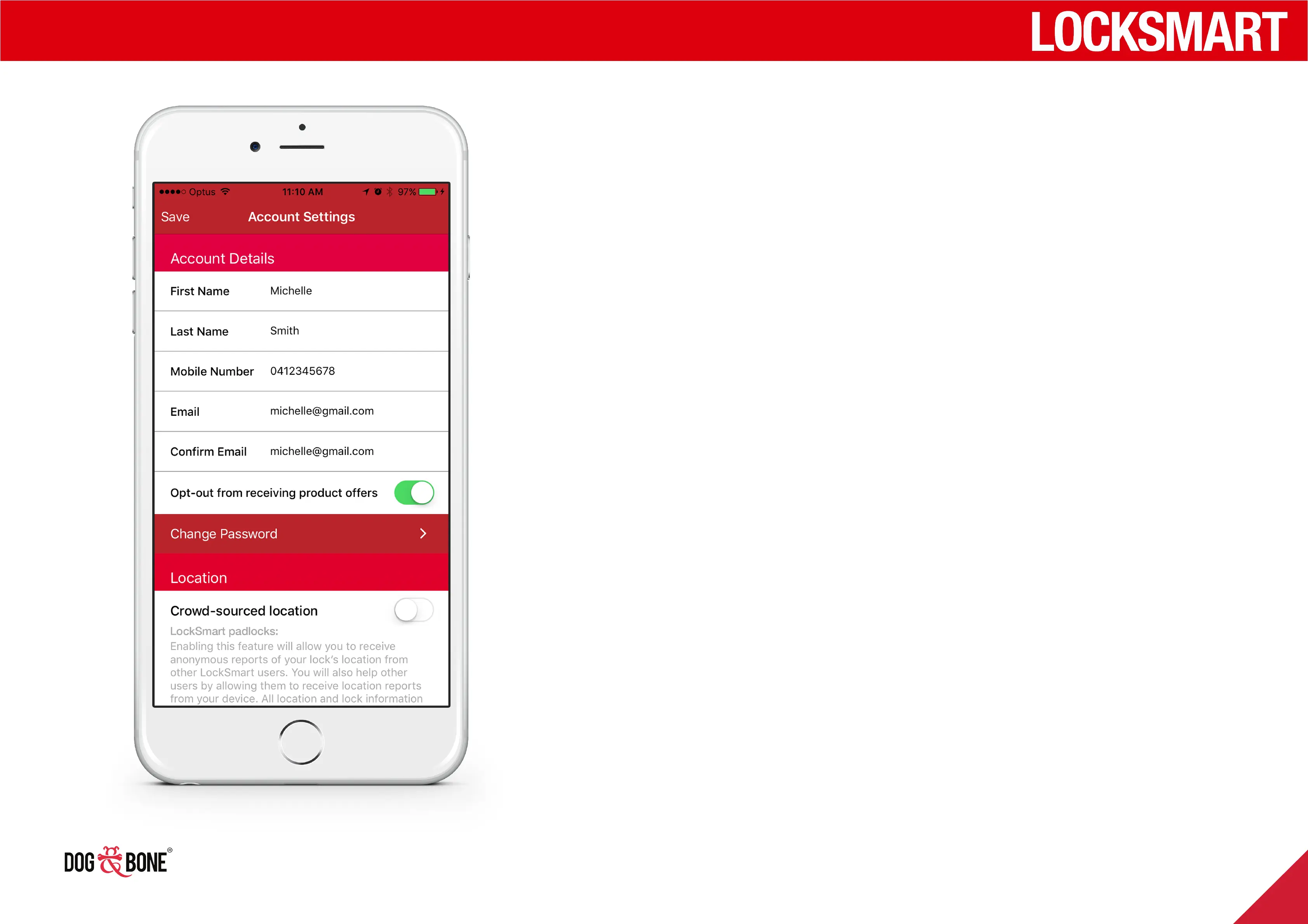
Modify account or password
Modify your account details, change
your password, and more
1. To access Account Settings,
press the three buttons on
the top right of the screen on
the ‘Locks’ list, then press the
‘Account Settings’ button
2. The Account Details section
can be used to change
your First Name, Last Name,
Mobile Number and Email
3. You can change your
selection for receiving
product oers by toggling the
‘Opt-out’ button
4. To change your account
password, press the ‘Change
Password’ button
5. Enter your current password,
new password and confirm
your new password
6. Press the ‘Save’ button in
the top right to save your
password changes
7. Under the Notifications
section, ‘Shared lock status
updates’ can be toggled on
and o. This feature allows
you to receive notifications
about locks that are shared
with you.
Other features
27



 To Next Page