9 - 5
Enabling the WWAN Radio
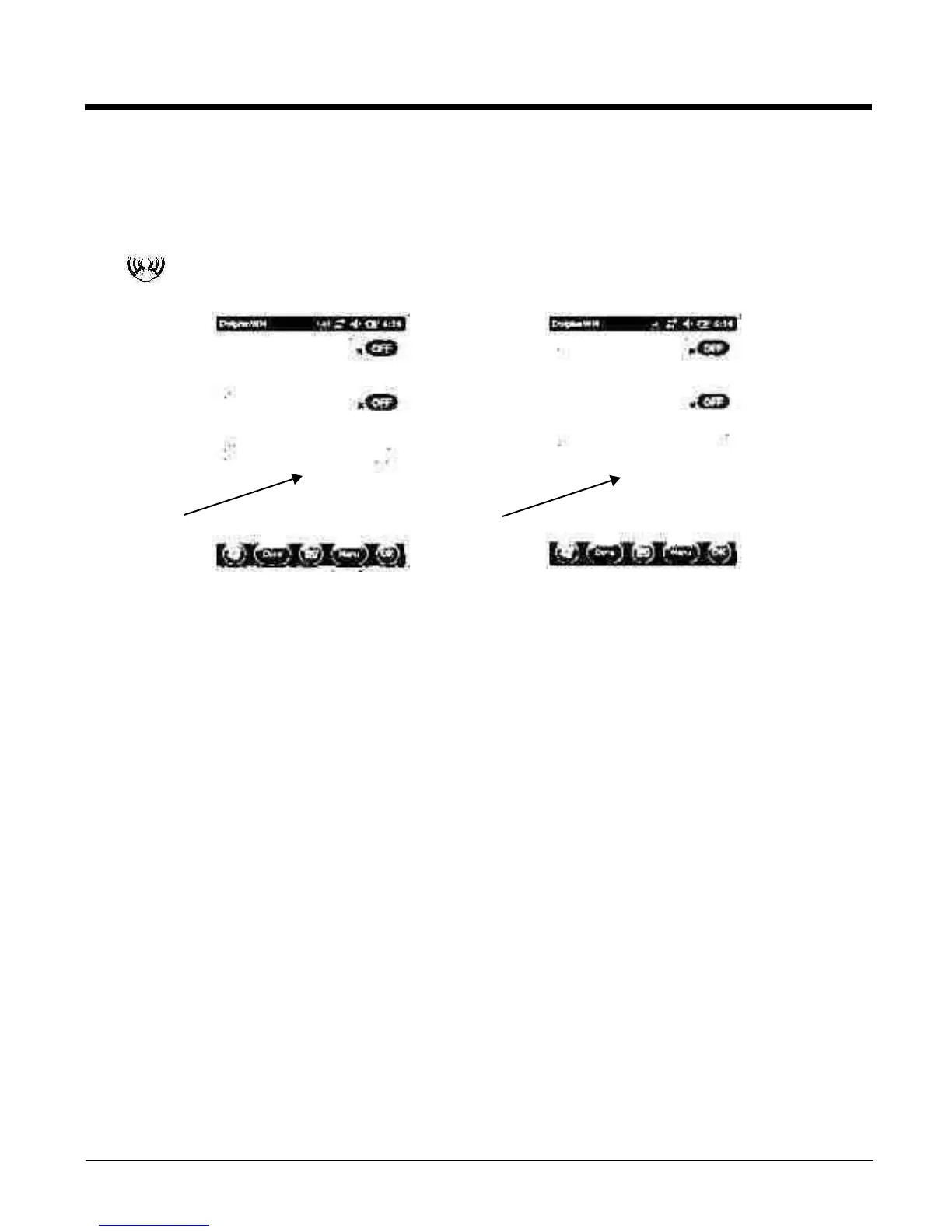
By default, the WWAN radio is not enabled after a factory reset. Verify the status of the radio in the Dol-
phin Wireless Manager.
Tap
on the Home screen to access the Dolphin Wireless Manager.
If the WWAN radio is OFF, tap the rectangle to enable or turn ON the radio.
GSM/HSPA+ Global Radio Dolphin Models
Voice Communication
Yo u c a n u s e t h e D o l p h i n 9 9 E X t e r m i n a l a s a p h o n e o ve r t h e G S M r a d i o .
Note: The Dolphin 99GX is available with a data only Gobi radio for WWAN connectivity. The Dolphin 99EX is
available with either a data only Gobi radio or a data+voice GSM/HSPA+/UMTS/GPRS/EDGE radio for
WWAN connectivity.
Audio Modes
The front panel of the terminal contains both a speaker and a microphone that you can use to send and
receive audio signals over the GSM network.
There are two audio modes:
• Handset Mode - The front speaker is used for receiving handset voice calls and the front panel
microphone provides audio input to the terminal.
• Hands-Free Mode - Hands-free mode is when you use the rear speaker as a speakerphone. To
switch to speakerphone, tap on the speaker button in the Dialer window, see Accessing the
Dialer Window on page 9-6.



 To Next Page