9 - 6
Volume Control
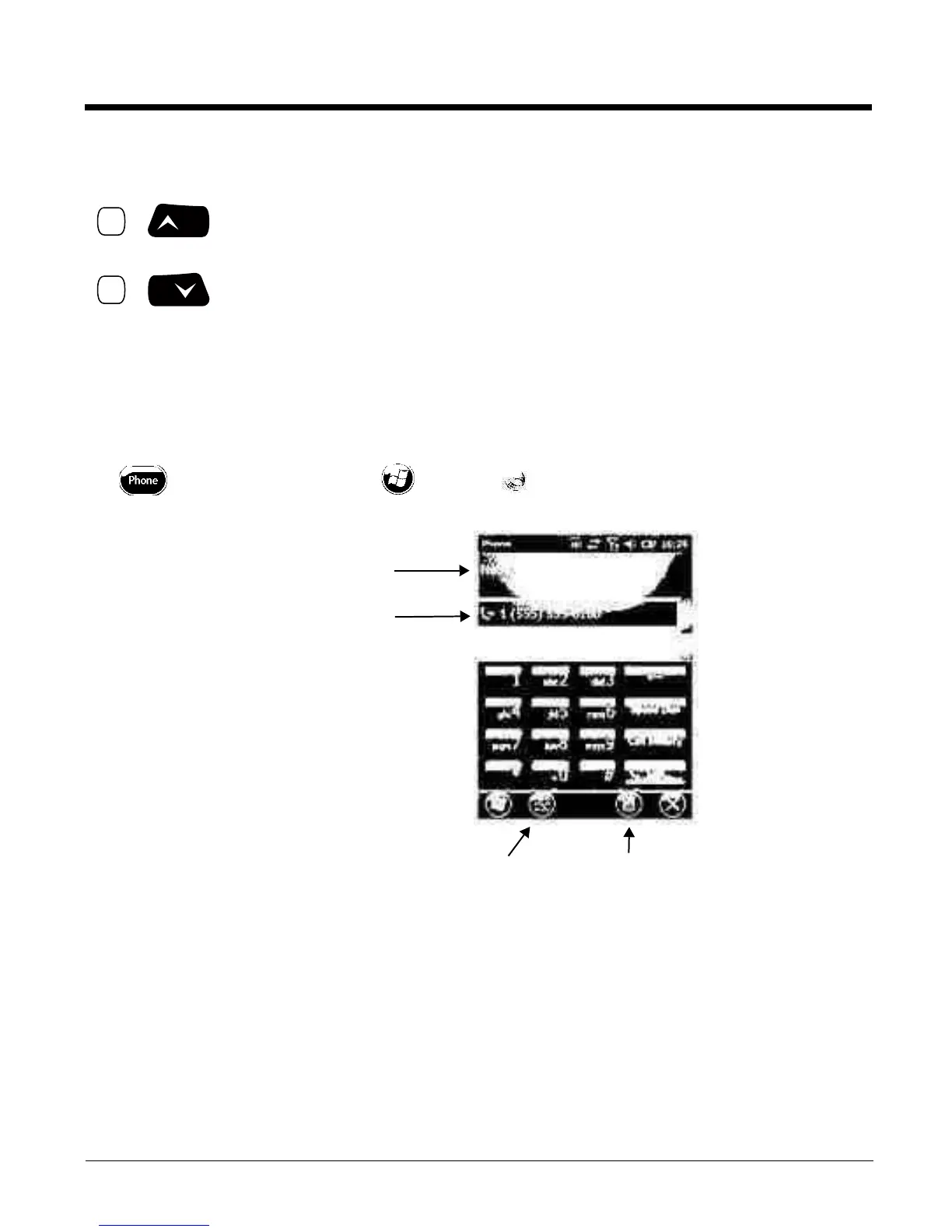
Accessing the Dialer Window
Note: The WWAN radio must be active for voice communication, see Enabling the WWAN Radio on page 9-5.
Tap o n t he Ho me scr een o r t ap > Phone to open the Phone dialer.
Dialing
Once the dialer window is open, you can dial out two ways:
•Tap the buttons on the dialer window.
• Use the physical keyboard (when the keyboard is in numeric mode).
&
&
Use the Dolphin keyboard to adjust the volume.
To ra is e t he vo lum e, p re ss the Bl ue mo dif ier key + up ar row.
To lowe r the vo lu me, pr ess th e B lue m odi fie r key + dow n a rrow.
Or
Press the up or down arrow on the Volume Control button on the right side of the
device to adjust the volume of the active speaker, see Volume Control Button on
page 3-10.
Displays the network carrier
from the SIM card.
Displays the most
recent calls.
Tog gl es t he t ouc h s cr een
keypad ON or OFF.
Menu



 To Next Page