10 - 1
10
Working with the Bluetooth Radio
Enabling the Bluetooth Radio
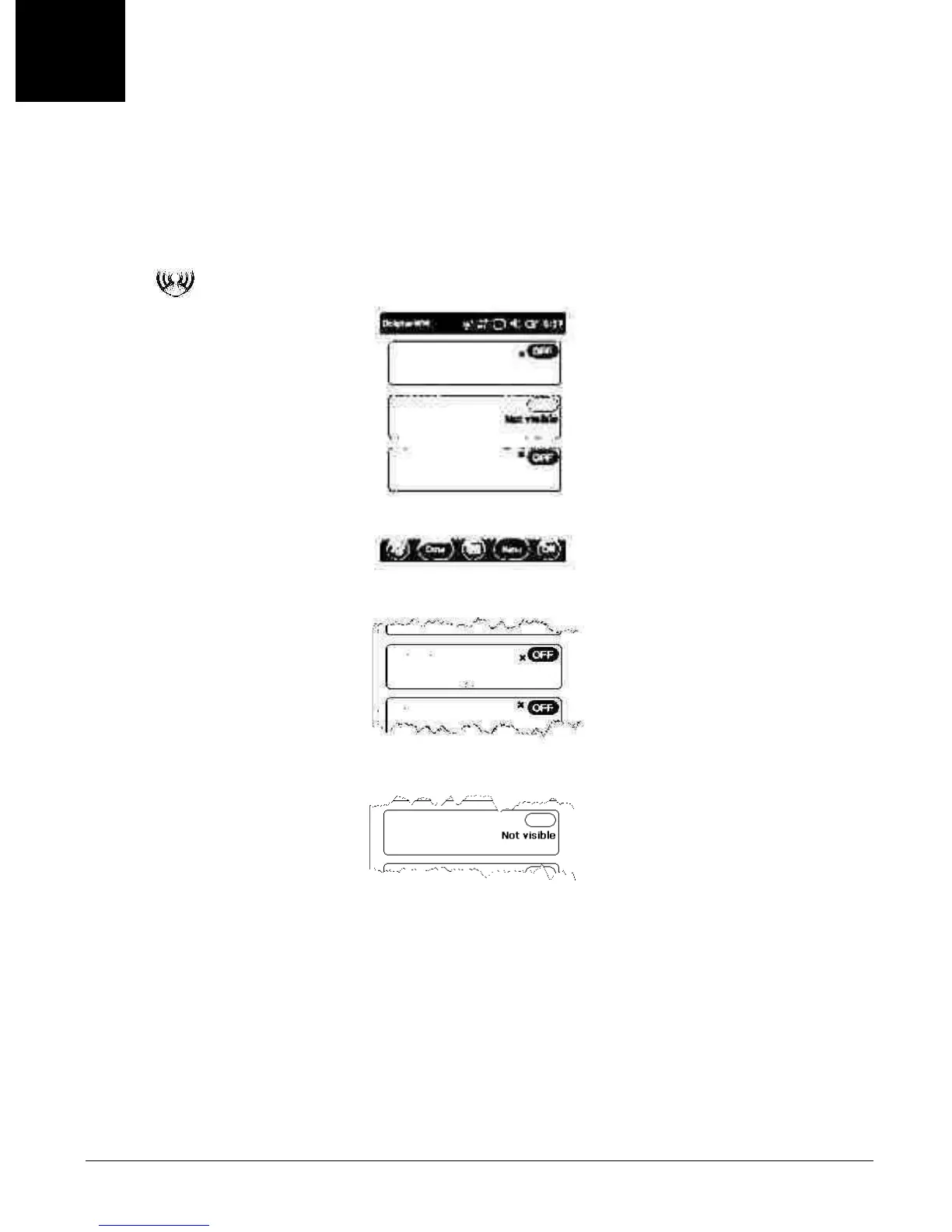
Yo u e n a b l e t h e B l u e t o o t h r a d i o i n t h e Dolphin Wireless Manager (see page 8-6).
1. Tap
on the Home screen to access the Dolphin Wireless Manager.
2. Tap anywhere inside the Bluetooth rectangle and Bluetooth begins activating.
3. When the radio is activated (i.e., transmitting a signal), the OFF button changes to ON.
Now, the Bluetooth radio is transmitting a signal. Additional text in the Bluetooth section tells information
about the Bluetooth radio. “Visible” and “Not visible” indicates whether the Bluetooth radio is discover-
able or not discoverable by other Bluetooth devices.
Now, you can connect to other transmitting and discoverable Bluetooth devices (see page 10-2).
To ma ke th e te r min al d is cove r able, see page 10-6.



 To Next Page