9 - 9
Data Communication (GSM/HSPA+ Global Radio Dolphin Models)
You set up data communication via the Connections Manager. The carrier on the SIM card is the ISP.
System Requirements
•The GSM radio must be enabled; see Enabling the WWAN Radio on page 9-5.
•You must have an active SIM card with a DATA plan installed; see SIM Card Installation on page 9-3.
Information Requirements
Yo u m u s t h a ve f r o m t h e S I M c a r d c a r r i e r :
•The APN (access point name).
• The user name and password of the account.
Establishing Data Communication
1. Tap > Settings > Connection > Connections .
2. Under My ISP, tap Add a new modem connection.
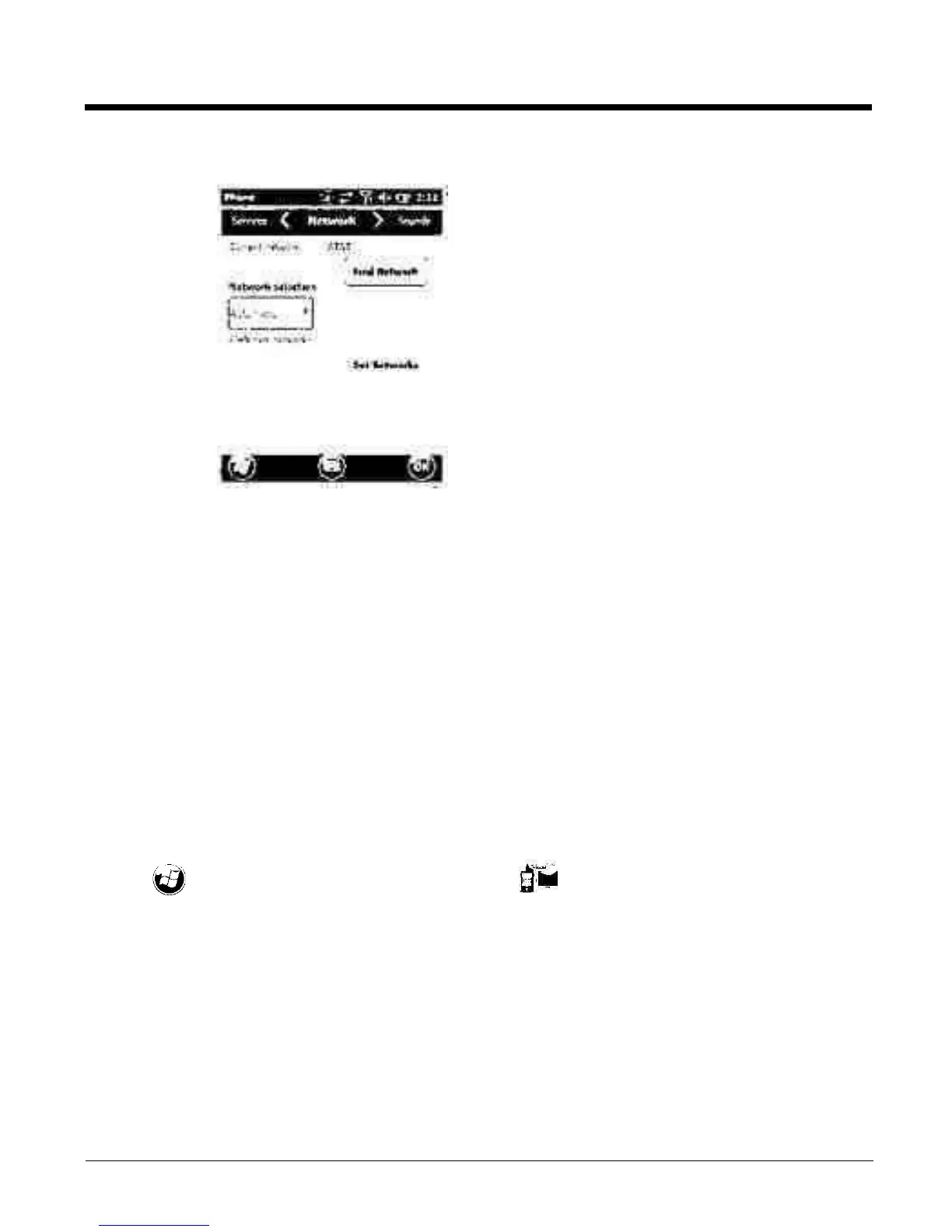
Network
Yo u c a n f i n d , s e l e c t , a n d s e t y o u r p r e f e r r e d n e t w o r k
order from the Network screen.



 To Next Page