9 - 11
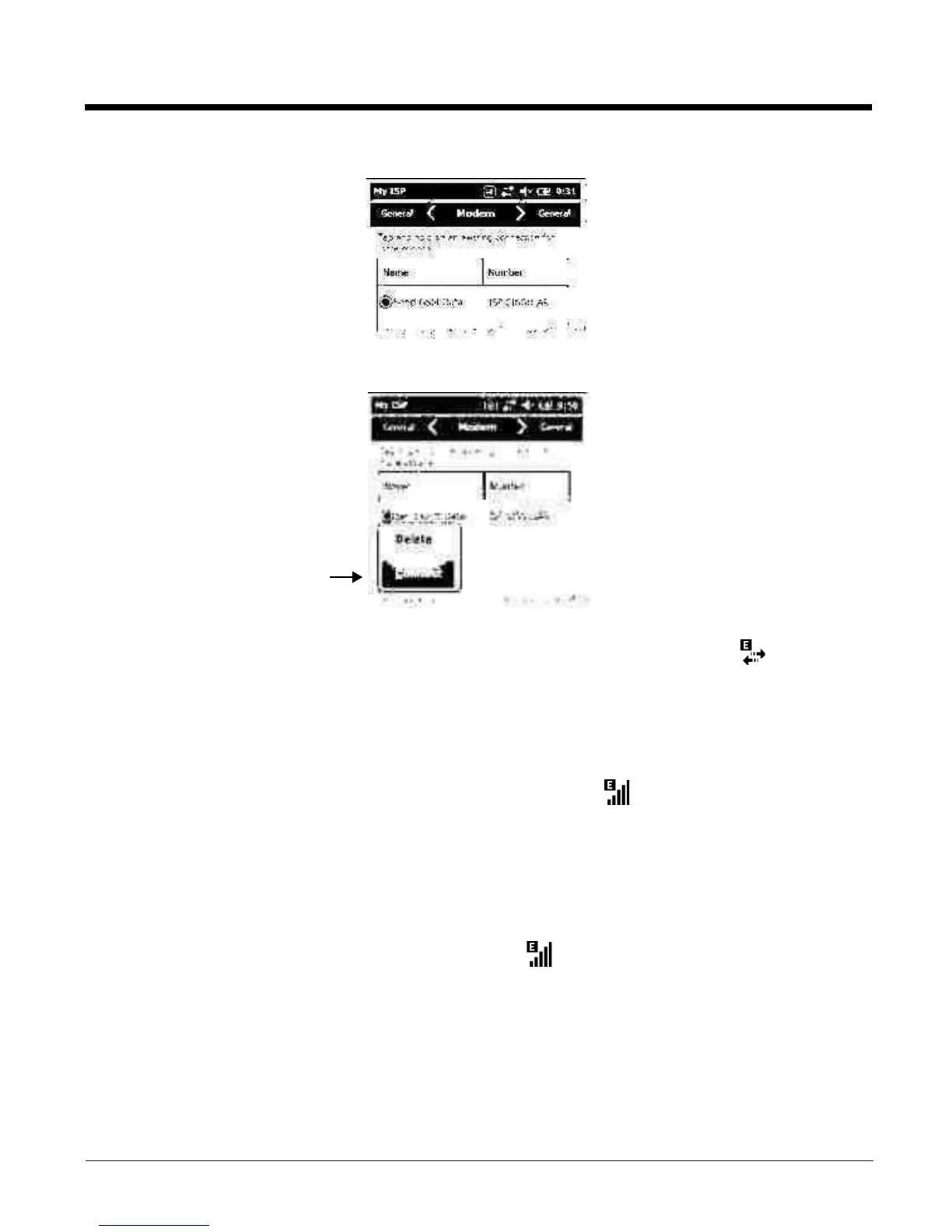
6. The connection you just created should appear in the list on the modem tab.
7. Tap and hold on the connection. Select Connect on the popup menu.
8. The network icon in the Title bar indicates the GSM radio is attempting to connect .
Note: When the device is on a 2G (EDGE/GPRS) network, a data connection failure occurs if the phone is in
use for a voice call while attempting a data connection. Simultaneous voice and data use is only
supported if the device is on a 3G network. In 2G mode, a voice call takes precedence over data
connections. Active data connections are placed in "park" mode automatically and the data is "retrieved"
when the voice call ends.
9. When the connection is complete, the network icon changes to: .
10. You can now send data over GSM.
Ending the Data Connection
By default, the data connection will disconnect after a certain amount of time passes without use.
This period of time is determined by ISP.
To en d t he d ata c onn ect io n m an ua lly, t ap t he network icon in the Title bar and select Disconnect on
the popup bubble.
Manual Network Selection
Yo u c a n s e l e c t A u t o m a t i c o r M a n u a l n e t w o r k s e l e c t i o n. The Phone defaults to Automatic network selec-
tion.



 To Next Page