9 - 12
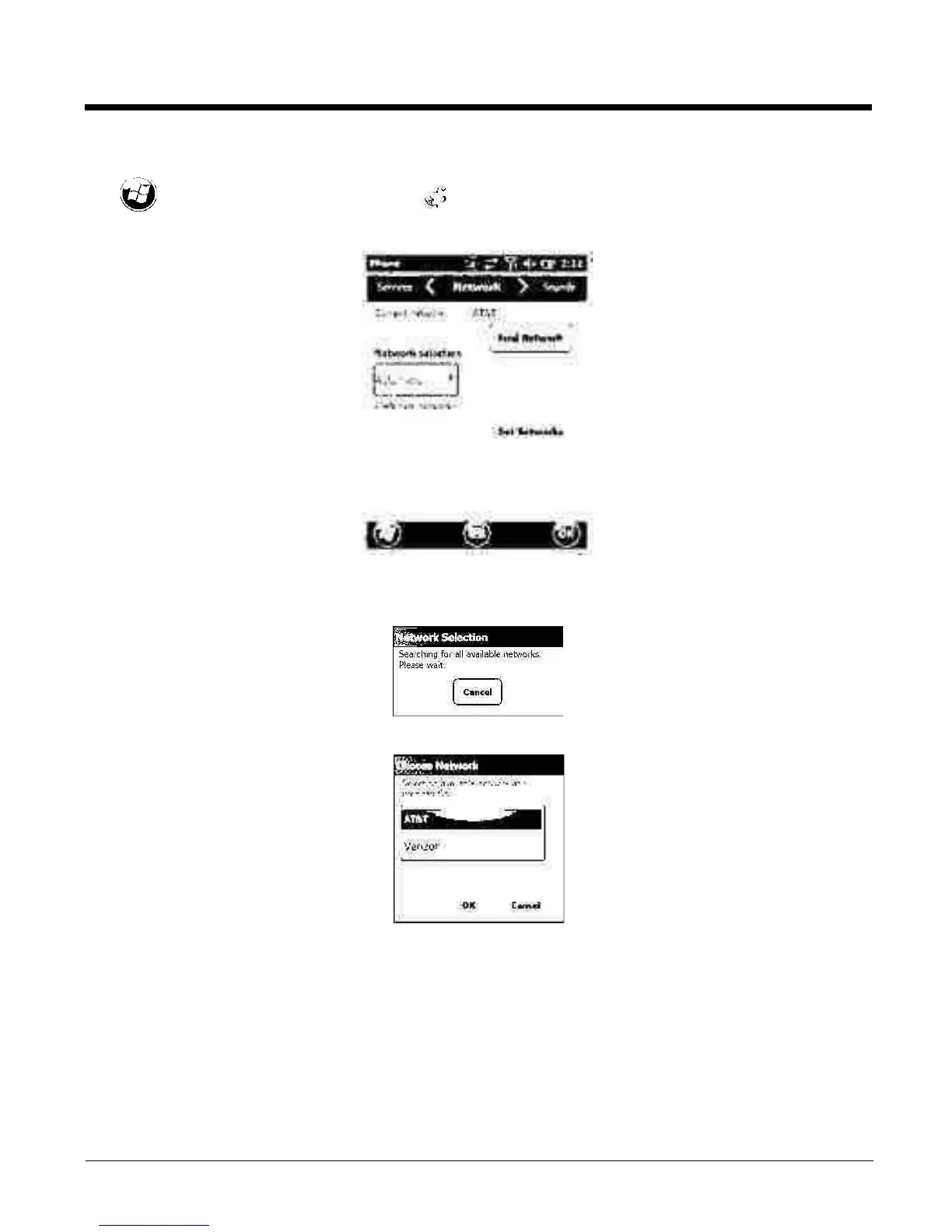
1. When an active SIM card is inserted in the terminal, tap
> Settings > Personal > Phone > Menu > Options.
2. Select the Network tab.
3. Under Network selection, select Automatic (the default selection) or Manual.
a. If you select Manual, the Phone searches for available networks.
b. The found networks appear.
c. Select a new network and tap OK. The Phone registers on the new network and the Network tab
appears.
d. To switch to another network, tap the now active Select button and the process repeats.
4. To switch back to automatic roaming, select Automatic under Select networks and tap OK.



 To Next Page