2 - 9
File Explorer
Yo u c a n a l s o u s e t h e F i l e E x p l o r e r t o f i n d f i l e s a n d o r g a n i z e t h e s e f i l e s i n t o f o l d e r s .
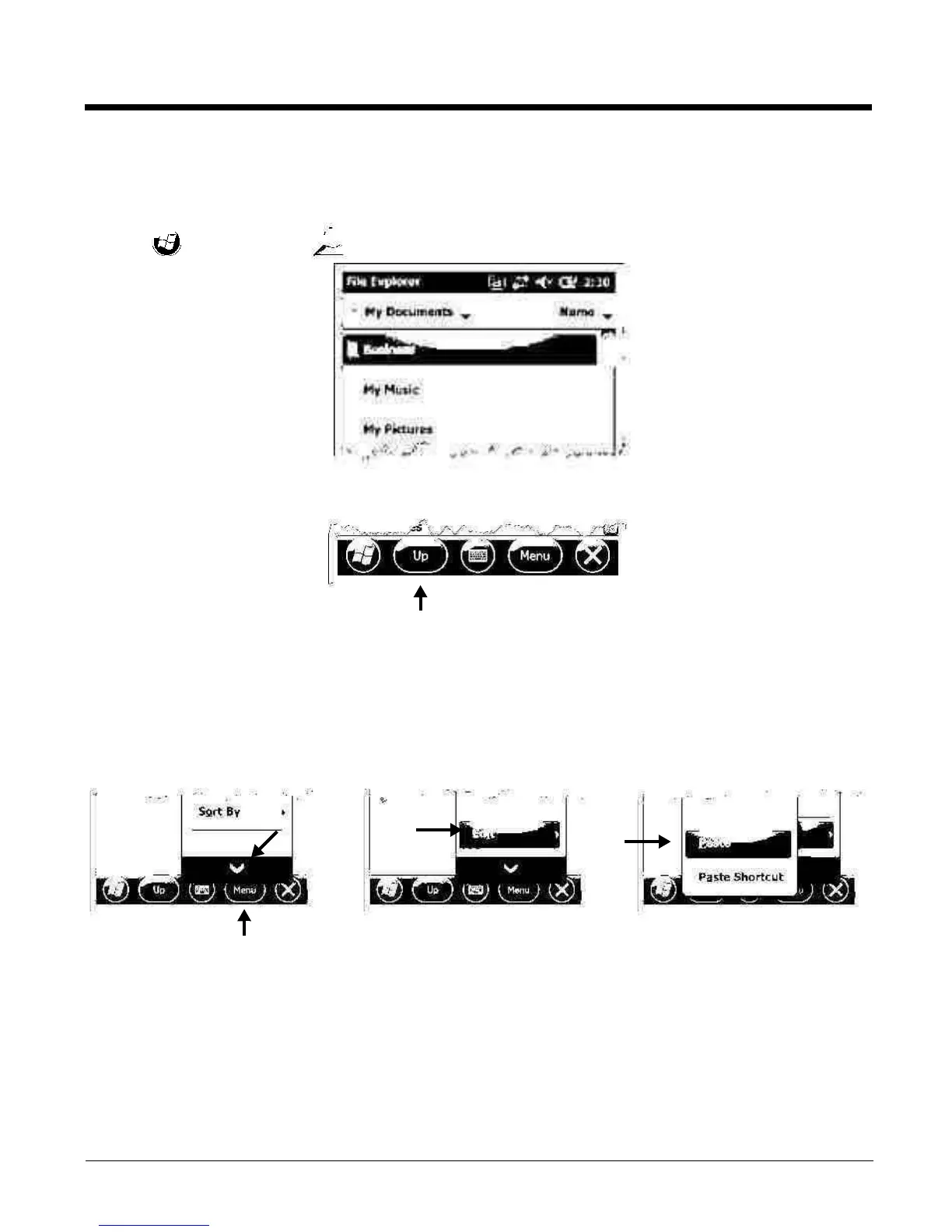
1. Tap > File Explorer .
2. Tap the Up button at the bottom of the screen to move up one level in the directory.
3. You can move files in File Explorer by tapping and holding on the item you want to move, then
tapping Cut or Copy on popup menu.
4. Navigate to the folder you want to move the file to, then tap and hold a blank area of the window.
5. Tap Paste on the pop-up menu.
Note: If there is no blank space available in the window, tap
Menu
on the command bar, navigate to the end of the
menu using the down arrow, then tap
Edit
>
Paste
.



 To Next Page