2 - 5
Home Screen
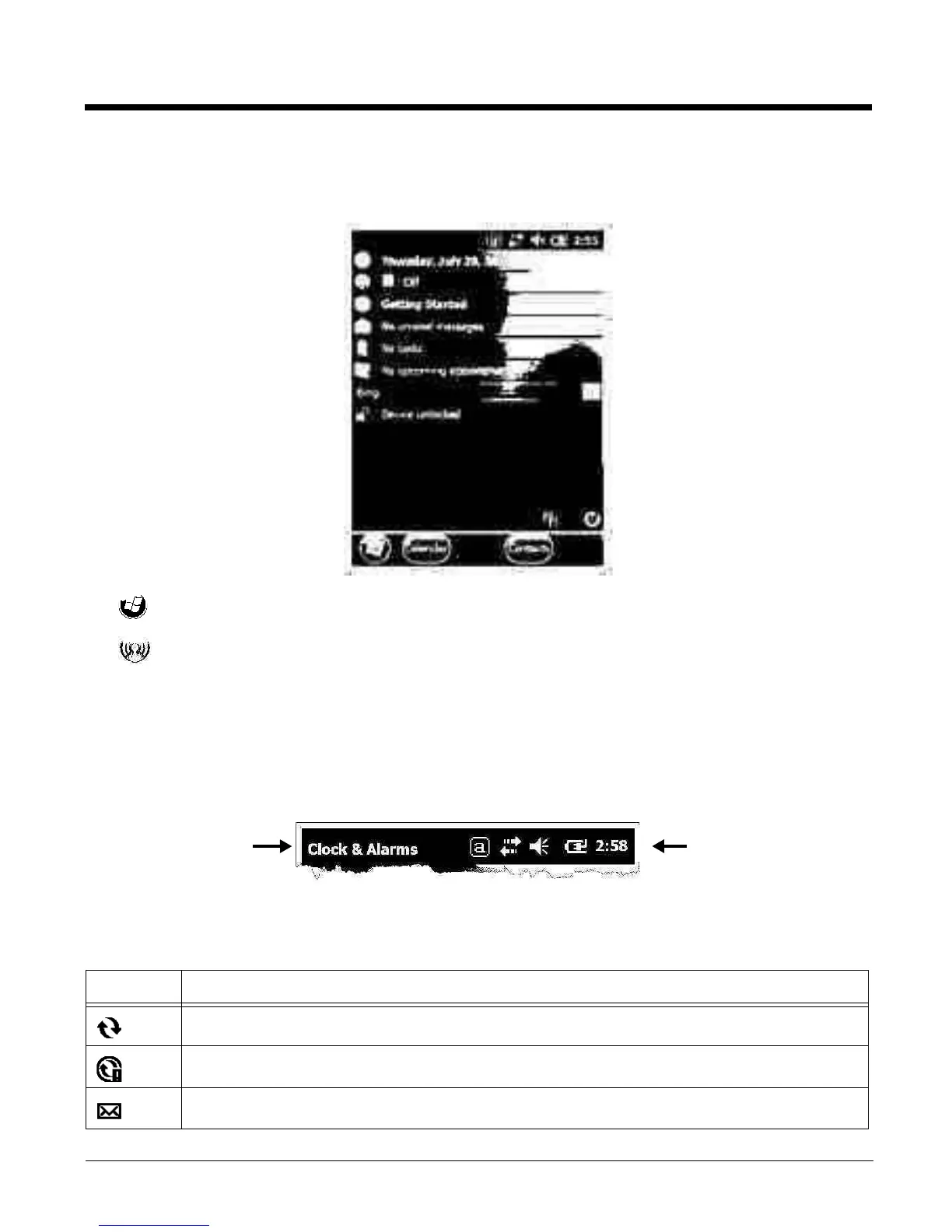
After the Dolphin terminal initializes the first time, you see the Home screen.
Tap t o rea ch the S tar t sc re en fro m the ho me sc ree n.
Tap t o a cc ess th e Dolphin Wireless Manager (see page 8-6) from the home screen.
Title Bar
The Title bar, located at the top of the screen, displays the active program, the status of various system
functions, and the current time. Tapping on the title bar provides access to the Horizontal Scroll. The
scroll provides access to additional programs and application screens. For additional information, see
Horizontal Scroll on page 2-8.
Icons in the Title Bar
Indicator Meaning
Synchronizing data
The terminal could not synchronize data with the workstation via ActiveSync.
New e-mail
Tex t he re ind ic at es
the active program.
Icons here indicate the
status of various system
functions.



 To Next Page