9 - 7
Sending Calls
After the number is dialed, tap Talk or press the Blue + Send key .
Note: The icon indicates that the phone is in use.
Ending Calls
While the phone call is live, tap End or press the Blue + End Key .
Accessing Voice Mail
Tap > Phone > Speed Dial > Voice Mail > Call.
Note: Update the voice mail retrieval number by turning the phone OFF and then ON via the Dolphin Wireless
Manager, see Enabling the WWAN Radio on page 9-5.
View Options
From the view menu, you can modify the display screen to show Calls and Contacts, All Calls or Speed
Dial numbers.
Tap Menu > View.
Setup Options
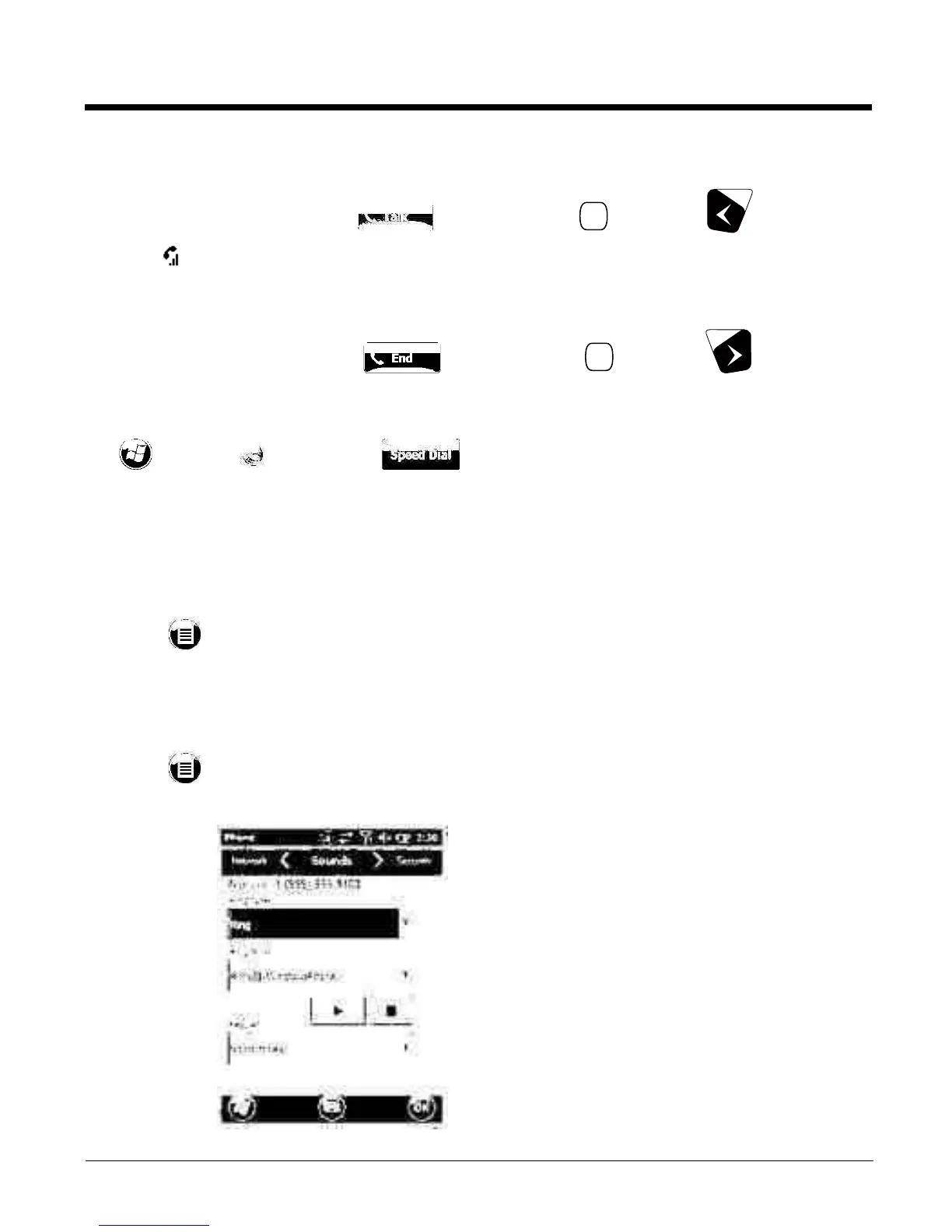
The Options menu contains four setting widows: Sounds, Security, Services, and Network.
Tap Menu > Options.
Sounds
The Sounds screen enables you to customize the:
• Ring type (e.g., Ring, Increasing ring, Ring once,
Vibrate, Vibrate and ring, Vibrate then ring or None)
•Ring tone
•Keypad tone (e.g., Long, Short, or Off)



 To Next Page