7 - 20
Using the Task Manager
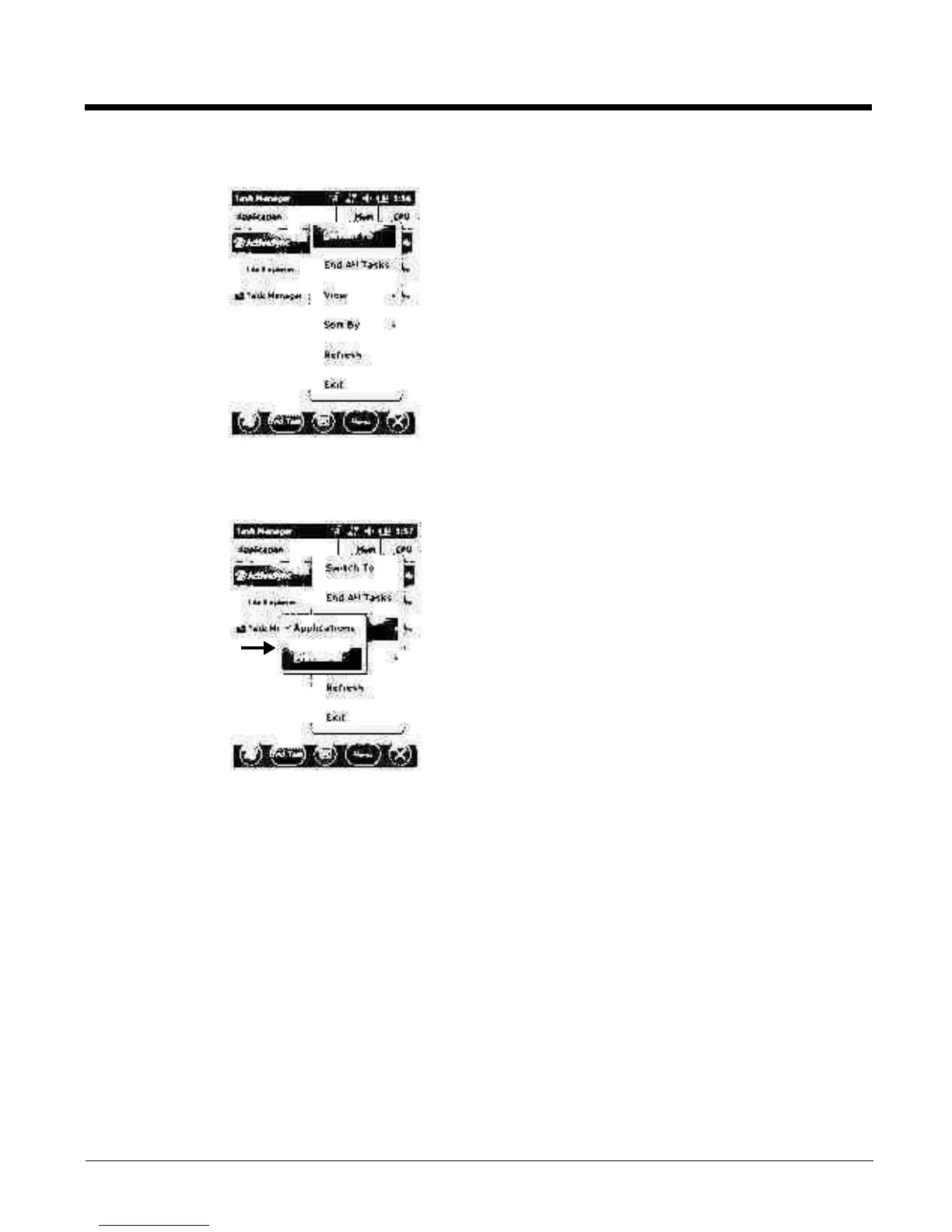
Applications To vi ew t h e s ta t u s of t h e pr o grams r un n i ng o n your
mobile computer, tap the Menu button at the bottom of
the screen, then tap View > Applications.
From the application list, you can:
•Tap and hold on an application, then tap Switch To on
the pop-up menu.
•Tap and hold on an application, then tap End Task or
End All Tasks on the pop-up menu.
Note: Anytime you stop a running program, it frees up memory. To free up memory, return to the running
program, save your data, and close the application.
Processes To vi ew i n fo r mati o n a bo u t t he p r o ces s e s r unn i n g on t h e
mobile computer, tap the Menu button at the bottom of
the screen, then tap View > Processes.



 To Next Page