30
1800-060 Issued 7-19
Version A
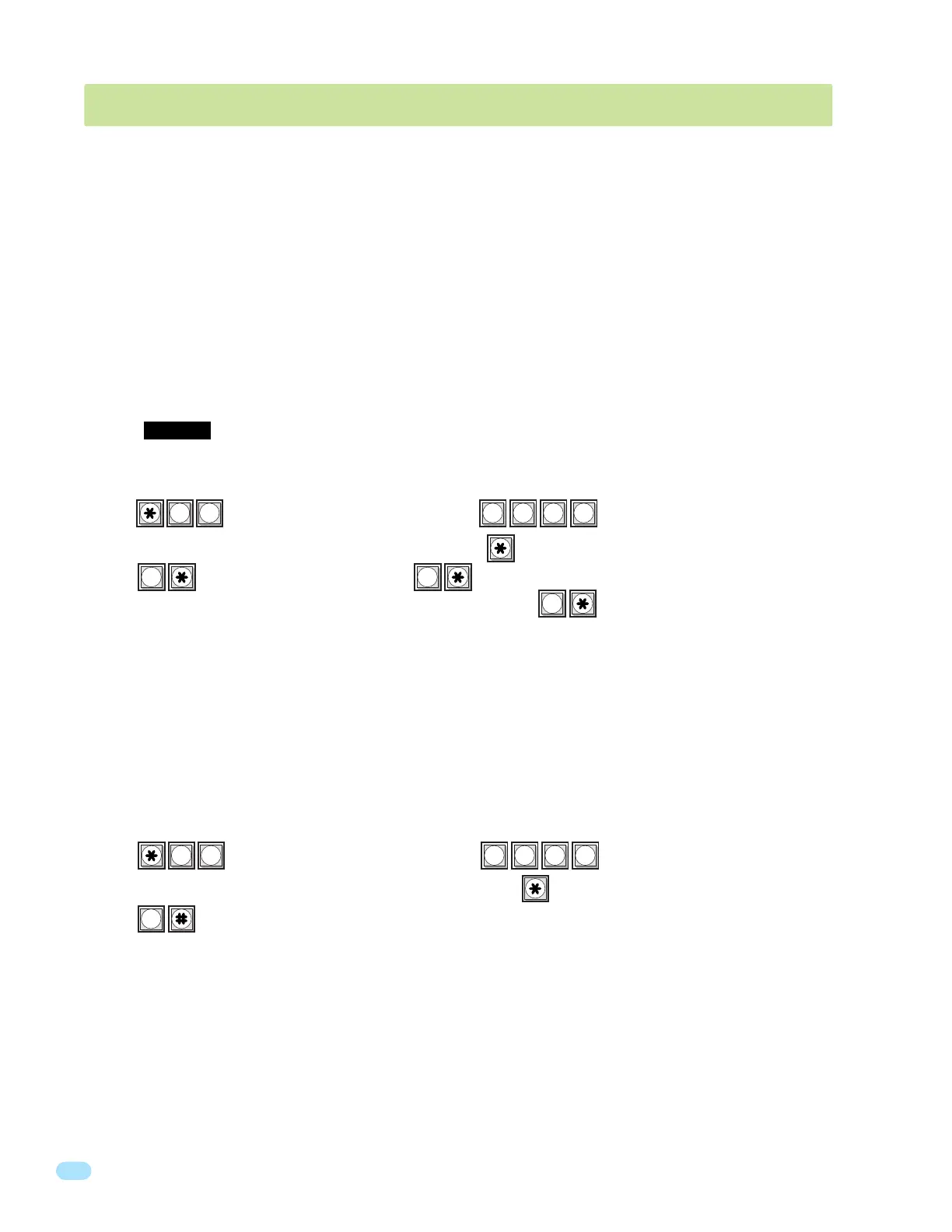
1. Press and enter your four-digit MASTER CODE (beep).
2. Enter the seconds of pause single-digit (0 to 9 seconds), then press (beep).
3. Press together to end this programming sequence (beeeeeep).
1. Press and enter your four-digit MASTER CODE (beep).
2. Enter the directory code digit length (1, 2, 3 or 4), then press (beep).
3. Press (beep) to cancel this function, OR (beeeeeep) to confirm the change.
The programming sequence will automatically end itself after pressing . This CANNOT be UNDONE!
? ? ? ?
02
? ? ? ?
24
10
1
0
This programming sequence sets the directory code length to 1 - 2 - 3 or 4 digits. If 11 or more resident names or telephone
numbers are going to be programmed into the system, the directory code must be at least two-digits. If 101 or more resident
names or telephone numbers are going to be programmed, the directory code must be at least three-digits.
Factory setting is three (3) digits.
3.2.1 Programming the Directory Code Length
This programming sequence sets an OPTIONAL Pause Time that the # Key will program in if needed when dialing a 16-Digit
Phone Number in section 3.2.3. Insert the chosen Pause Time (# Key) between any phone number digits that need a pause
when dialing. # Key can be used multiple times when programming a 16-digit phone number.
Note: # Key “Pause Time” will NOT function when 7-Digit Phone number programming is used, section 3.2.10.
Factory setting is 0 (0 sec).
3.2.2 # Key - Insert an Amount of “Pause Time” Between Phone Number Digits
3.2 Directory Code and Phone Number Programming
CAUTION: After programming this sequence, it is NOT recommended changing the directory code length.
Reprogramming this sequence in the future will delete ALL phone numbers and directory codes that have
been previously programmed into the system.
Up to 16-Digit Phone Numbers can be programmed into the phone system when using the factory default settings (sections
3.2.1 - 3.2.7). The phone system can store up to 600 Phone Numbers. It has the capability of storing up to 1000 phone
numbers. But to do this, it has to use the old software programs, which are much more complex to program don’t offer nearly
as many area codes to use. If more than 600 phone numbers are needed, then sections 3.2.8 - 3.2.13 MUST be used with the
limitations of the old software but DoorKing DOES NOT RECOMMEND this.



 To Next Page