D439E Service Manual 5. Service Tool
221
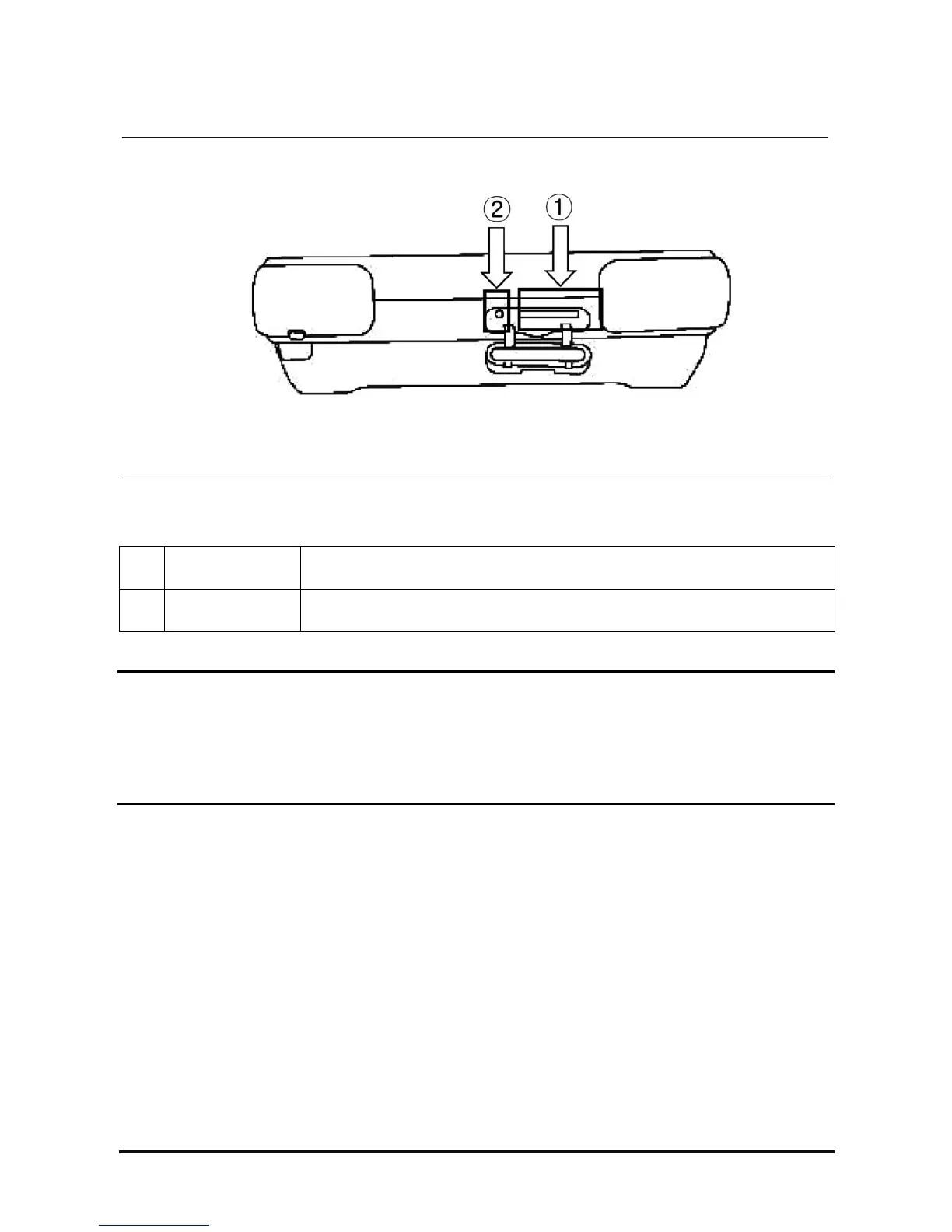
3. SD Memory Slot & Reset Button
<Figure 3: SD Memory Slot and Reset Button>
①
SD Memory Slot
Slot for inserting the SD card restoring the various data for driving G-scan.
②
RESET Button
When program has errors with the OS or others, press the Reset button to
initialize G-scan.
NOTE
1. To eject SD card from slot, push the SD card once.
2. To reset G-scan, use stylus pen to push the reset button.



 To Next Page