D439E Service Manual 5. Service Tool
226
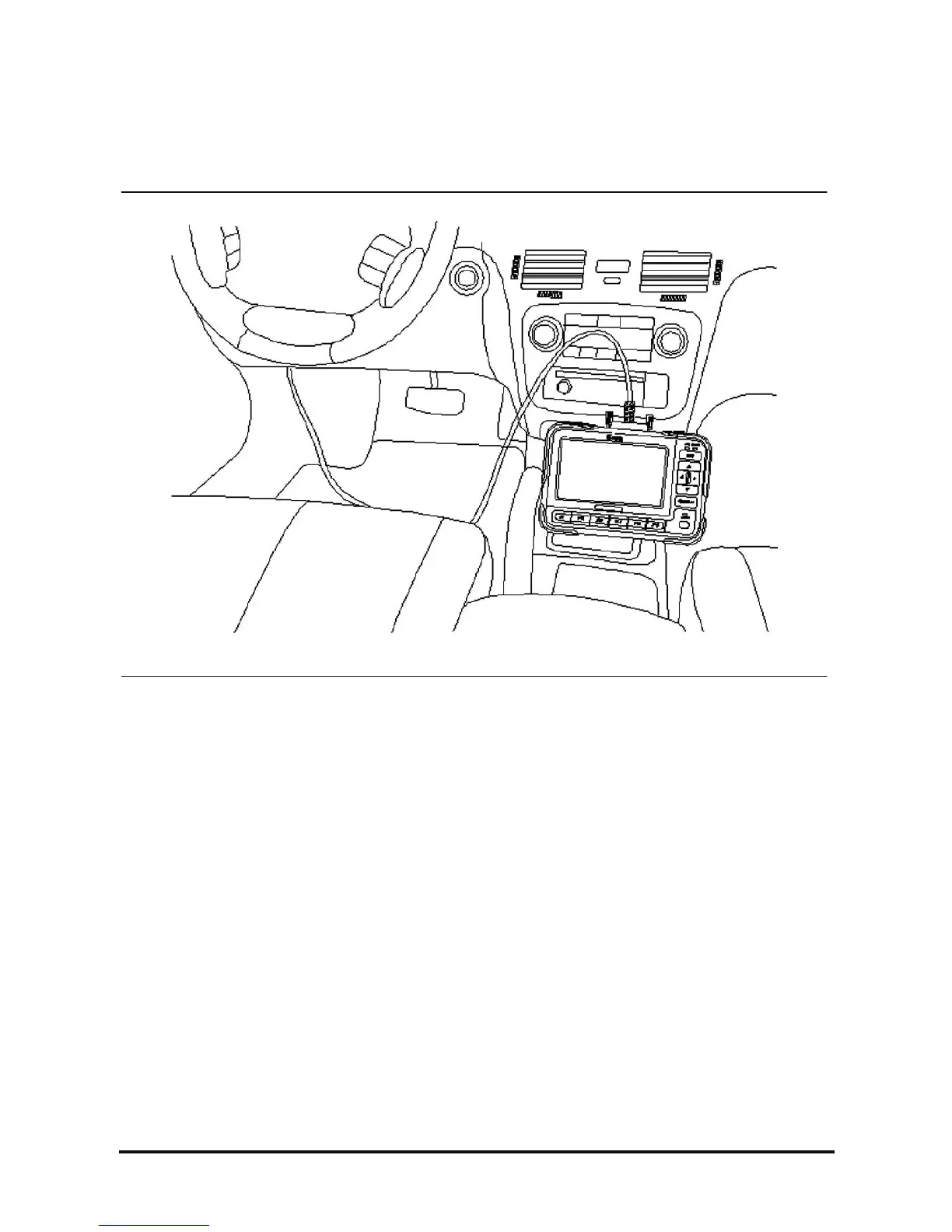
Connecting the DLC cable
For the communication between the control module installed on the vehicle and G-scan, the DLC cable should
be connected.
<Figure 1: Connecting the DLC cable>
Vehicle with the OBD-II connector
OBD-II standard connector support communication and power.
NOTE : In general, the DLC connector is located on the bottom part of the driver’s front panel. According to
the kinds of vehicle it may be different. Therefore, before connecting, please check the correct position of DLC
Connector.
Vehicle with non OBD-II Connector
• Connecting the power
For some vehicle of which power is not supplied through connector, connect the power line additionally.
• Connecting through additional adapter
For some vehicles, additional adapter is required. After connecting the adapter to the 16 pins connecter of
the DLC cable, connect it to the diagnosis connecter of the vehicle.
NOTE : For the detailed information, refer to “Power Supply”<A-02-001> in the “Basic Usage of G-scan”.



 To Next Page