D439E Service Manual 5. Service Tool
325
PC Utility
PC Utility Installation
NOTE : G-scan PC Utility requires the Microsoft Windows 2000 operating system or later.
1. Insert G-scan PC Utility Software to the CD ROM.
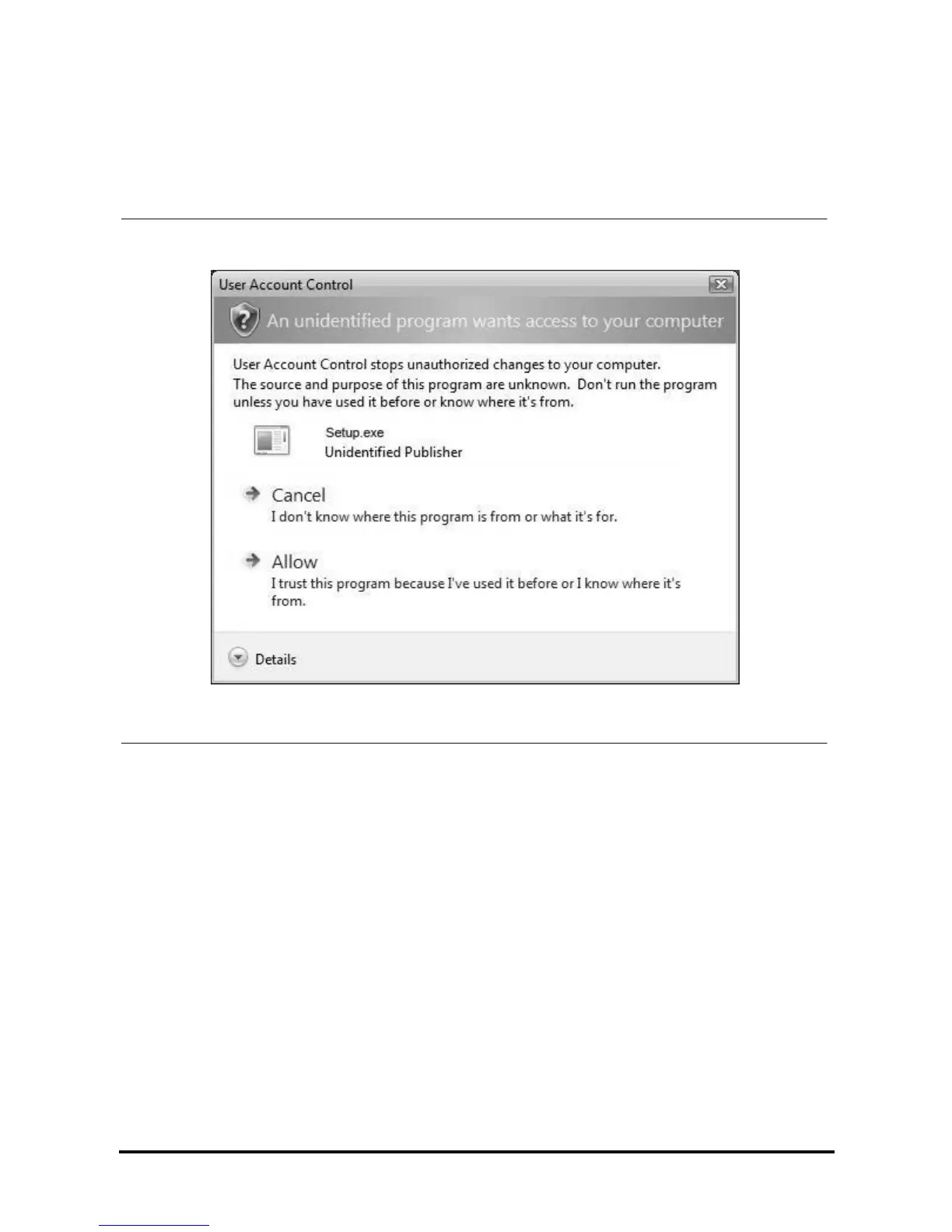
NOTE : You may see the following dialogue box during installation of PC Utility on PC with Windows Vista,
and select "Allow" to start PC Utility Installation.



 To Next Page