D439E Service Manual 5. Service Tool
324
How to analyze the recorded data
The method for analyzing the recorded data is the same with the method described in the “How to use the
function for analyzing the recorded data of Flight Record”.
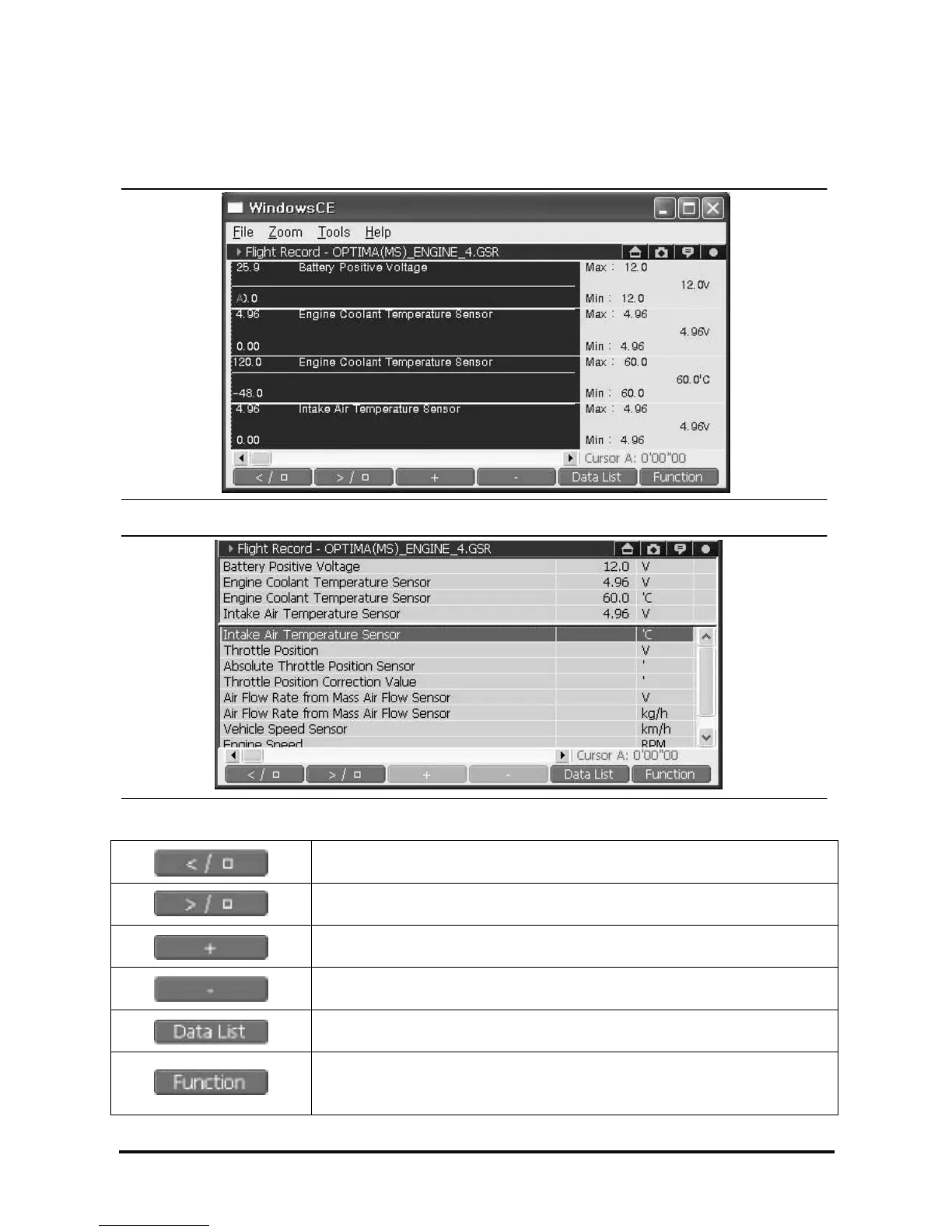
<Figure 30: Data Review in graph mode>
<Figure 31: Data Review in text Mode>
Play backward or stop.
Play forward or stop.
Scale up the analyzing Data on time axis.
Show all the recorded data files of Flight Record and user can open the new
file.
Resets the data recording condition.
Show the Function menu
* For details, refer to the “Function Menu of Flight Record Data Analyzing
Screen”.



 To Next Page