D439E Service Manual 5. Service Tool
323
Finding data directories for individual vehicle
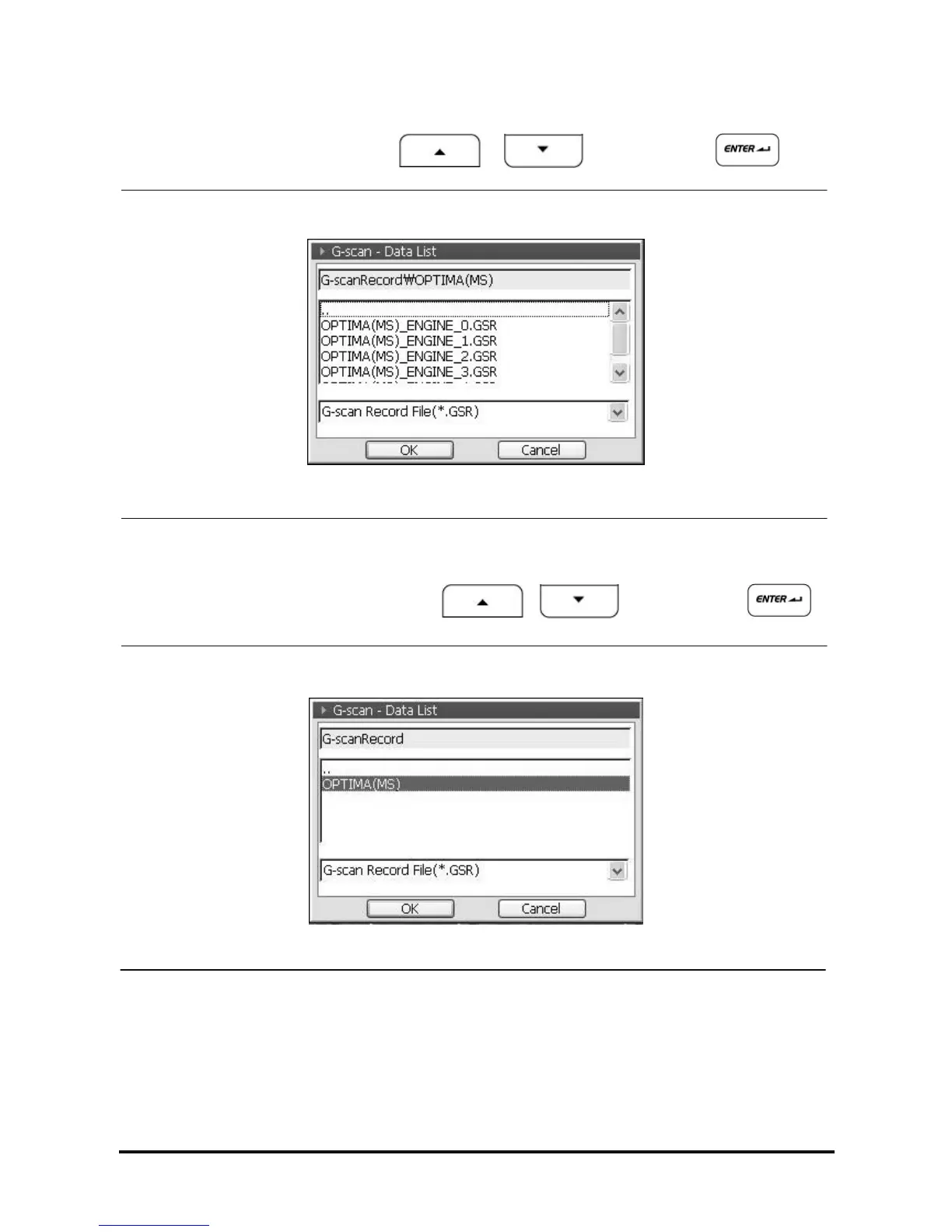
z Move to upper folder using selecting “••”
After moving the cursor, select “••” using , buttons and press button
or using the stylus pen.
<Figure 29-1: Move to Upper Folder>
z Select the Data
After moving the cursor, select the folder using , buttons and press
button or using the stylus pen.
<Figure 29-2: Data saved in folder of each vehicle model>



 To Next Page