D439E Service Manual 5. Service Tool
264
Selective erase of DTC
1. Select the DTC to be erased on DTC Analysis Screen.
2. Select the
or button.
3. The message for confirming erasion is displayed.
• When
is selected :
DTC selected in step 1) is erased and message is displayed.
• When
is selected :
DTC erase is cancelled.
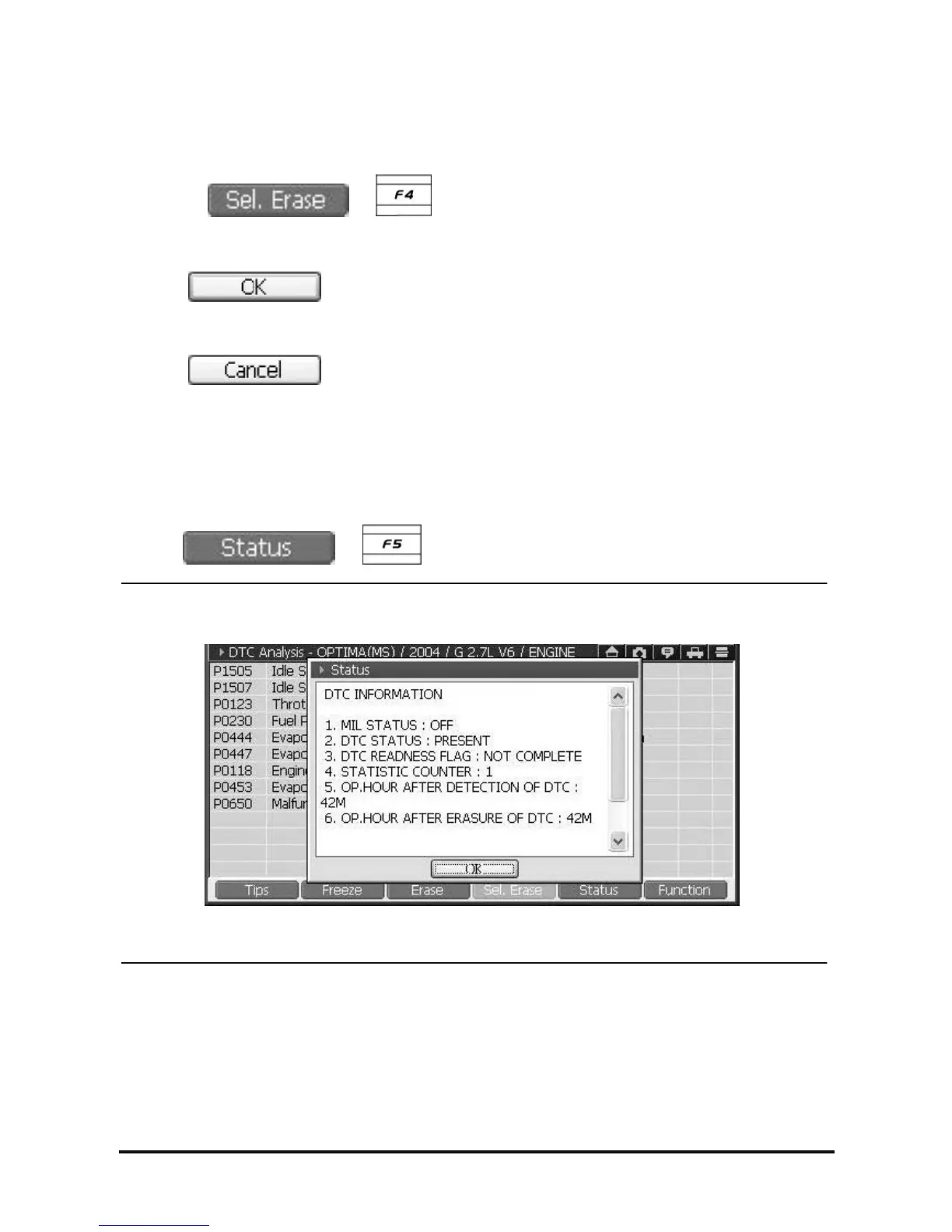
Check Detailed Information of DTC
1. Select DTC on DTC Analysis.
2. Select
or button.
<Figure 6: DTC information>
3. As shown in <Figure 6>, DTC information window is shown.
NOTE : Availability of this function is subject to control module.



 To Next Page