D439E Service Manual 5. Service Tool
287
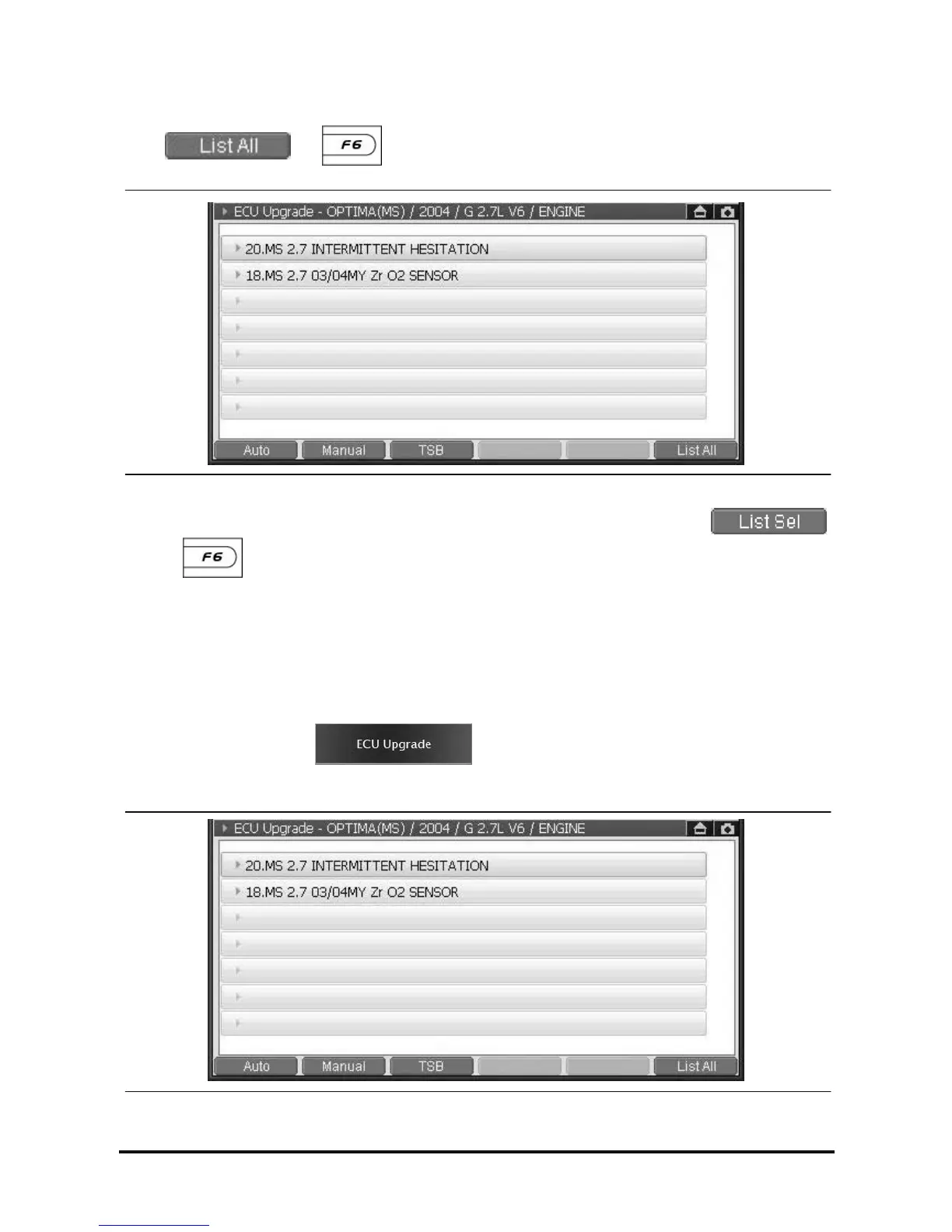
Check all list
Select or button on ECU upgrade screen, and you will see all events list to
upgrade ECU.
<Figure 2: List All screen>
Note: Upgrading ECU or checking TSB is not available on “List All” function. Please select
or button to go back to ECU upgrade screen main for further operation.
How to ECU Upgrade
How to use the Auto Upgrade
When the ECU of relating vehicle has event to be upgraded and not upgraded yet, the auto upgrade is
conducted on the Auto Mode.
1. On the main screen, select , then screen will be changed to the event selection
screen as in the following figure, and all events applied to the vehicle are shown. If there is no event applied,
it will not be changed from the main screen to the event selection screen.
<Figure 3: ECU Upgrade Screen>



 To Next Page