D439E Service Manual 5. Service Tool
342
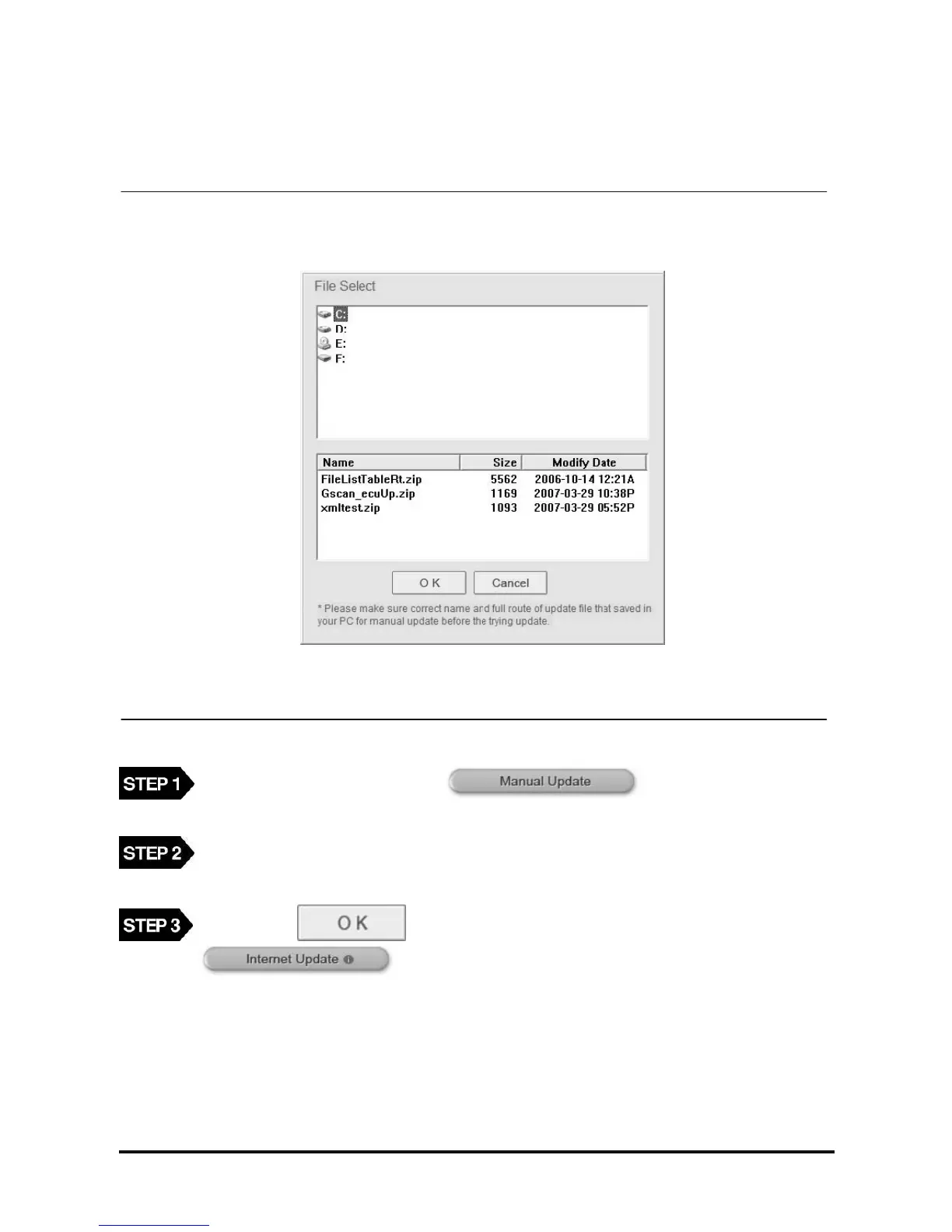
Manual Update
This is the function for updating when internet update from the server is impossible because the PC is not
connected to the internet.
<Figure 10: File search window of Manual update>
On the PC Utility main screen, select button, then the file search
window will be shown as in <Figure 10>.
Select the update file from the drive saving the manual update file using the searching window as
in <Figure 10> and press the “OK” button.
After pressing button, repeat same procedure with the
function.



 To Next Page