D439E Service Manual 5. Service Tool
350
User’s Manual
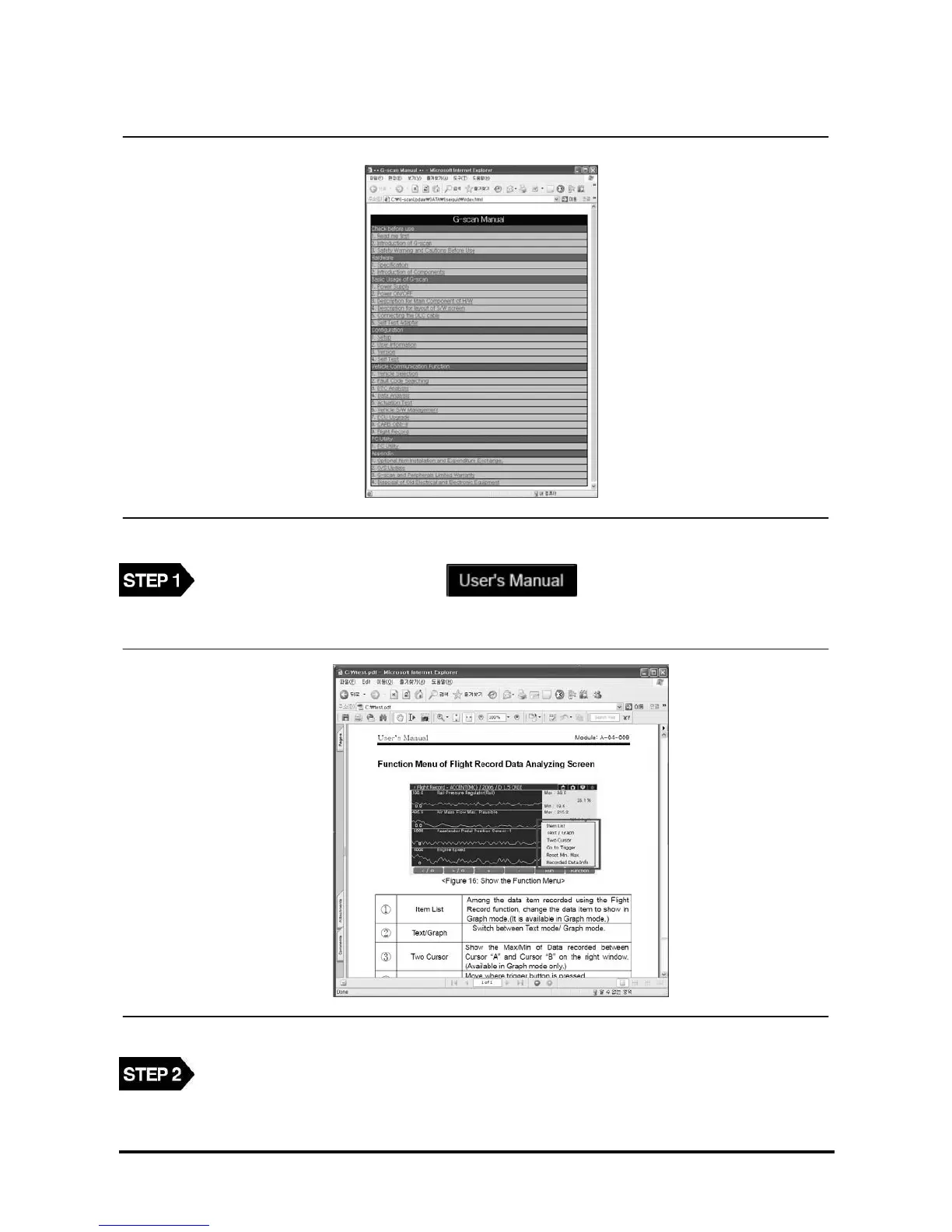
<Figure 19: List of User’s Guide>
On the PC Utility main screen, select button. The User’s Manual list is
shown as in <Figure 19>.
<Figure 20: Show the User’s Guide>
Select the list in <Figure 19>, then the details of list can be shown.



 To Next Page