Maintenance Section
235
Servicing Filter Element
NOTICE
Never service filter with the engine running.
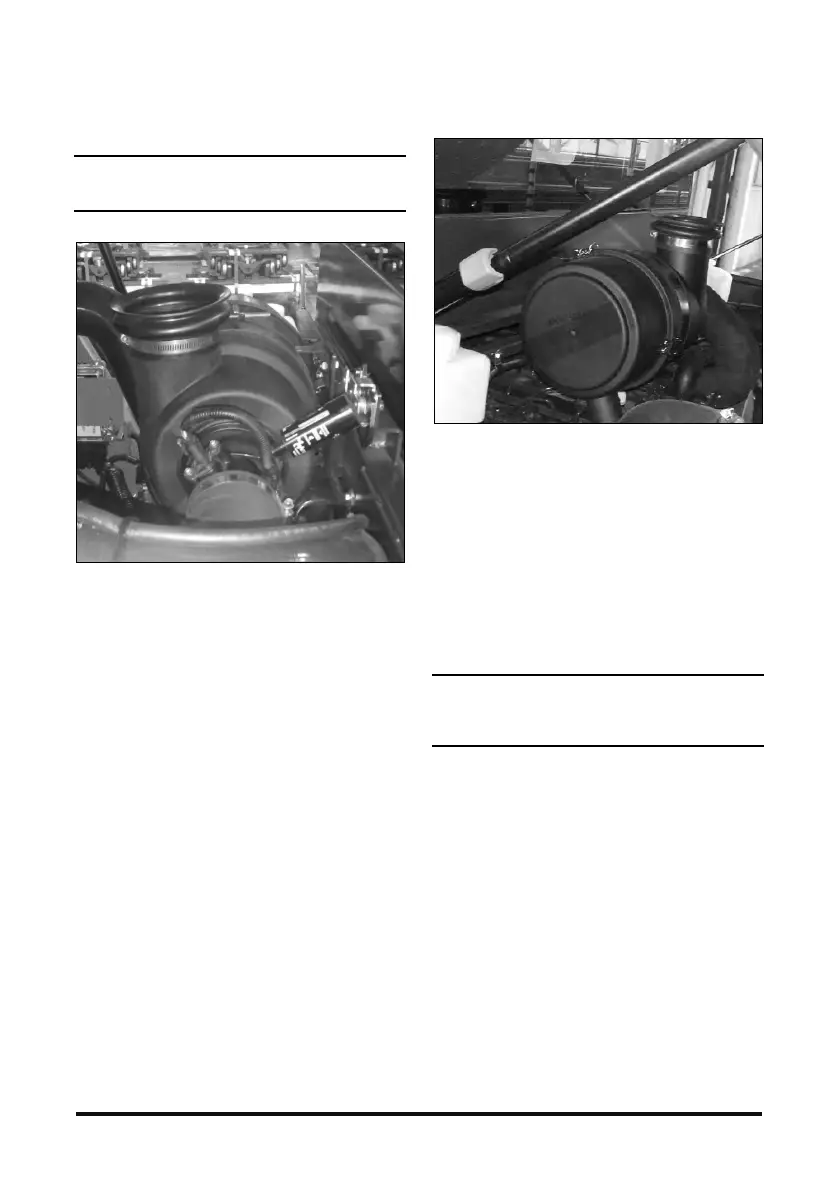
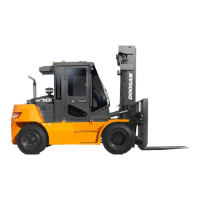
Typical Example Diesel Engine Truck
Service the air cleaner when the red target in the
service indicator stays locked in the visible position
with the engine stopped.
1. To service the air cleaner, raise the side cover.
Loosen the cover latches and remove the cover.
Diesel Engine Truck (Dual Element)
Typical Example
2. Replace the nut and clamp.
3. Remove the element to separate it from its base
and remove it from the air cleaner housing.
4. Clean and inspect the element.
5. Clean the inside of air cleaner housing and the
cover. Inspect all connections between the air
cleaner and carburetor. Check intake hose for
cracks, damage and loose clamps. Tighten or
replace parts as necessary to prevent leakage.
NOTICE
Do not allow dirty air to enter the intake hose when
cleaning the inside of the cleaner housing.
6. Check the air cleaner housing for loose latches.
7. Reset the air cleaner service indicator.
8. Install the air filter element.
9. Install the cover and tighten the cover latches.
10. Start the engine and observe the position of the
indicator. If the indicator shows RED after the
installation of the primary element, install
another clean or a new element or, replace the
secondary element. See topic, "Air Intake
System - Change" in Every 1000 Service Hours
or 6 months section.
11. Stop the engine and close the right side cover.


 To Next Page