Operation Section
70
Rear View Camera (optional)
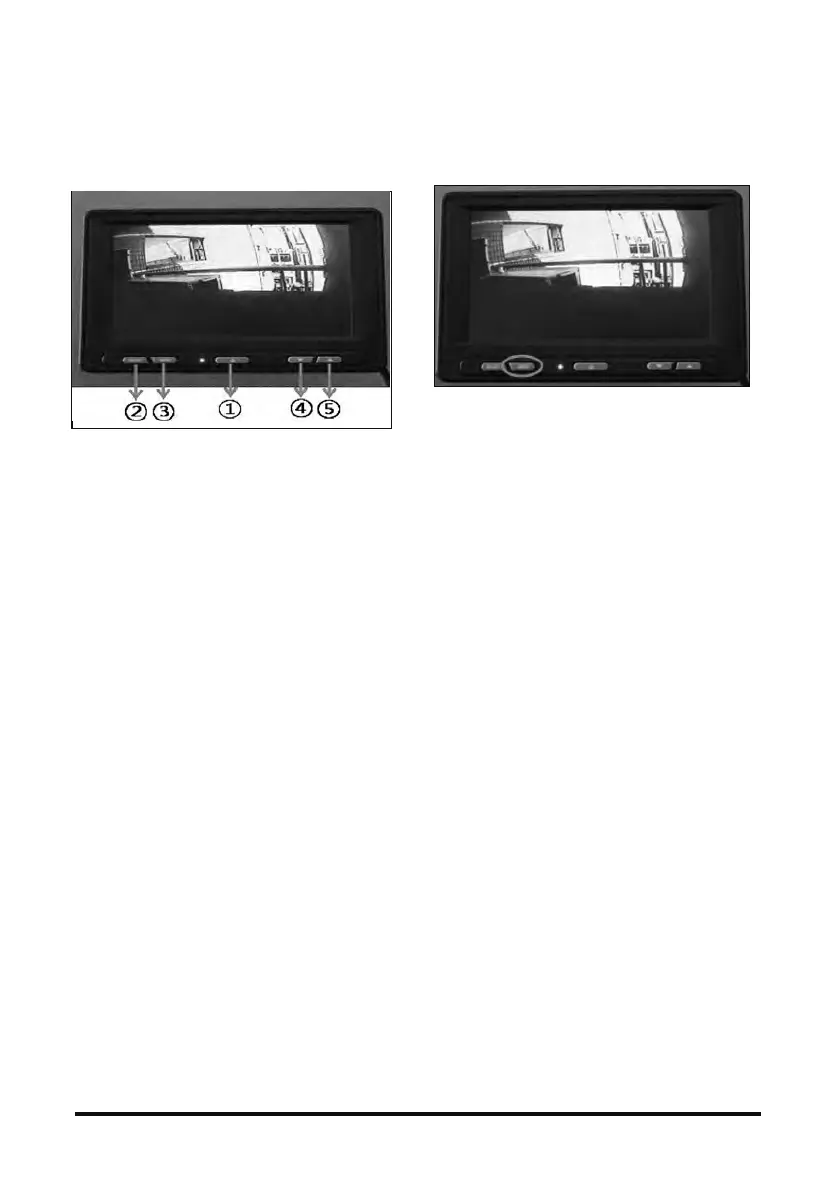
a. Front display (basic operation menu)
1. ‘POWER’ button
- Turns power on and off
2. 'SELECT' button
- Switches camera and AV input image
3. ‘MENU’ button
- Press shortly to adjust image
- Press 3 seconds to enter set up menu
4. ‘▲’ button
- Increases speaker volume
5. ‘▼’ button
- Reduces speaker volume
b. Operating Method
▶ Color tone control
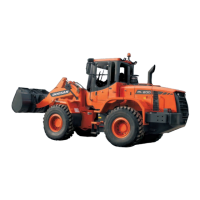
1. Press MENU button for 0.5~1 second.
2. Select brightness, value of color, color tone and
color depth using SELECT button.
3. Adjust each title using UP and DOWN buttons.
▪ The basic level is set up at 25.



 To Next Page