2.1.2 DCP-2K4 Front Panel
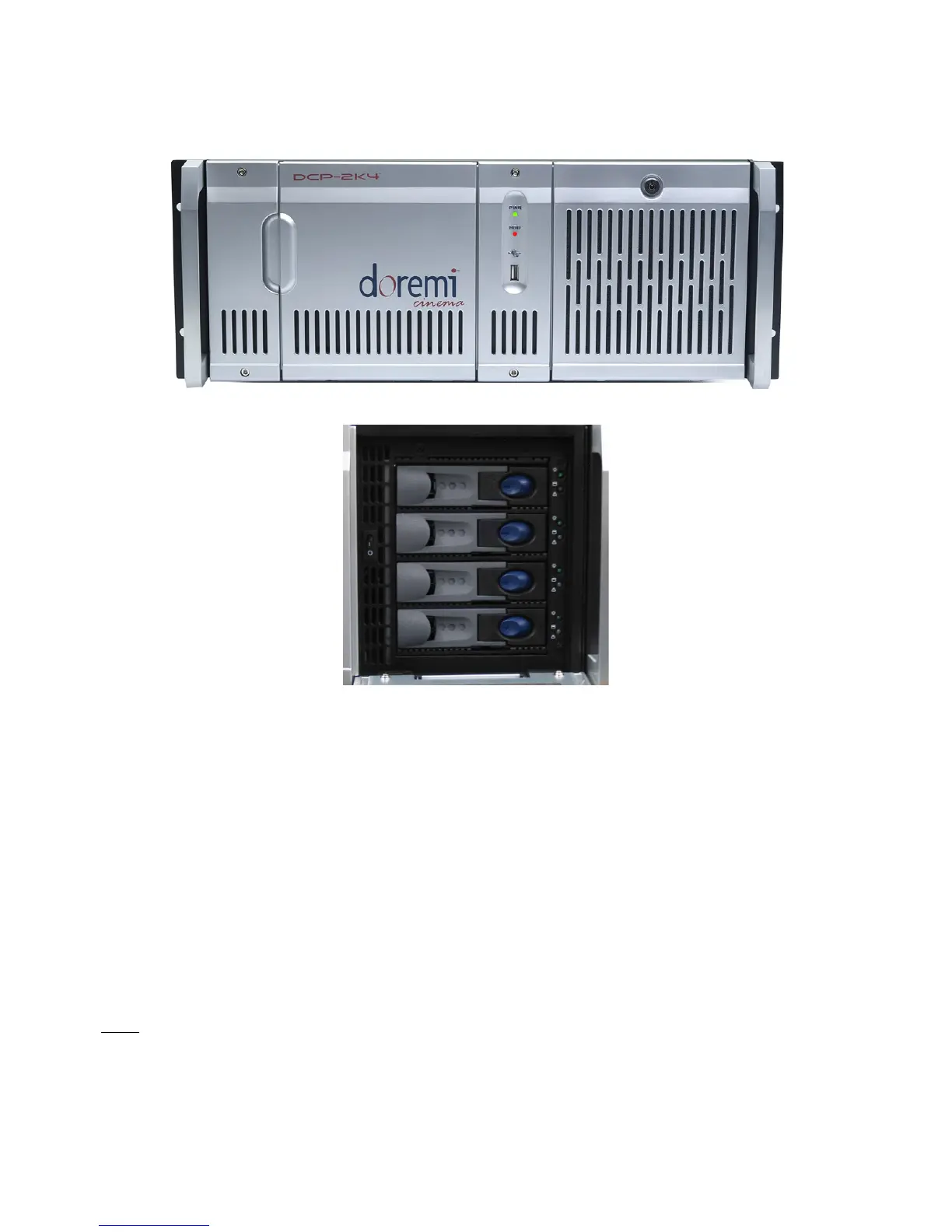
• A DCP-2K4 front panel is shown below:
Figure 3: DCP-2K4 Front Panel
Figure 4: DCP-2K4 HDD Cage
• POWER (PWR): The LED lights turn green when the unit is powered on.
• HDD: Red LED light indicate access to the Hard Disk Drives.
• The door on the right on both types of units covers the "POWER" switch and the hard disks
that make up the RAID5 storage.
• Each hard disk drive has a blue button that allows removal of the drive from the chassis.
• Be careful not to remove the hard disk drive when the DCP-2000 or DCP-2K4 is running.
• There is one USB 2.0 connector on the center of the front panel that can accommodate an
external hard drive as well as a mouse or keyboard.
• The left side of the DCP-2000 front panel contains an LCD screen.
• On the DCP-2000 front panel, the LCD can be turned on or off by pressing on the LCD
power button using the stylus attached to the front panel. This button is located behind the
stylus (Figure 1).
Note: The use of the LCD screen requires that the two rear panel VGA connectors are linked using
the VGA cable provided with the DCP-2000.
______________________________________________________________________________________
D2K.OM.001822.DRM Page 10 of 177 Version 1.5
Doremi Labs



 To Next Page