6.5 Device Controller
The Device Controller application is meant for IMB/Sony related configurations. Currently, the
DCP-2000 and DCP-2K4 cannot be controlled through this application.
6.6 Device Manager
The Device Manager is an application used to configure the connection between a unit and cinema
projector(s). It also provides for the use of Ethernet commands for the control of theater automation
devices.
• To run the Device Manager, go to Menu → Doremi Apps. → Device Manager.
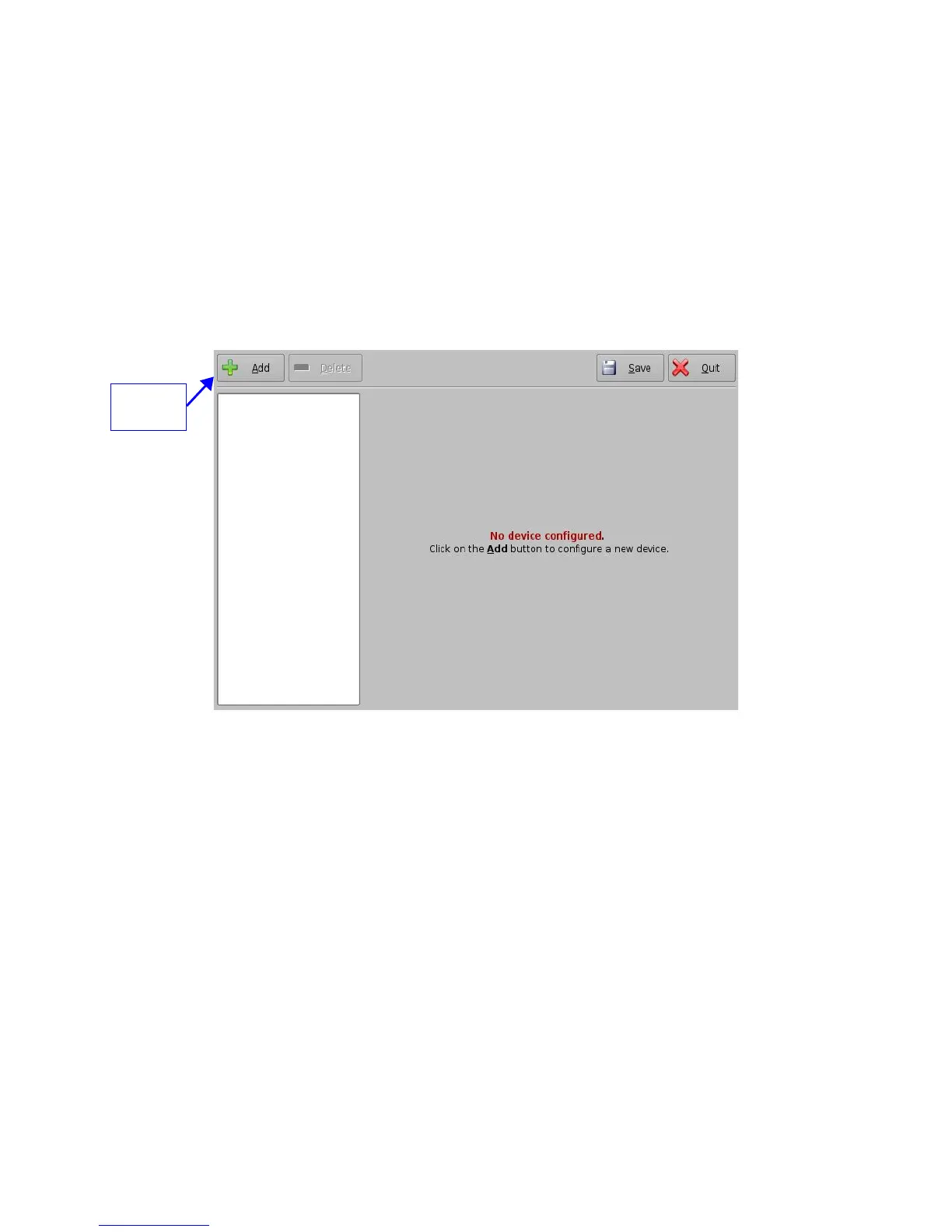
• The following window will appear:
Figure 81: Device Manager Graphical User Interface (GUI)
6.6.1 Adding a Projector
• To connect a projector to the unit (server), click the Add button (Figure 81).
• The "Add Device" window will appear:
• Select the item called “Projector” and click the Add button as illustrated below:
______________________________________________________________________________________
D2K.OM.001822.DRM Page 69 of 177 Version 1.5
Doremi Labs
Add
button



 To Next Page