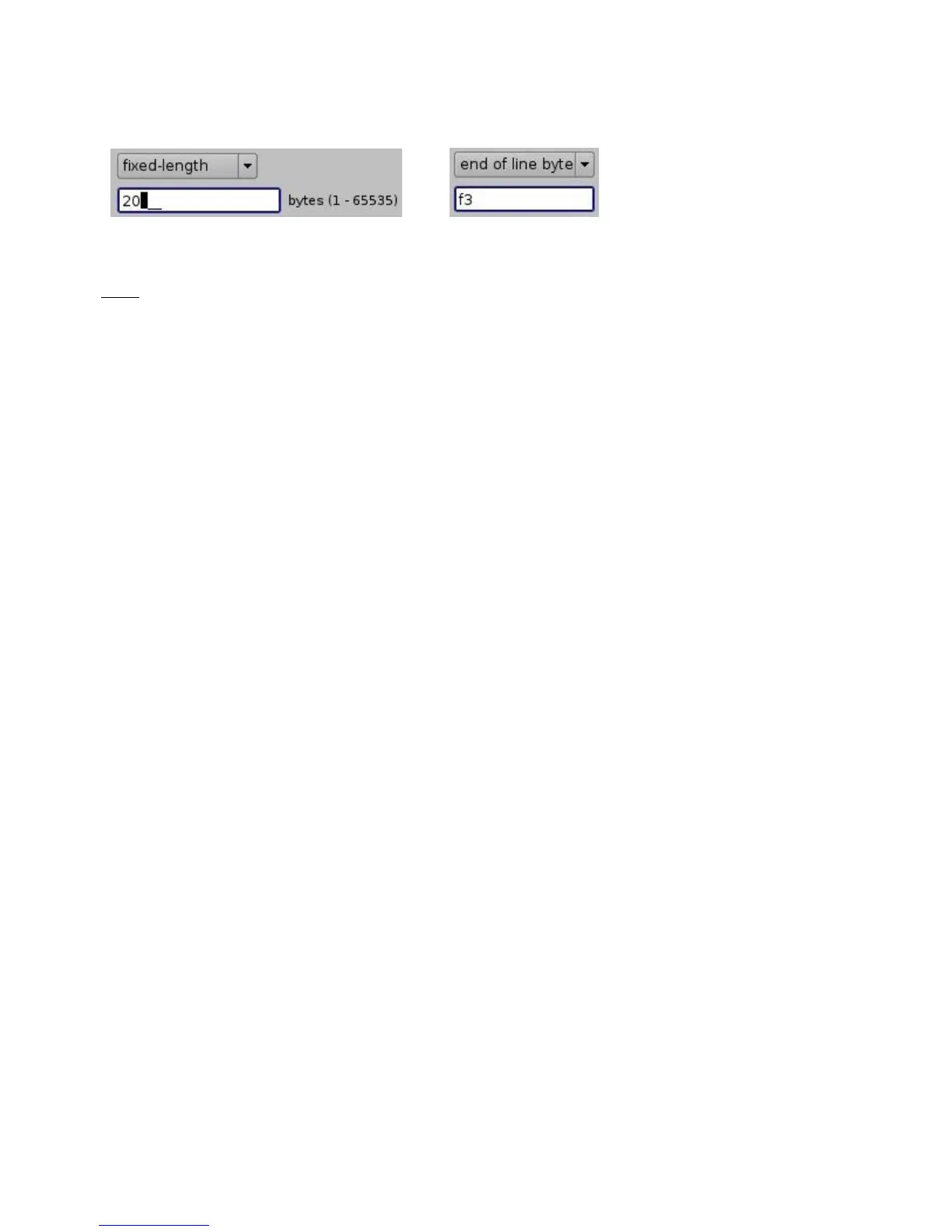
Figure 91: "fixed-length" and "end of message" Examples
Note: It may take up to 30 seconds before the new configuration is applicable.
• After the serial device has been configured, the user can set the trigger from the serial port
or automation actions to serial port.
6.6.9 ISE1 Device
The ISE1 Device provides for communication with the IMAX Secure Enclosure. If more information
is needed, please contact Doremi Labs Technical Support (Section 1.3).
6.6.10 CSS Device
The CSS Device provides for communication with the Sony Cavity Security System. If more
information is needed, please contact Doremi Labs Technical Support (Section 1.3).
6.6.11 3D Configuration
When using a DCP-2000 or DCP-2K4 configuration for 3D presentation, the projector needs to be
set to the proper color space. Contact the projector vendor to configure the projector properly.
6.6.11.1 Dolby 3D Support
To enable the Dolby 3D support, please contact Doremi Labs Technical Support to receive the
appropriate license (Section 1.3).
6.6.11.2 RealD 3D Support
To enable the RealD 3D support, please contact RealD at cinema-support@reald.com to receive
the appropriate license. Once the license has been received, follow the steps below:
• Open the Device Manager GUI by clicking on Menu → Doremi Apps. → Device Manager.
• The following window will appear:
______________________________________________________________________________________
D2K.OM.001822.DRM Page 78 of 177 Version 1.5
Doremi Labs



 To Next Page