DORMA AUTOMATICES, Inc. 924 Sherwood Drive Toll-Free: 877-367-6211 Subject to change without notice
DL3463-050 08/2016 Lake Bluff, IL 60044 Fax: 847-249-3999
ED100 / ED250 SERVICE MANUAL
—
25
Parameter detail
Parameters / Display Value range
Unit
factory setting
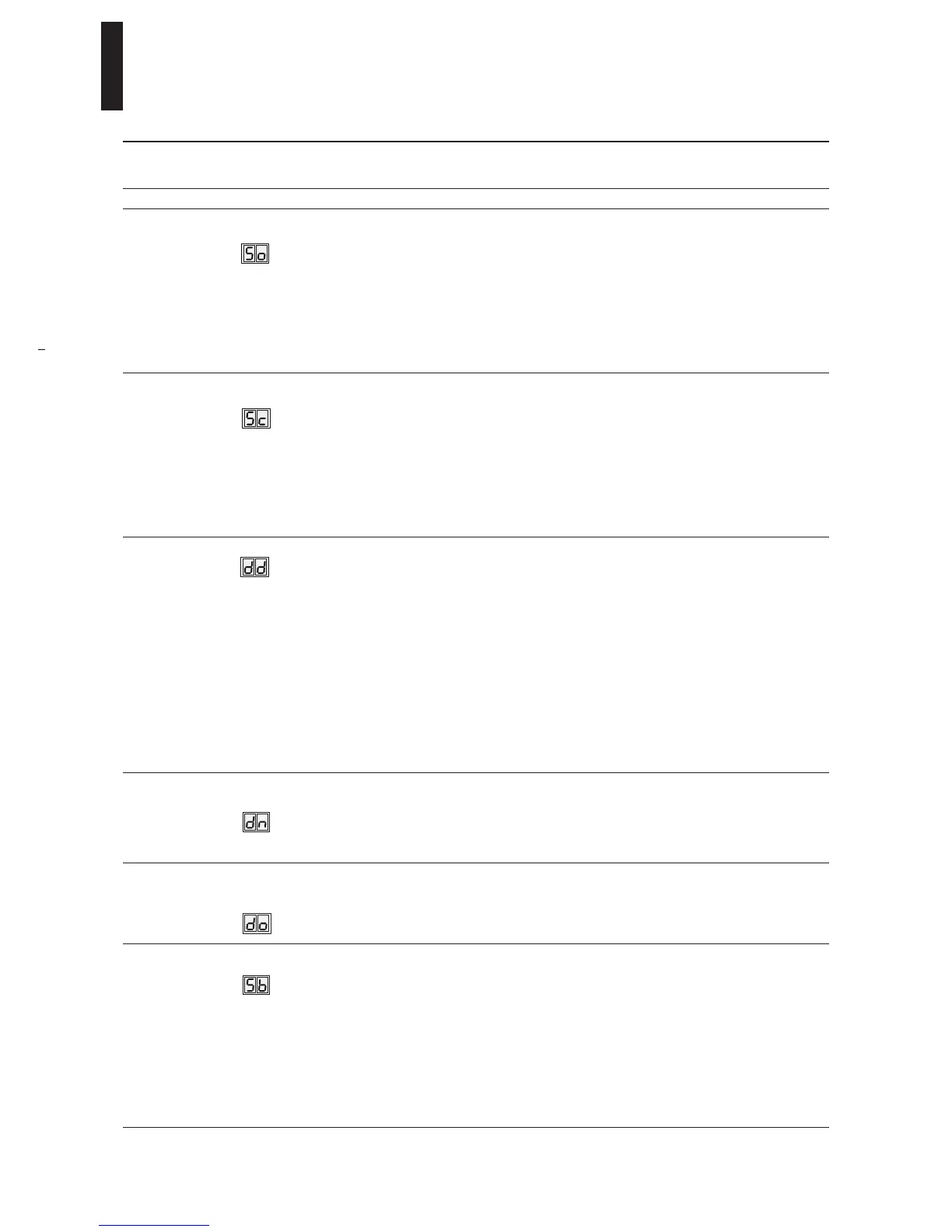
= bold
Explanation
Driving parameters
5. Opening speed –
Automatic mode
ED 100
8 – 50
ED 250
8 – 60
(In Low Energy
mode reduced
to maximum
27°/sec.)
Degrees /
second
25
■ Opening speed refers to automatic mode, this speed can be
adjusted using this parameter.
■ ANSI / BHMA A156.10 or A156.19 standards (Section 13 and
14) must be complied with and verified after parameter has
been set.
■ Full adjustable speed range is available only when upgrade card
Full-Energy is installed.
■ An internal monitoring function checks if selected adjustment
is admissable. If adjusted parameter exceeds admissable value,
the adjusted value is alternately displayed with operative value.
6. Closing speed –
Automatic mode
ED 100
8 – 50
ED 250
8 – 60
(In Low Energy
mode reduced
to maximum
27°/sec.)
Degrees /
second
25
■ Closing speed refers to automatic mode, this speed can be
adjusted using this parameter.
■ ANSI / BHMA A156.10 or A156.19 standards (Section 13 and
14) must be complied with and verified after parameter has
been set.
■ Full adjustable speed range is available only when upgrade card
Full-Energy is installed.
■ An internal monitoring function checks if selected adjustment
is admissable. If adjusted parameter exceeds admissable value,
the adjusted value is alternately displayed with operative value.
7. Hold-open time 0 – 30
(In Low Energy
mode, default
setting =
minimum 5 s)
0 – 180
with
Professional
Upgrade Card
Seconds
5
■ Adjust hold-open time so that users have sufficient time to
pass through door.
■ Values from 0 – 30 seconds can be set in increments of
1 second.
■ Values of more than 30 seconds can be set in increments of
5 seconds.
■ If a longer hold-open time is desired, time can be extended to
180 seconds with upgrade card Professional.
■ Hold-open time starts once contact / voltage at connected
internal, external, safety and Push & Go activator inputs have
been opened / dropped, and door is in open position.
■ Signal can be retriggered.
■ In low-energy mode, a minimum hold-open time of 5 seconds
is required.
8. Night/Bank
hold-open time
0 – 30 Seconds
10
■ Night/Bank (key switch) hold-open time can be set separately.
■ Night/Bank hold-open time starts when contact on Night/Bank
activator input is opened and door is in open position.
■ Signal can be retriggered.
9. Hold-open time in
event of manual
opening
0 – 30 Seconds
1
■ Fixed hold-open time of 1 s that follows every manual opening
of door can be adjusted with parameter do (v1.9). Times starts
when door is released.
■ do hold open time is also active with Power Assist function–
after door was stopped by a safety sensor.
10. Wall masking on
hinge side
60 – 99
99 =
deactivated
Degrees
80
■ Wall masking is required if door opens against an obstacle.
■ When door reaches set wall masking angle, system will ignore
incoming signal from safety sensor on swing (hinge) side.
■ The wider the detection range of safety sensor used, the
greater the area must be in which system has to ignore
sensor's emitted signal. To ensure personal safety, it is advised
keeping this range as small as possible.
■ Rapidly flashing dot: if wall masking angle is exceeded when
door is being opened, a rapidly flashing dot appears in top-left
hand corner of control unit’s display.
■ When value drops below the set angle, the display goes blank.


 To Next Page