28 79/RT/E7900/770/E-760/660 Series PK3678_T 04-18
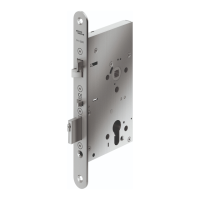
A.1 Reversing the Mortise Handing ASM
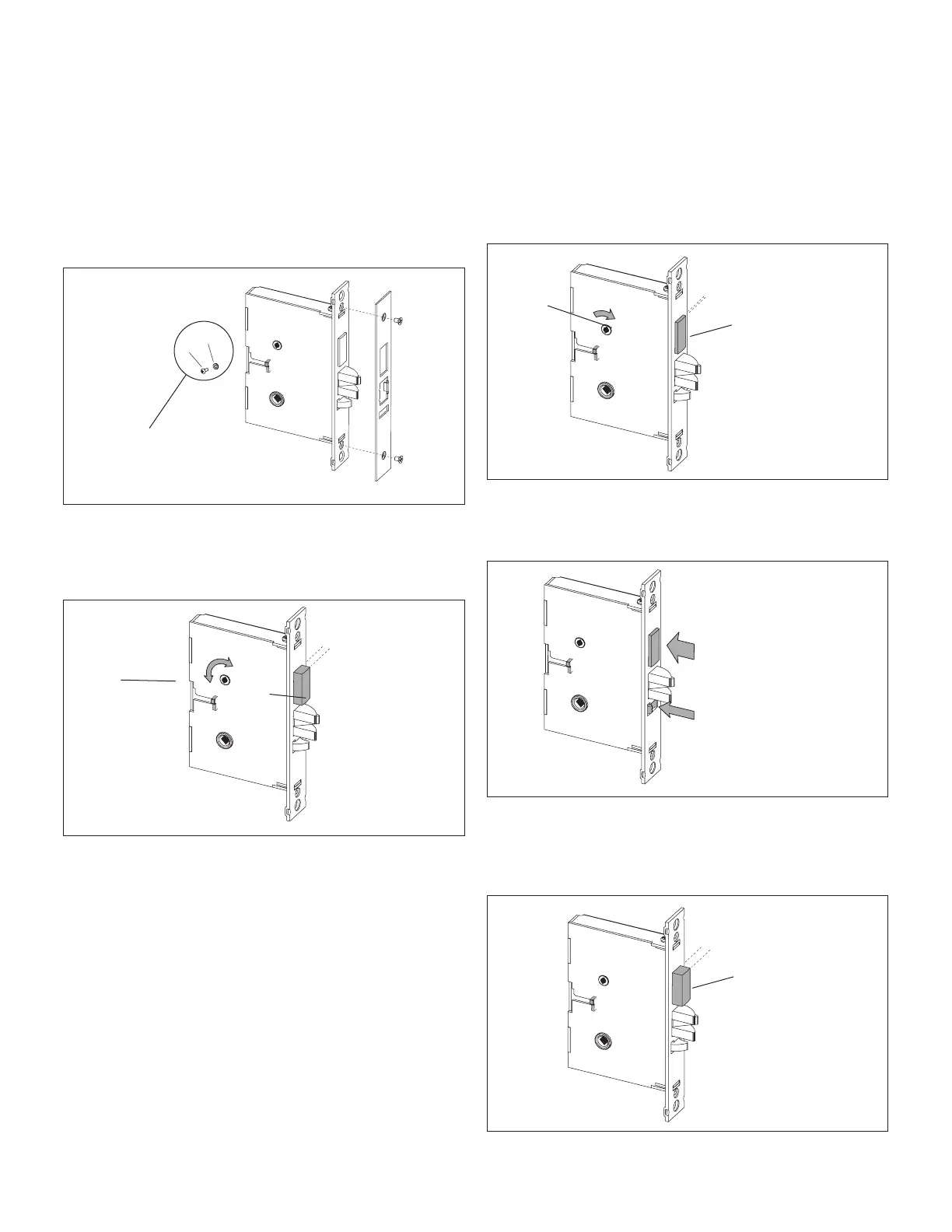
1. Remove the mortise faceplate. Remove screw (V) and lock
washer (W) if applicable and place the mortise on a flat
surface for the following steps.
W
V
Only apply to mortise no
deadbolt, auto-deadbolt
and armed automatic
deadbolt (if applicable)
2. Partially extend the deadbolt:
For normal ASM, rotate hub (H) using a screwdriver, until
the deadbolt (D) extends approximately 1/4".
D
1/4"
H
Proceed to step 3.
For Autodeadbolt ASM, rotate hub (H) until the deadbolt
(D) is fully retracted. The deadbolt will extend approx. 1/16"
from the mortise case.
D
1/16"
H
Hold deadbolt (D) gently. Press and release the auxiliary
latch (X). You should feel the deadbolt trigger and begin to
extend under the force of the spring.
D (hold gently)
X (press and release)
Release the deadbolt (D) gently. It should extend to 5/16"
approx. and stop. If the deadbolt extends past this point,
gently press it in until it locks at 5/16" throw, or start step
2 again.
D
5/16"
APPENDIX A Mortise Models



 To Next Page