EasyManua.ls Logo

Douwe Egberts Contenta - Programming Flow Chart (Button Control)

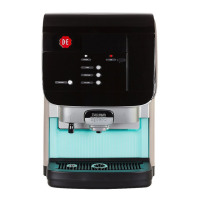
Douwe Egberts Contenta
106 pages
Print Icon
To Next Page IconTo Next Page
To Previous Page IconTo Previous Page
Loading...
Programming -9
Version 1.36
02/2004
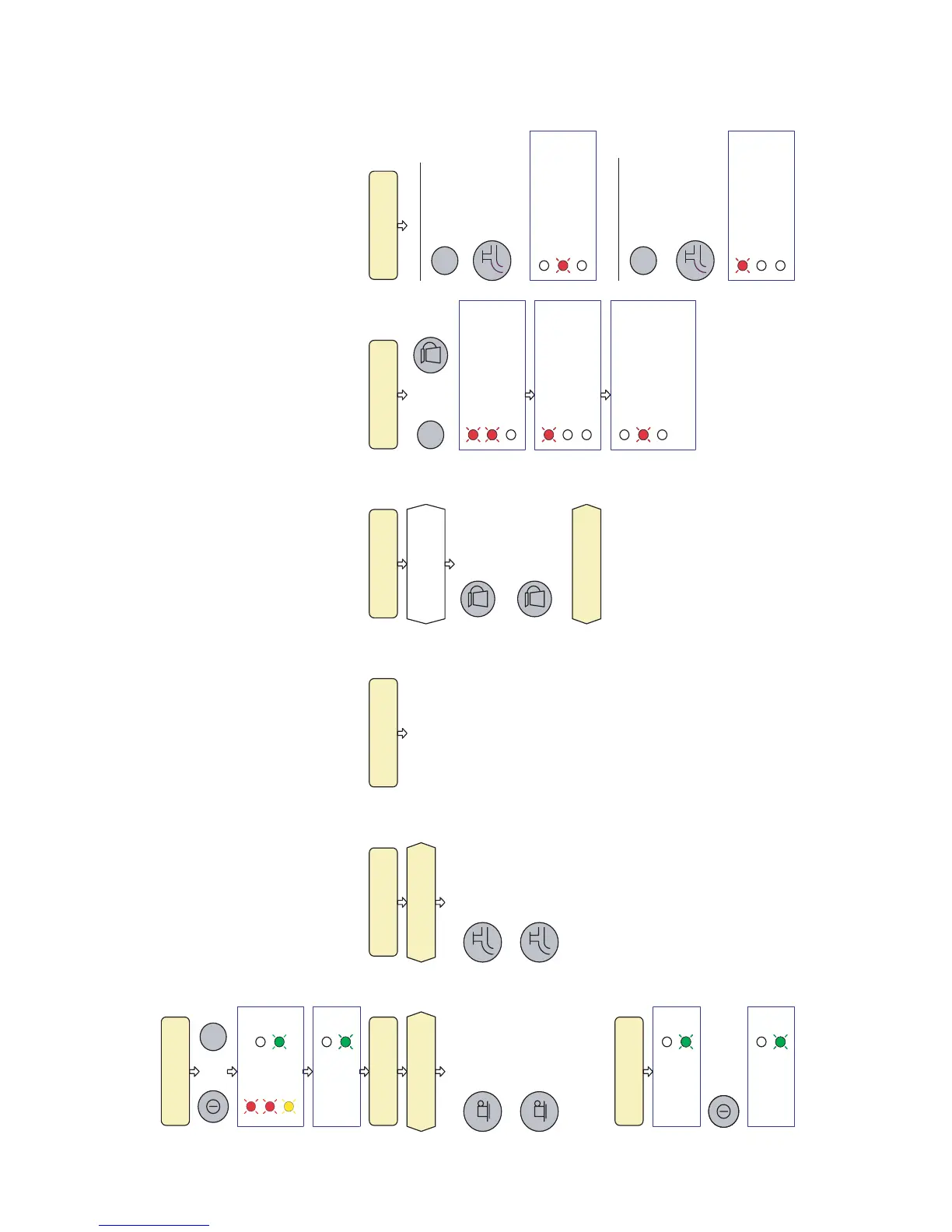
4.4 Programming flow chart (button programming)
+
3 seconds
*
I / 0
Blinking 3 times
*
I / 0
Blinking during
programming
volume setting
Coffee cup Hot water
volume setting
Coffee pot
volume setting
Calibration
valve flow
Adjusting the
coffee strength
Checking the
current ratio
Press and hold.
Release when
has been reached.
required volume
Press and hold.
Release when
has been reached.
required volume
Place the cup under
the coffee outlet
Place the cup under
the hot water outlet
Volume is fixed to 1 l.
Can only be changed
by the Service Device.
Remove trough and
place 0.5L measuring
cup under the outlets.
Press and hold.
Release when
0.5 L water has
been dispensed.
+
Ratio is 20 (1:20)
Blinking # pulses.
Blinking # pulses.
Ratio = 20 + # pulses.
The coffee is less strong.
Ratio = 20 - # pulses.
The coffee is stronger.
Increase coffee strength:
Press and hold.
Press # times as
required adjustment.
Press and hold.
Decrease coffee strength:
Pulsing with pressing
the coffee button.
Press # times as
required adjustment.
Pulsing with pressing
the hot water button.
Enter button
program mode.
*
I / 0
Blinking during
programming
Stop button
program mode.
*
I / 0
Stops blinking.
Light up constantly.
Or wait 4 minutes (time out)
Lower Ratio
Higher Ratio
Place back the
outlet trough
HOT WATER
HOT WATERCOFFEE
COFFEE
STOP
STOP
HOT WATER
STOP
STOP
HOT WATER

Related product manuals