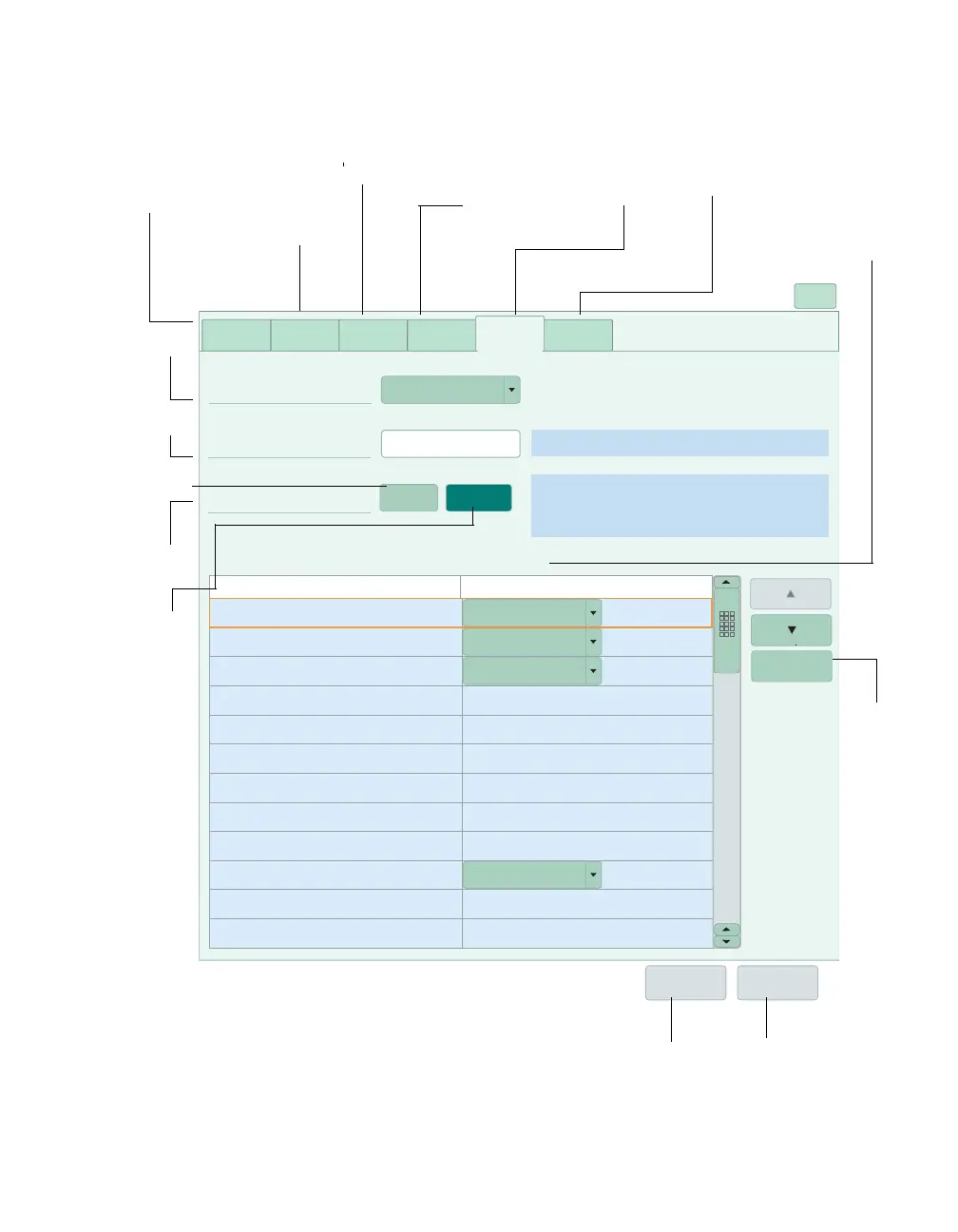
System setup
X
Parameter
order
Parameter
order
General
settings
Alarms
Recorders/
Reports
Main screen
layout
Biomed
Template
Name
Display mode
Template 1
ICCU
Only named templates are available in the Main screen
layout tab or in the customize layout dialog.
Unavailable waveforms and parameters from the source
device will display blank.
Only the first 11 parameters from the source device
are available for display.
Auto Manual
HR+SpO2+NIBP
ST1, ST2, ST3
SpO2+PLS(PI)
CO2
Waveform
Parameter box
ECG1
ART
RRi
CVP
SpO2
PA
LA
RV
CO2
Paw
ECG2
Flow
ART
RRi
CVP
PA
LA
RV
Paw
Flow
System
default
Undo Apply
Rearrange parameter order











 To Next Page