2.4 Applying Firmware Updates
Firmware updates can be easily applied to your DragonLink transmitter, receiver, or OSD,
using the DragonLink GUI software.
WARNING: It is important not to interrupt the firmware update process as this
has the potential to cause hardware damage and render your device unusable.
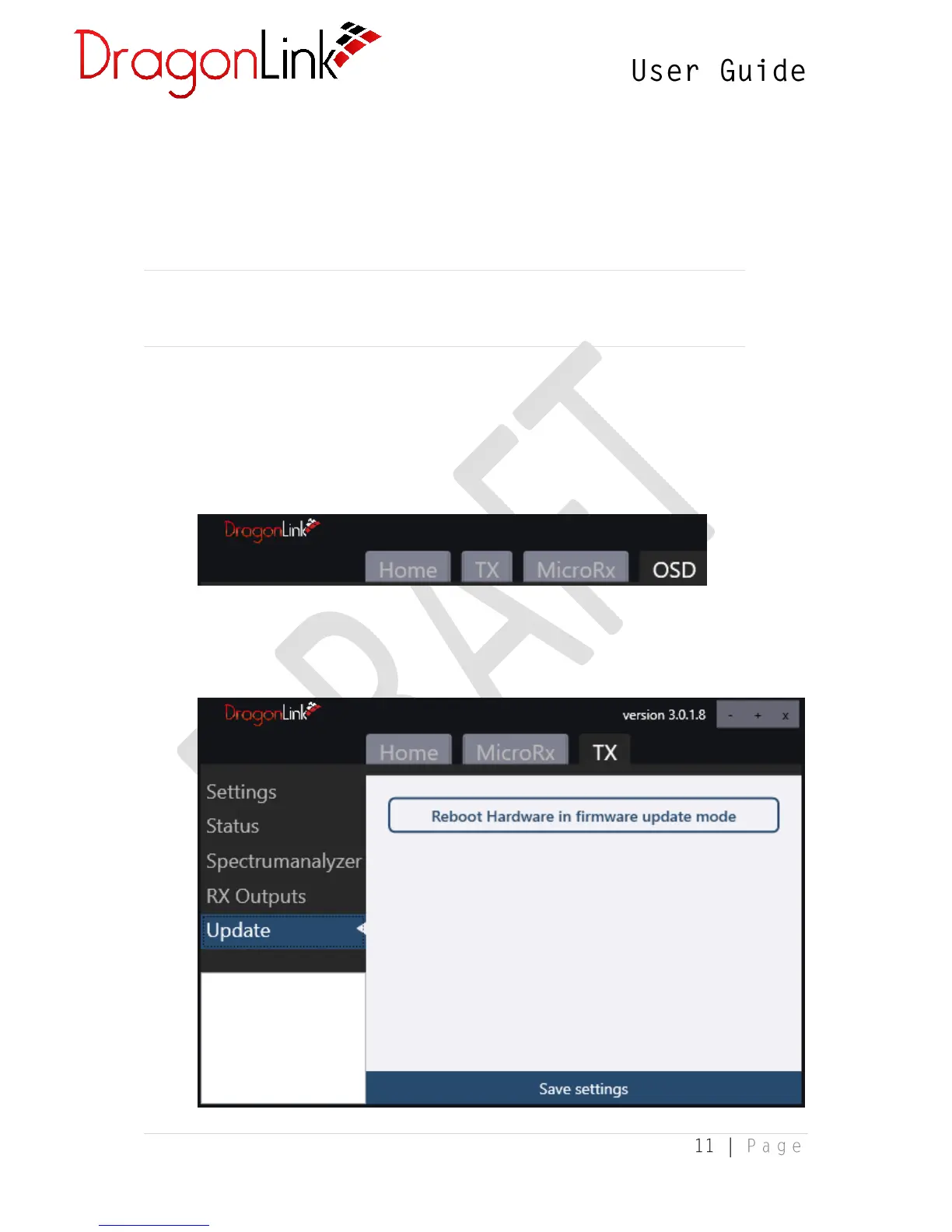
1. First, connect your DragonLink transmitter, receiver, or OSD to your PC using a micro-
USB cable. Ensure the device tab appears in the DragonLink GUI software. It may take a
moment for drivers to install before the tab appears. If it does not appear, please follow
the Driver Installation Troubleshooting guide in section [to be added].
2. Select the relevant tab for the device you wish to update. Then, select the Update page
and click Reboot Hardware in firmware update mode


 To Next Page