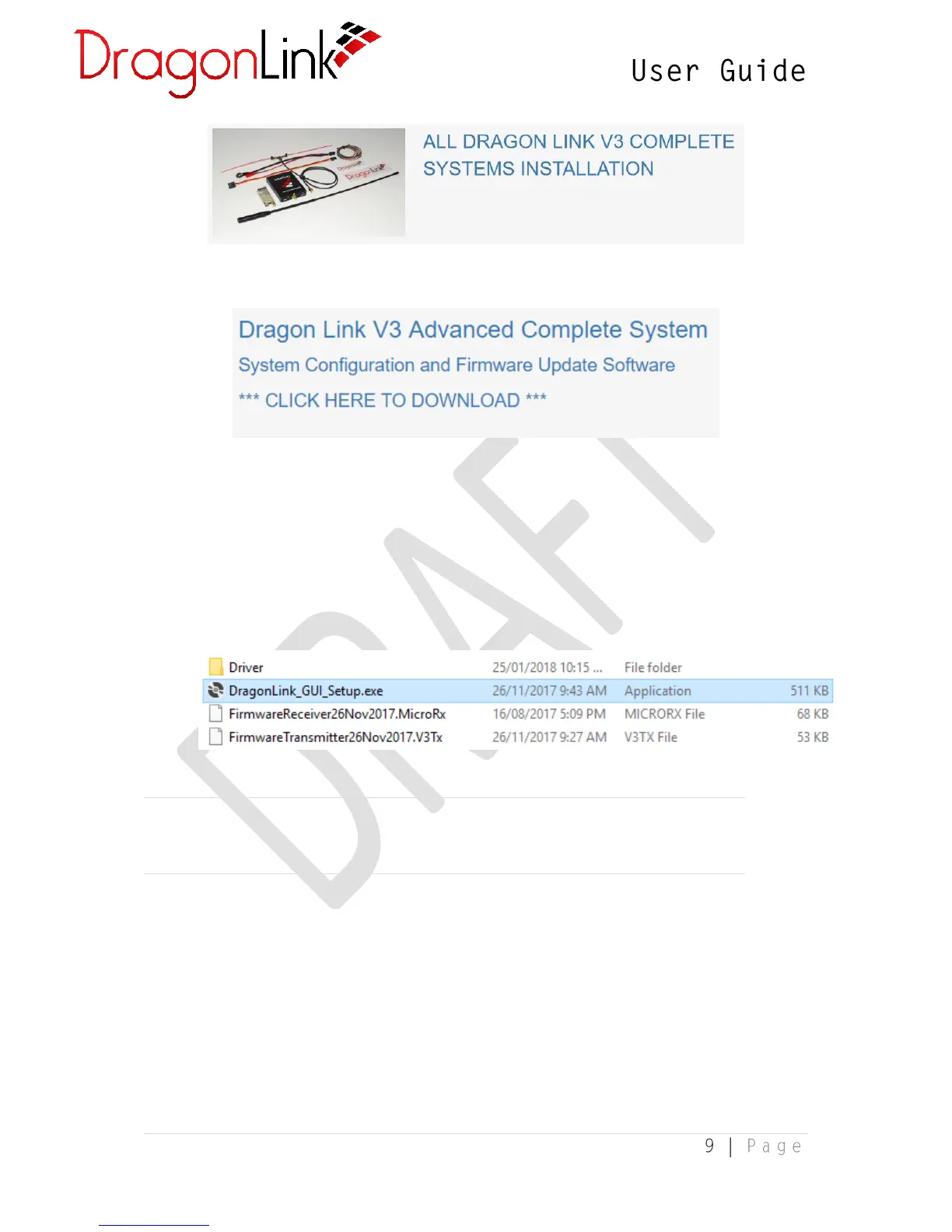
4. Lastly, click on the download link near the top:
5. Once the compressed (.zip) has downloaded, extract it by right-clicking the file and
selecting Extract All…
2.3 Software Installation
1. The compressed (.zip) file obtained from the DragonLink website contains the following
files:
NOTE: You will require an internet connection in order to perform the installation
as the installer needs to download additional software components.
2. Double-click the DragonLink_GUI_Setup.exe file to begin the installation of the
DragonLink software. At the prompt, select “Install”.


 To Next Page