3 Configuration – DragonLink GUI
NOTE: After changing settings relating to update-rate, bandwidth allocation, use
of narrow-band, no. of channels, hardware IDs, or the enabling or disabling bi-
directional data, it will be necessary to re-bind your DragonLink transmitter and
receiver.
Saving Settings
Before disconnecting or rebooting your DragonLink device, ensure that any changes to the
configuration are not lost by clicking Save Settings at the bottom of the DragonLink GUI
window. Some pages have additional save buttons – ensure you click these as necessary.
3.1 DragonLink Transmitter
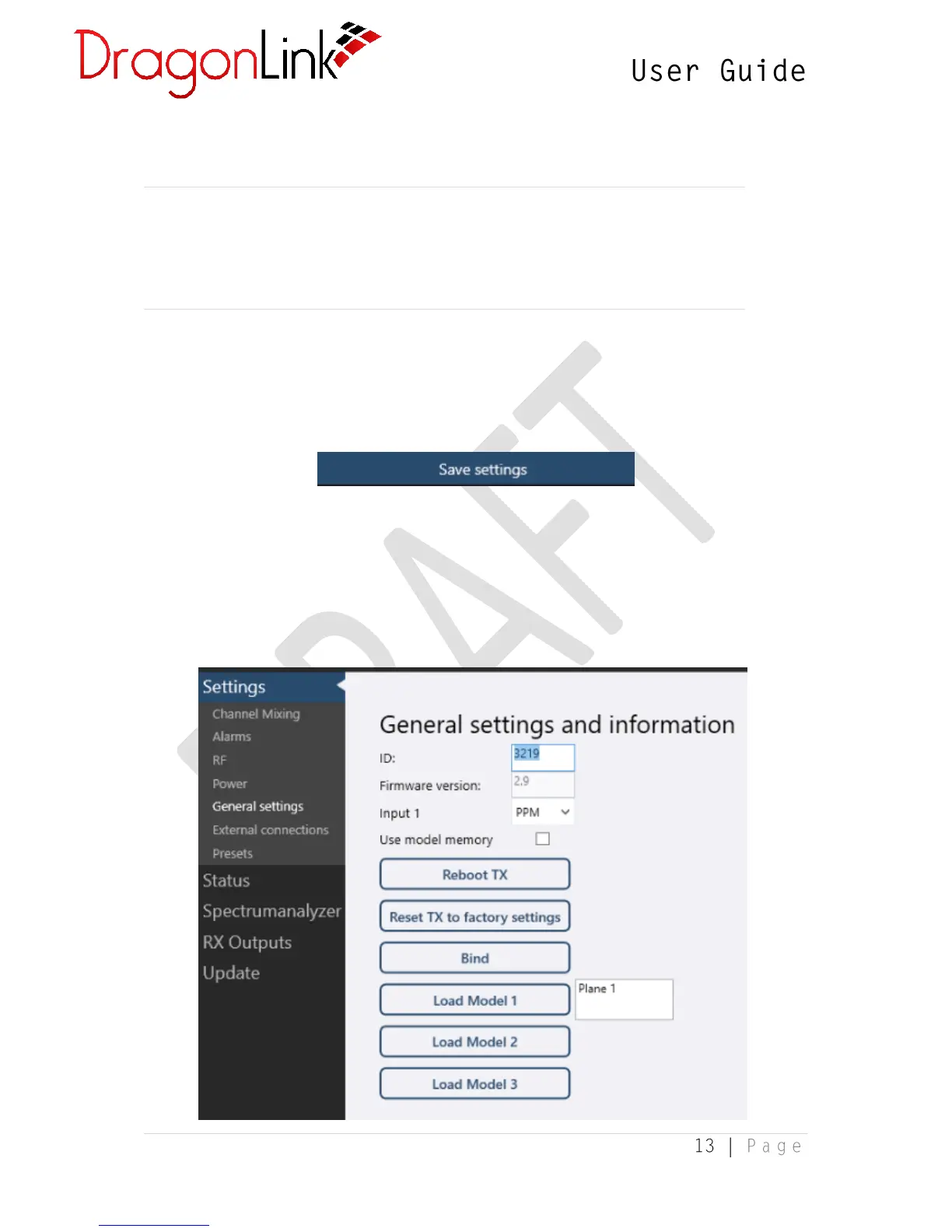
3.1.1 General Settings


 To Next Page