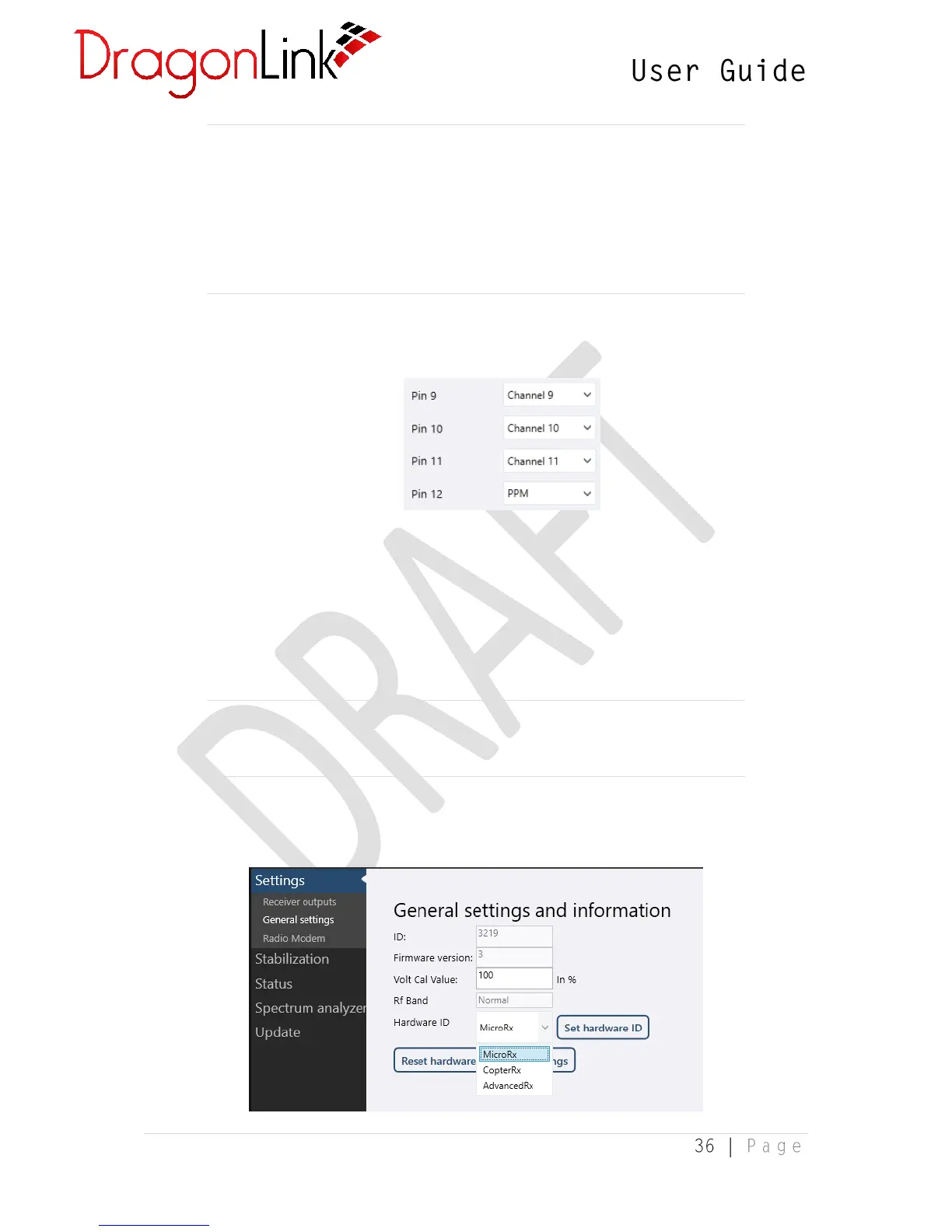
NOTE: For use with MavLink data, it is possible to select the “Serial in”
and “Serial out” channel assignments (for bi-directional telemetry and
mission planning) or the “MavLink Decode” assignment (for decoded
telemetry only – provides maximum range). The MavLink Decode
assignment functions as a Serial input from the flight controller only – no
output is required as it is not bi-directional.
An additional 4 channels are visible in the GUI when connected to an Advanced
receiver.
PPM/S-bus out: These drop-down menus allow you to assign channels to the PPM or
S-BUS stream and select the number of channels to include. The maximum number
of channels for either protocol is 12.
UEXP con pin3/4: These connectors can also be assigned various functions, including
S-BUS, PPM, GPS input, Serial communications and OSD data for the DragonLink
OSD.
NOTE: Some S-BUS devices require a signal with inverted logic. For these
devices, select S-BUS inv.
3.5.2 General Settings


 To Next Page