2 Software Installation
This chapter outlines the procedures for installing the DragonLink GUI onto a Microsoft
Windows PC and then using the DragonLink GUI to load the latest firmware onto your
DragonLink hardware.
2.1 Minimum System Requirements
Microsoft™ Windows™ 7, 8, 8.1, 10
2.2 Obtaining the Latest Software / Firmware
It is strongly advisable to check for firmware and software updates regularly as they may
include bug fixes, new features, and performance improvements. Before flying your
DragonLink system for the first time, it is necessary to apply the latest firmware and obtain
the newest version of the DragonLink GUI software for PC.
1. To begin checking for updates, visit this section of the DragonLink website:
http://www.dragonlinkrc.com/instructions/
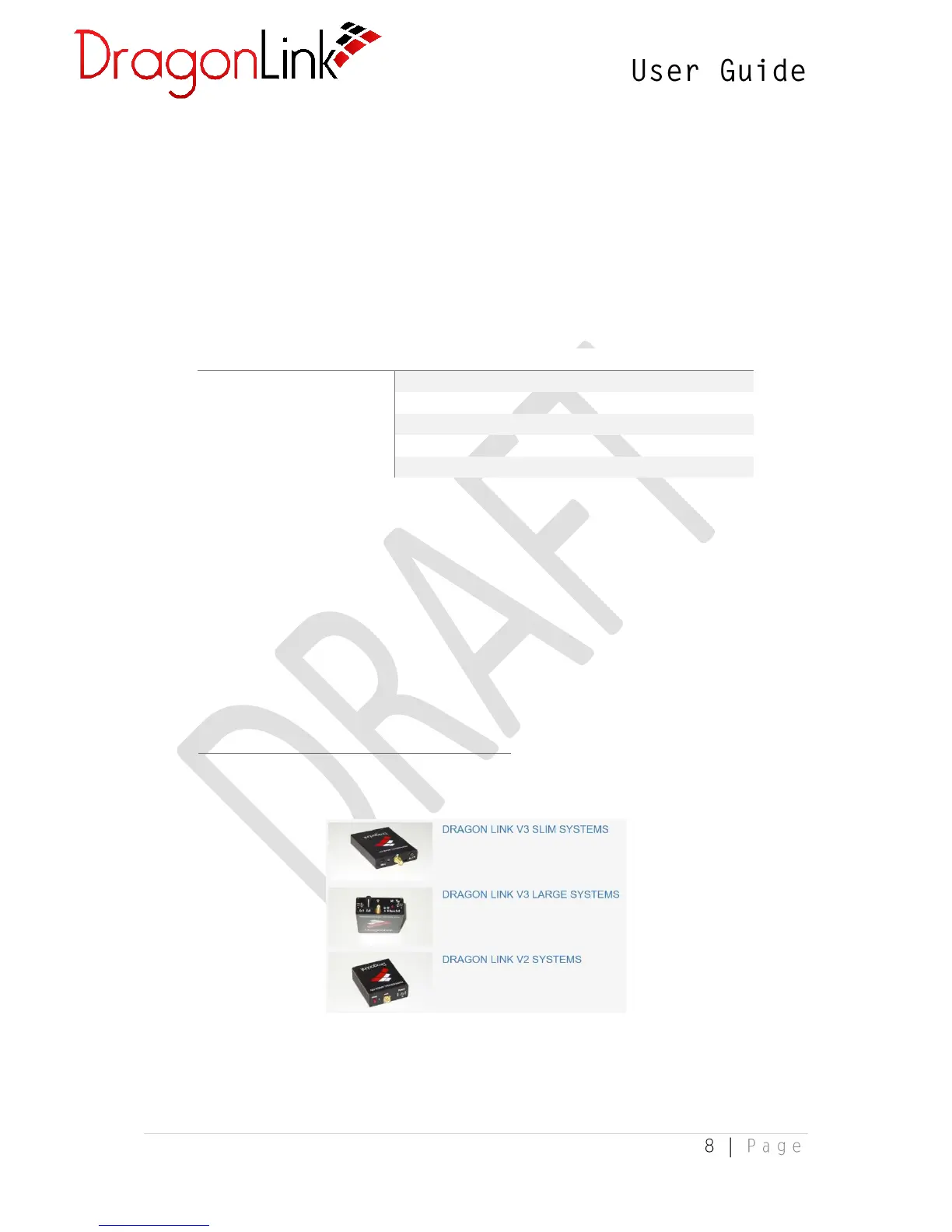
2. From there, select your applicable DragonLink system:
3. Then select Complete Systems:


 To Next Page