33
DRAMIŃSKI BLUE – user manual
10.1.9. D–Curve
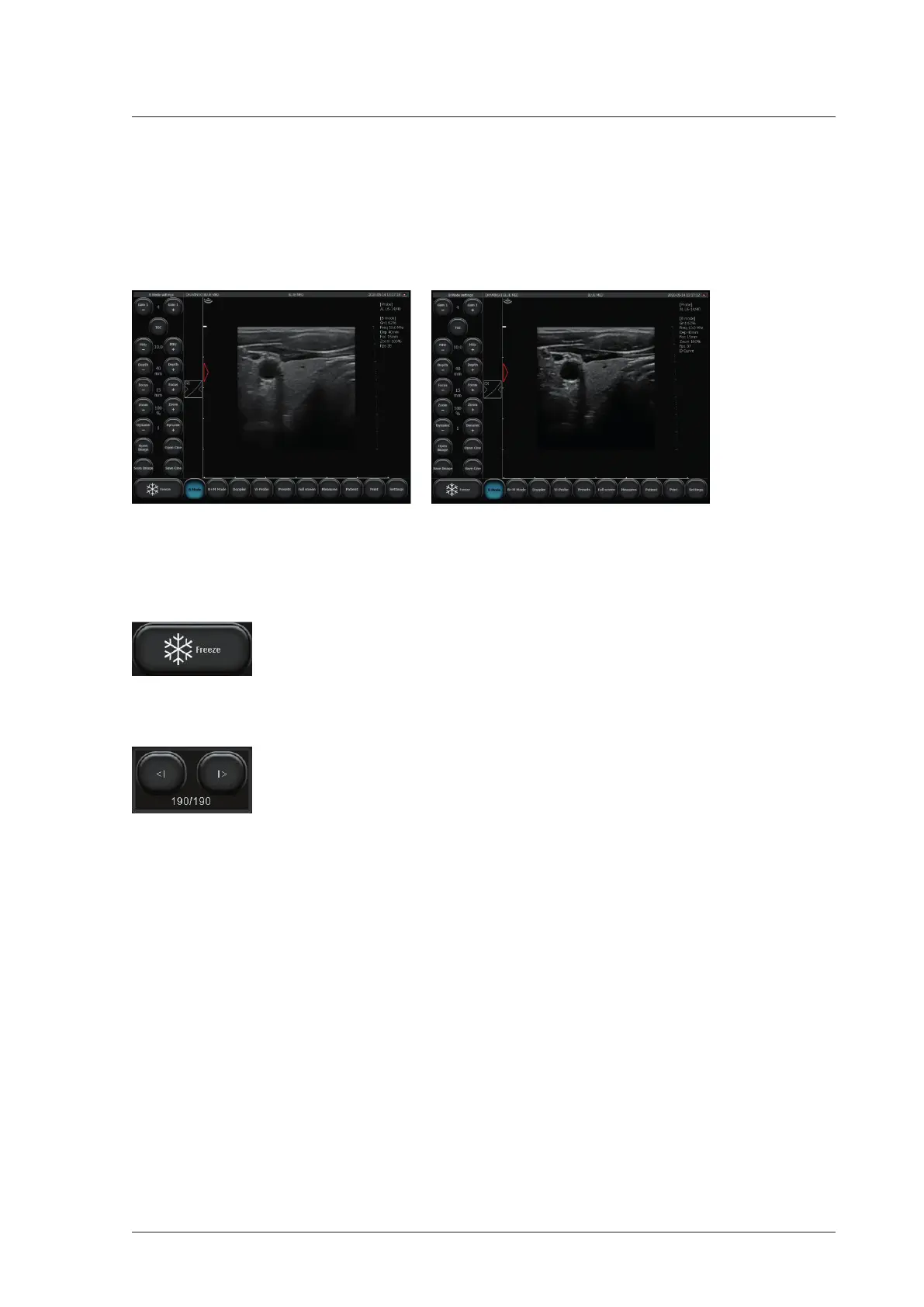
D-Curve is a greyscale curve perfectly matched to the human eye perception.
To enable tap [B Mode] and mark D-Curve bracket.
To disable tap [B Mode] and unmark the D-Curve bracket.
Fig. D-Curve disabled and enabled.
10.2. Freeze
To freeze the image, use the [Freeze] button. When you press this button the image imme-
diately freezes and the button changes its color. In order to unfreeze the image and return
to scanning mode you should press the [Freeze] button again.
10.3. Cine loop – continuous and frame-by-frame replay
When the image is frozen a set of buttons appears in the right bottom corner of the screen.
These buttons are dedicated to manage the cine loop. Each loop can consist of 512 frames
maximum (frame limit can be changed, see <11.10.1.>).
In order to play the cine loop press and hold the [I>] button. Viewing the cine loop frame by frame is possible
by pressing the [I>] button shortly.
In order to playback or rewind the cine loop by frame, press [<I].
10.4. Measurements
Attention! The rules for dimensioning in Pulse Wave Doppler mode are described in section <10.9.4.>.
On the left side of the imaging sector there is a scale with 1 cm calibration which enables understanding the
dimensions of the examined structures in real time.
When you freeze the image the distance measurement is enabled automatically.
The presented object can be measured by other methods as well. They are available when you click the
[Measure] button on the mode panel.


 To Next Page