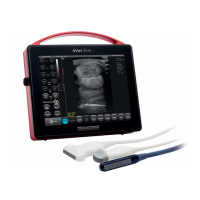
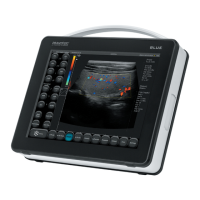
DRAMIŃSKI BLUE – user manual
56
12. Charging and exploitation of the batteries
DRAMIŃSKI battery pack is an ecient Li-Ion pack for multiple charging.
The lifetime of the battery pack depends on the way it is used. It is best when it works full cycles, i.e. full charging
– full discharging. The battery is charging while the scanner is plugged to the mains. The blue diode around ON/
OFF button is twinkling during charging process.
BLUE ultrasound scanner has an indicator which shows a battery level. In the top right corner of the screen
there is a graphic indicator of the battery. A fully charged battery guarantees 2,5-hour of work of the ultrasound
scanner.
Monitoring the graphic indicator helps to assess the battery operating time:
1. When the color of the indicator changes from green to yellow it means that the battery will continue its
work for about 45 minutes.
2. When the color changes from yellow to red it means that the battery will work for about 10 minutes.
The "Low battery" message in the middle of the screen means that you have to charge the batteries. If the device
is still turned on, a full discharge takes place and the device turns o automatically.
12.1. Checking the battery charge status before turning on the scanner
To check the battery charge status when the device is turned o, press the power button briey If the battery
is charged, the device will emit 1 to 4 acoustic signals *:
1 signal= 25% charged battery
2 signal= 50% charged battery
3 signal= 75% charged battery
4 signal= 100% charged battery
* No signal means the battery is deeply discharged or this function has been disabled after activating the silent
mode in the Audio tab of the Settings menu.
12.2. Checking the battery charge status during operation
In the upper right corner of the screen there is a graphic indicator of the battery charge status.
A fully charged packet (green indicator) powers the ultrasound scanner for an average of 2 hours 30 minutes.
Change of the color of the indicator from green to yellow indicates that the battery will work for about 45
minutes.
Change of the color from yellow to red indicates that the battery will last for about 10 minutes.
The message "Low battery" in the center of the screen means the battery must be charged. If you leave the
scanner turned on, after a short time it will emit a long beep and it will automatically turn o to protect against
system damage.


 To Next Page