Vigor300B Series User’s Guide
129
Item Description
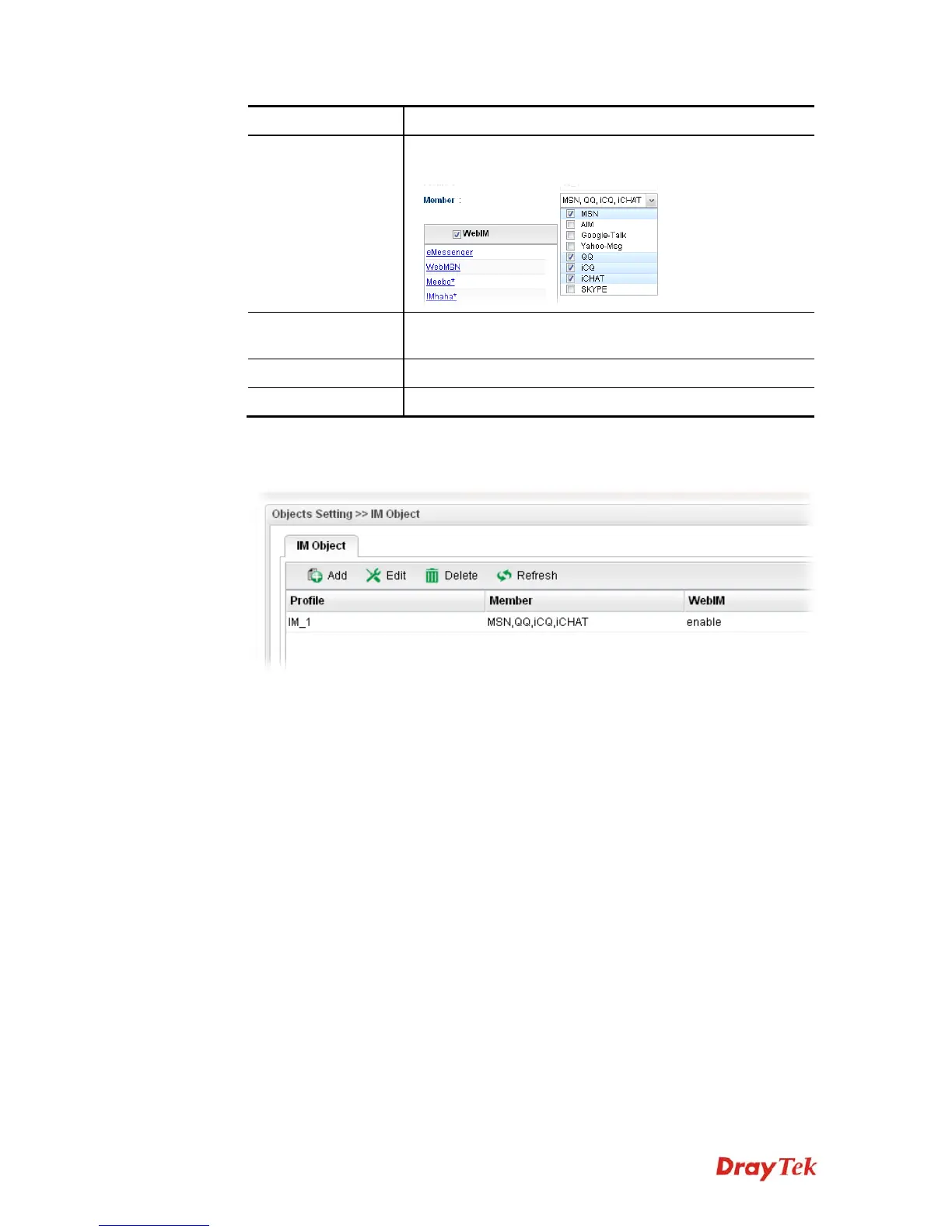
Member
Several IM applications offered for you to choose. Check the
one(s) you want to add for such profile.
WebIM
It lists a package of IM application based on web page. You
may check the box to include all of them.
Apply
Click it to save the configuration.
Cancel
Click it to exit the dialog without saving the configuration.
4. Enter all the settings and click Apply.
5. A new IM Object profile has been created.



 To Next Page