Vigor300B Series User’s Guide
13
I
I
f
f
D
D
H
H
C
C
P
P
i
i
s
s
s
s
e
e
l
l
e
e
c
c
t
t
e
e
d
d
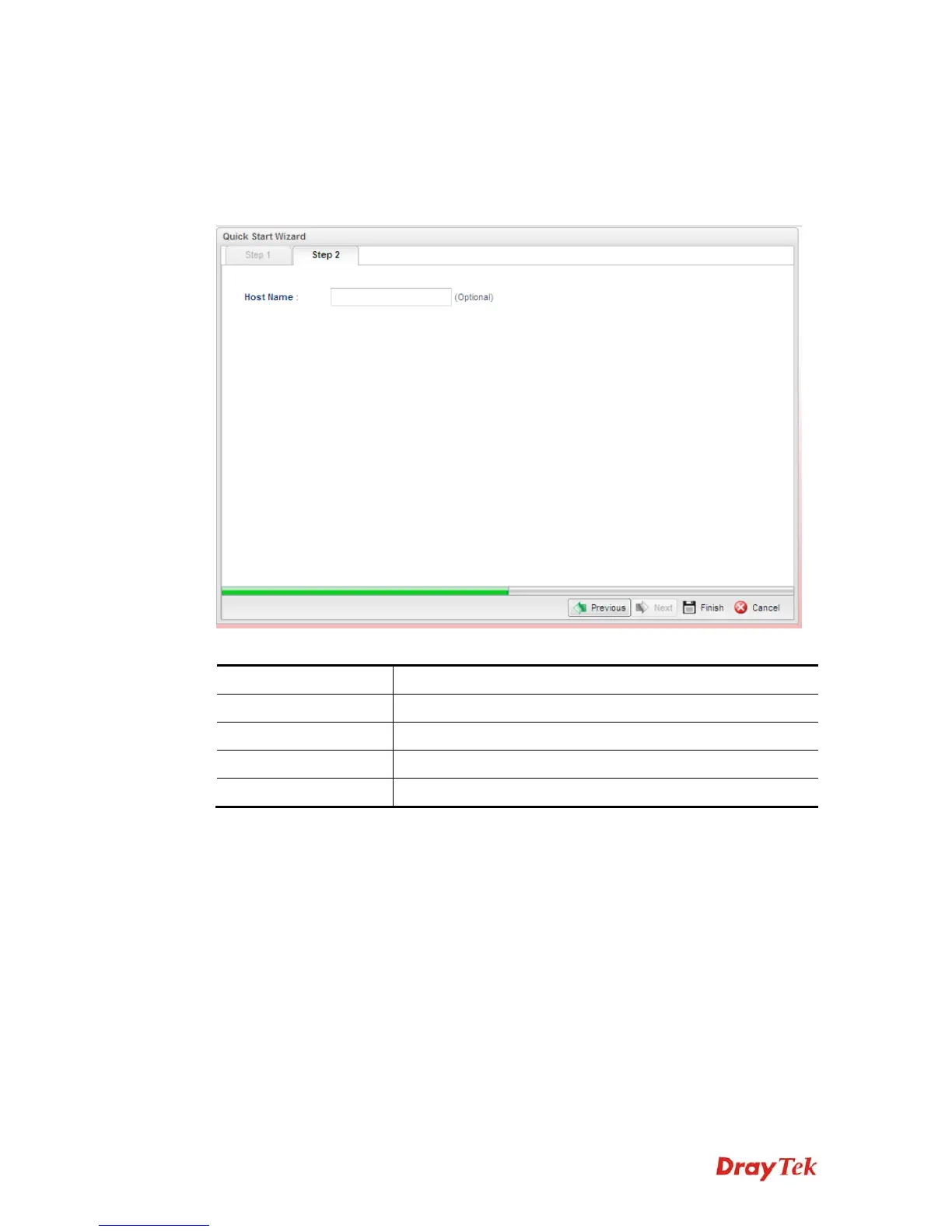
DHCP allows a user to obtain an IP address automatically from a DHCP server on the
Internet. If you choose DHCP mode, the DHCP server of your ISP will assign a dynamic IP
address for Vigor300B automatically. It is not necessary for you to assign any setting. (Host
Name is required for some ISPs).
Available parameters are listed as follows:
Item Description
Host Name (Optional)
Type a name as the host name for identification.
Previous
Click it to return to previous setting page.
Finish
Click it to finish the configuration.
Cancel
Click it to exit the wizard without saving the configuration.
When you finished the above settings, please click Finish.



 To Next Page