Vigor300B Series User’s Guide
14
I
I
f
f
P
P
P
P
P
P
o
o
E
E
i
i
s
s
s
s
e
e
l
l
e
e
c
c
t
t
e
e
d
d
PPPoE stands for Point-to-Point Protocol over Ethernet. It relies on two widely accepted
standards: PPP and Ethernet. It connects users through an Ethernet to the Internet with a
common broadband medium, such as a single DSL line, wireless device or cable modem. All
the users over the Ethernet can share a common connection.
PPPoE is used for most of DSL modem users. All local users can share one PPPoE
connection for accessing the Internet. Your service provider will provide you information
about user name, password, and authentication mode.
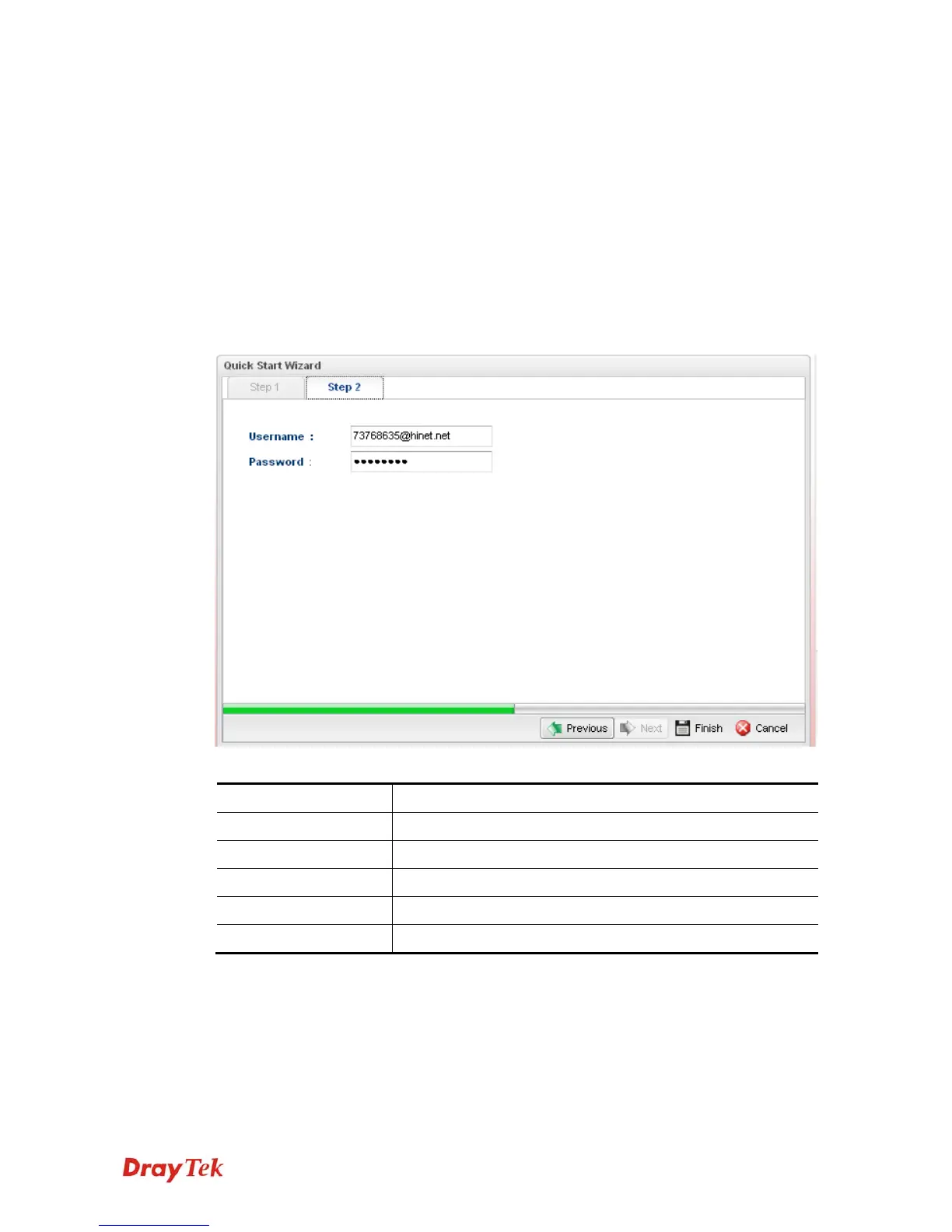
If your ISP provides you the PPPoE (Point-to-Point Protocol over Ethernet) connection,
please select PPPoE for this router to get the following page. Enter the username and
password provided by your ISP on the web page.
Available parameters are listed as follows:
Item Description
Username
Type in the username provided by ISP in this field.
Password
Type in the password provided by ISP in this field.
Previous
Click it to return to previous setting page.
Finish
Click it to finish the configuration.
Cancel
Click it to exit the wizard without saving the configuration.



 To Next Page