Vigor300B Series User’s Guide
61
3. When you finish the above settings, please click Apply to save the configuration and
exit the dialog.
4. The LAN profile has been edited.
D
D
H
H
C
C
P
P
6
6
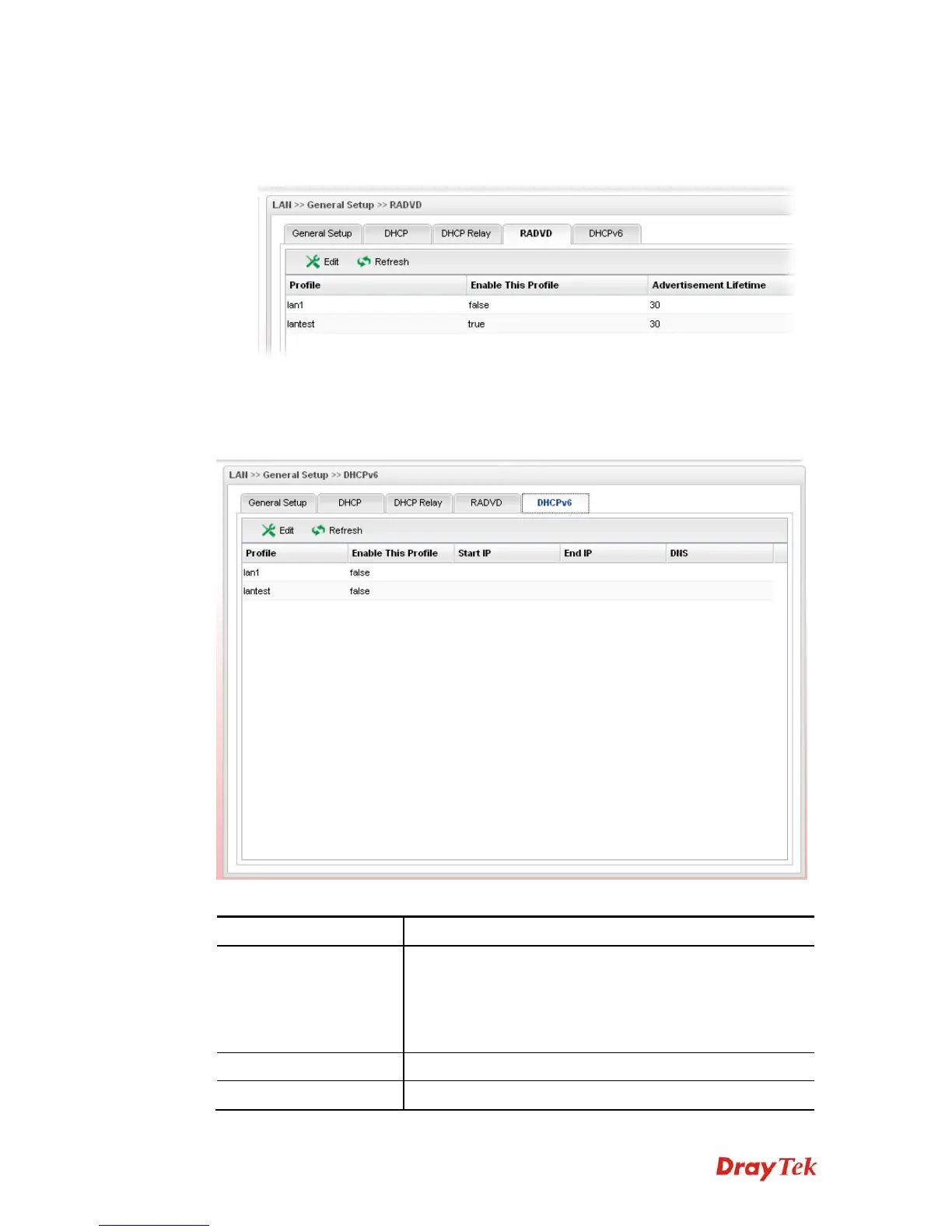
DHCP6 Server could assign IPv6 address to PC according to the Start/End IPv6 address
configuration.
Each item will be explained as follows:
Item Description
Edit
Modify the selected LAN profile.
To edit a profile, simply select the one you want to modify
and click the Edit button. The edit window will appear for
you to modify the corresponding settings for the selected
rule.
Refresh
Renew current web page.
Profile
Display the name of the LAN profile.



 To Next Page