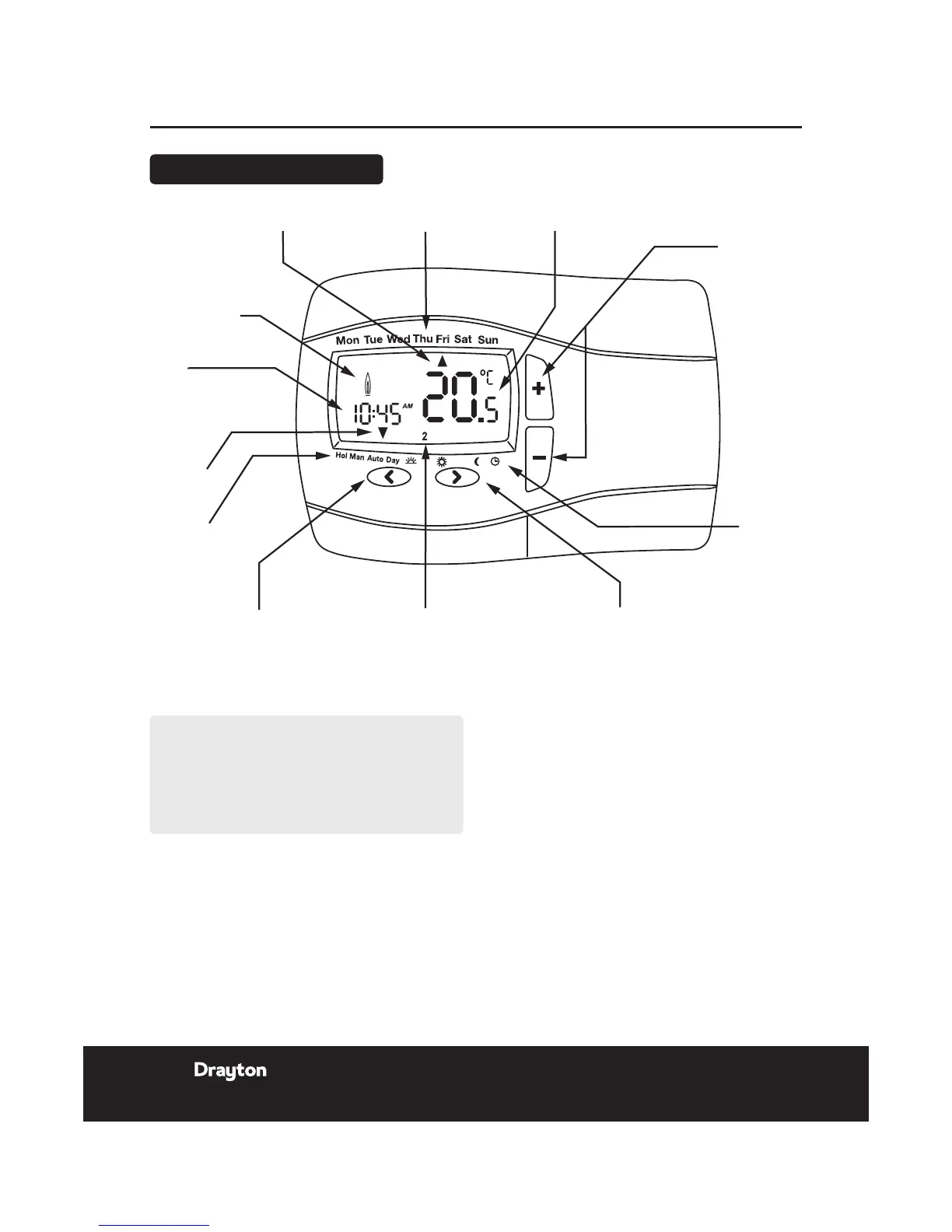
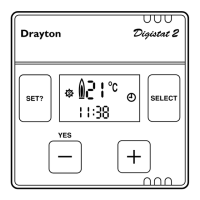
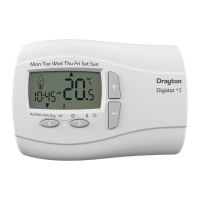
+ or - buttons
for setting
adjustments
Clock
mode
RH (right hand)
button, moves the
pointer to the right,
selects and accepts
changes
Time/Temperature
Program events 1 to 6
in sequence, morning,
midday and night
LH (left hand) button,
moves the pointer to
the left for selection
Holiday,
Manual, Auto,
Day, Program
Pointer
(mode
indicator)
Time
Flame shows when
calling for heat
Pointer (day)
Days
Temperature
NOTE:
Temperature displayed is actual room temperature
unless adjusting the + or - button when it displays
the set temperature. Once adjustment is complete
and after 5 seconds this will return to actual room
temperature.
User Guide DIGISTAT+2RF Room Thermostat
12 Installation & User Guide
06515086001 ISSC




 To Next Page