Client Drayton File Name 75 42 Dr ayt on LP 10R F & DIG IS TAT+2 RF 06 515 08 600 1 ISS C
Artworker -
Proof Stage
PRINT
Finished Size A5 148x210mm
Creative Director Mike Lane Artwork % 100%
Modification Date 21/08/15 2:56PM Bleed 3mm
Installation Guide LP10RF & DIGISTAT+2RF
Signal Strength
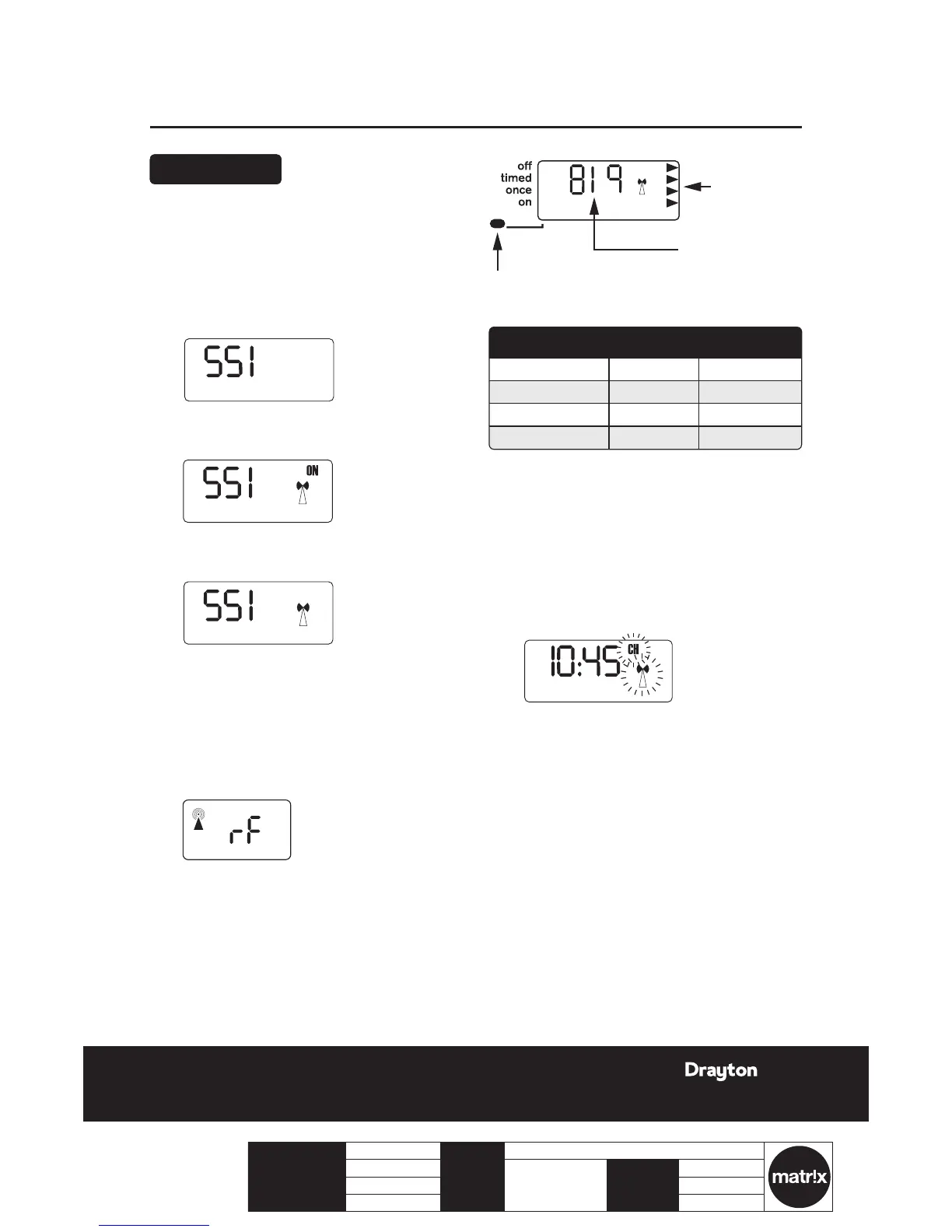
To check signal strength on previously
installed and paired units:
1.
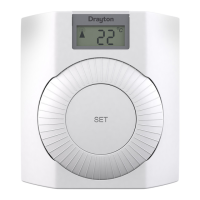
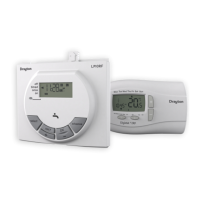
Press the ‘set’ button 4 times on the LP10RF.
2.
Press ‘OK’ once.
3.
Press the ‘set’ button 5 times. The display will show
‘SSI and OFF’.
4.
Press the ‘+’ button so that the display shows ‘SSI,
Antenna and ON’.
5.
Press the ‘set’ button so the display shows ‘SSI and
Antenna’.
6.
After a few seconds the display will show ‘---’.
7.
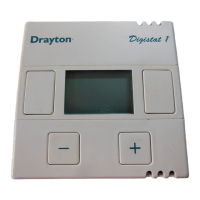
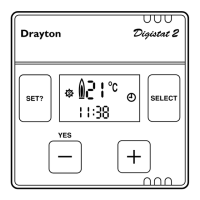
Remove the batteries from the Digistat+2RF
transmitter and wait until the display has faded
away.
8.
Press and hold the ‘+’ button on the transmitter
while re-inserting the batteries and keep the button
depressed until the display shows ‘rF’ .
To cancel signal strength mode:
1.
Remove the batteries from the transmitter to
cancel the constant transmission.
2.
After a few seconds the receiver display will show
‘---’ .
3.
Press ‘OK’ on the receiver display and the display
will return to the time with the ‘CH and Antenna’
ashing.
4.
Re-insert the batteries into the transmitter and the
RF link will be re-established.
Signal strength
indicators
Transmitter code
(may be different)
LED indicator shows different colour depending
on signal strength (see table below)
Signal strength indicators
Transmitter code
(may be different)
LED indicator shows different colour depending
on signal strength (see table below)






 To Next Page