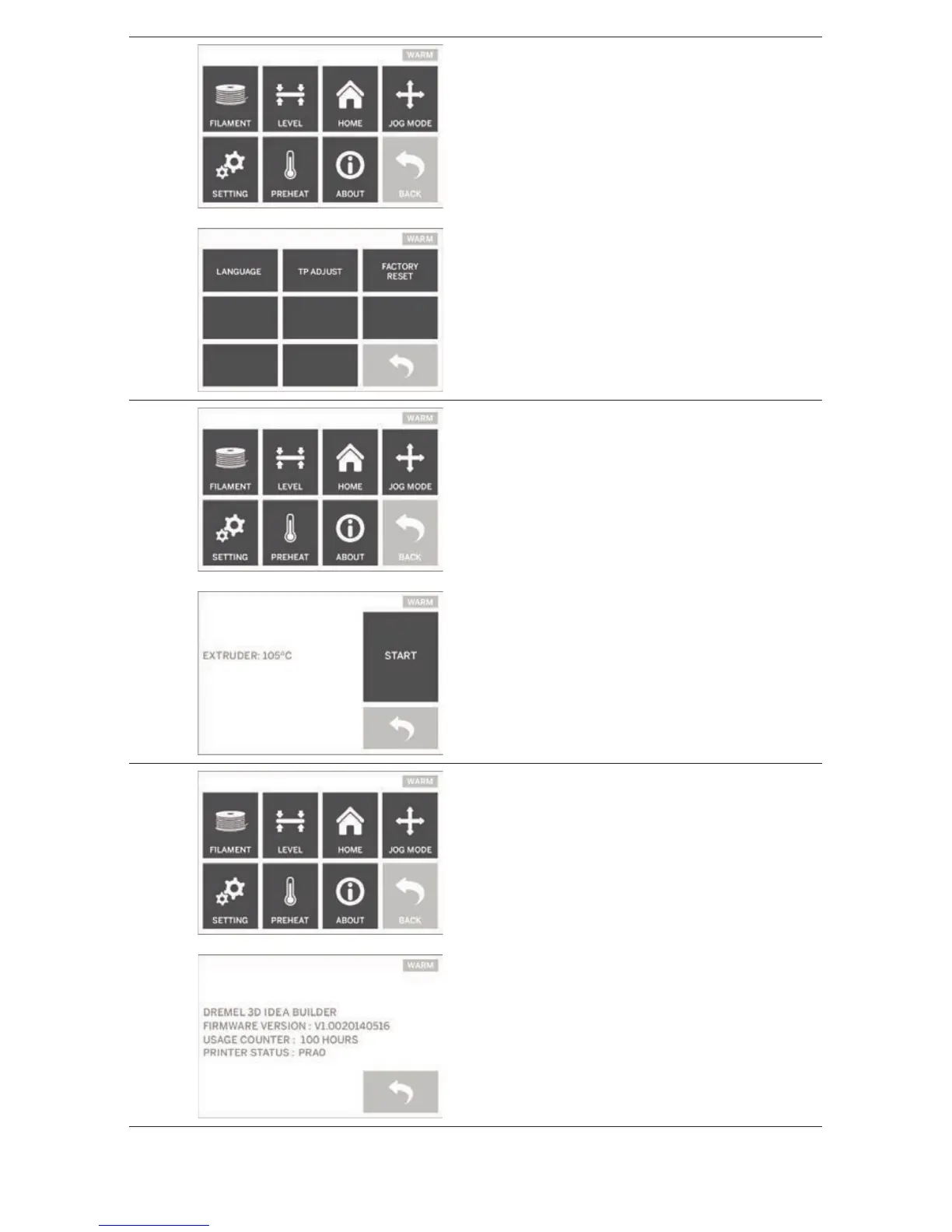
SETTING
Tapping this option will allow you to change the
manufacturer settings for language or revert
back to manufacturer settings.
PREHEAT
Tapping this option will begin preheating the
extruder for building or excess debris removal.
The touch screen will display the approximate
extruder temperature. You can use the touch
screen to START or STOP the preheating
process at any time.
ABOUT
Tapping this option will display your Dremel
3D20 serial number, current rmware version,
usage (hours), and the Dremel 3D20 status.
15



 To Next Page