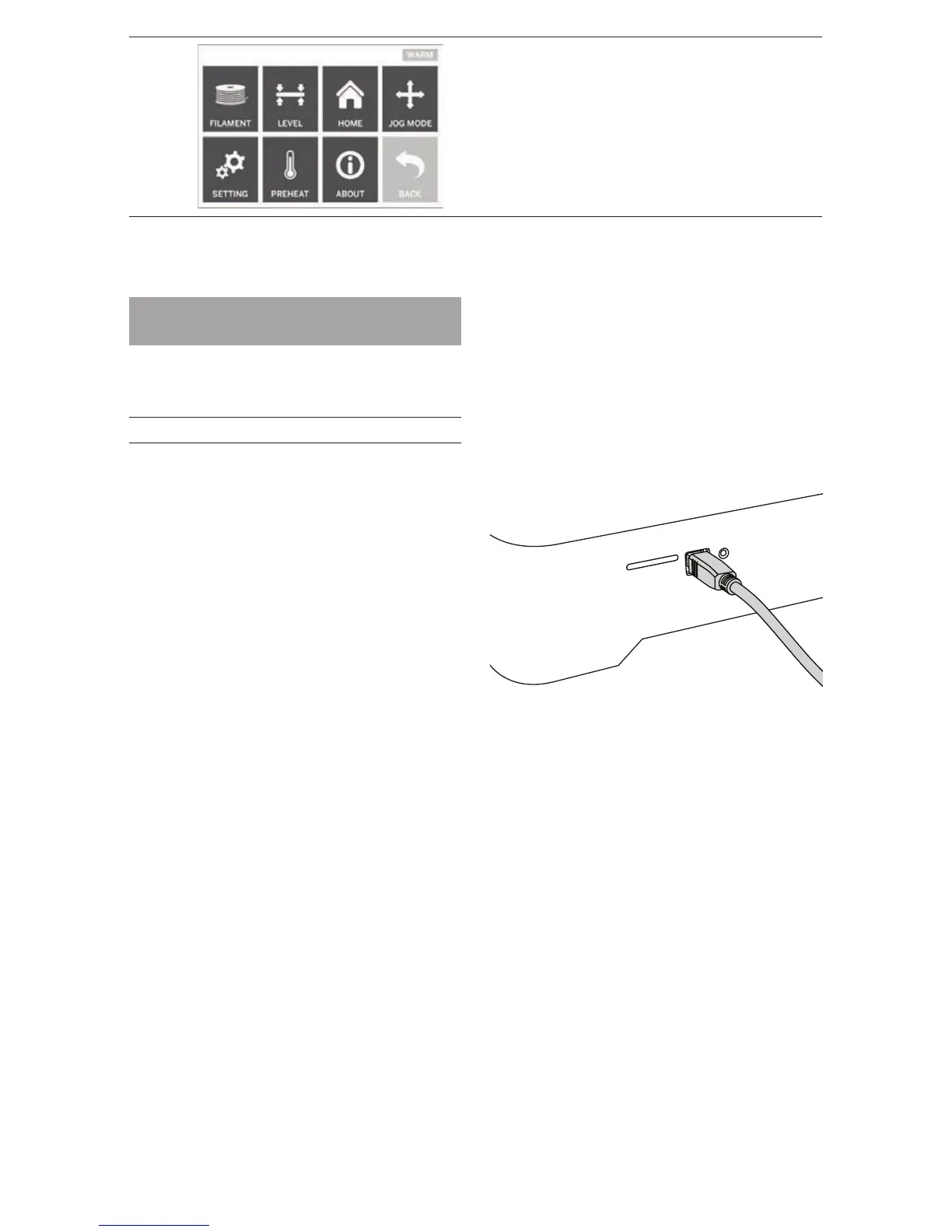
RETURN
Rerurn to previous menu.
SOFTWARE INSTALL AND
REGISTRATION
Creating an account on Dremel3D.com is easy and
gives you access to all of the great designs and
collections that will drive and inspire your creativity.
INSTALLING SOFTWARE FROM DREMEL3D.COM
1. Go to Dremel3D.com.
2. From a PC: Download and install software onto
your PC.
a. Download the Dremel 3D software from
Dremel3D.com.
b. Click on Dremel 3D_(version number).exe in the
folder location that you downloaded the le. The
install wizard will open.
c. Follow the prompts in the install wizard to load
the software on your computer.
3. From a MAC: Download and install software onto
your MAC.
a. Click Downloads and select Dremel 3D software.
Double click on the zip le and the Dremel 3D
INSTALLER.DMG will appear.
b. Double cl ick on Dremel 3D INSTALLER.DMG to
make a new window open. Drag the install le to
the APPLICATIONS folder.
c. If the “Drag to Install” window did not open,
locate the Dremel 3D driver in you device panel.
Click on Dremel 3D to download software.
NOTE: Safari users will not have to unzip the
INSTALLER.DMG le.
d. Click NEXT to launch the setup wizard. The
Dremel 3D software setup wizard will guide
you through the steps to install the software on
your computer. Click NEXT to launch the setup
wizard.
4. Create Dremel maker account on Dremel3D.com to
begin downloading Dremel 3D20 models.
CONNECTING USB CABLE
1. Ensure power switch is in the off position.
2. Plug your Dremel 3D20 into the computer with the
USB cable.
3. Open software.
4. Turn your Dremel 3D20 on using the power switch
to sync your computer to your Dremel 3D20.
16



 To Next Page