42
Figure 40: Screen visible after inserting CD
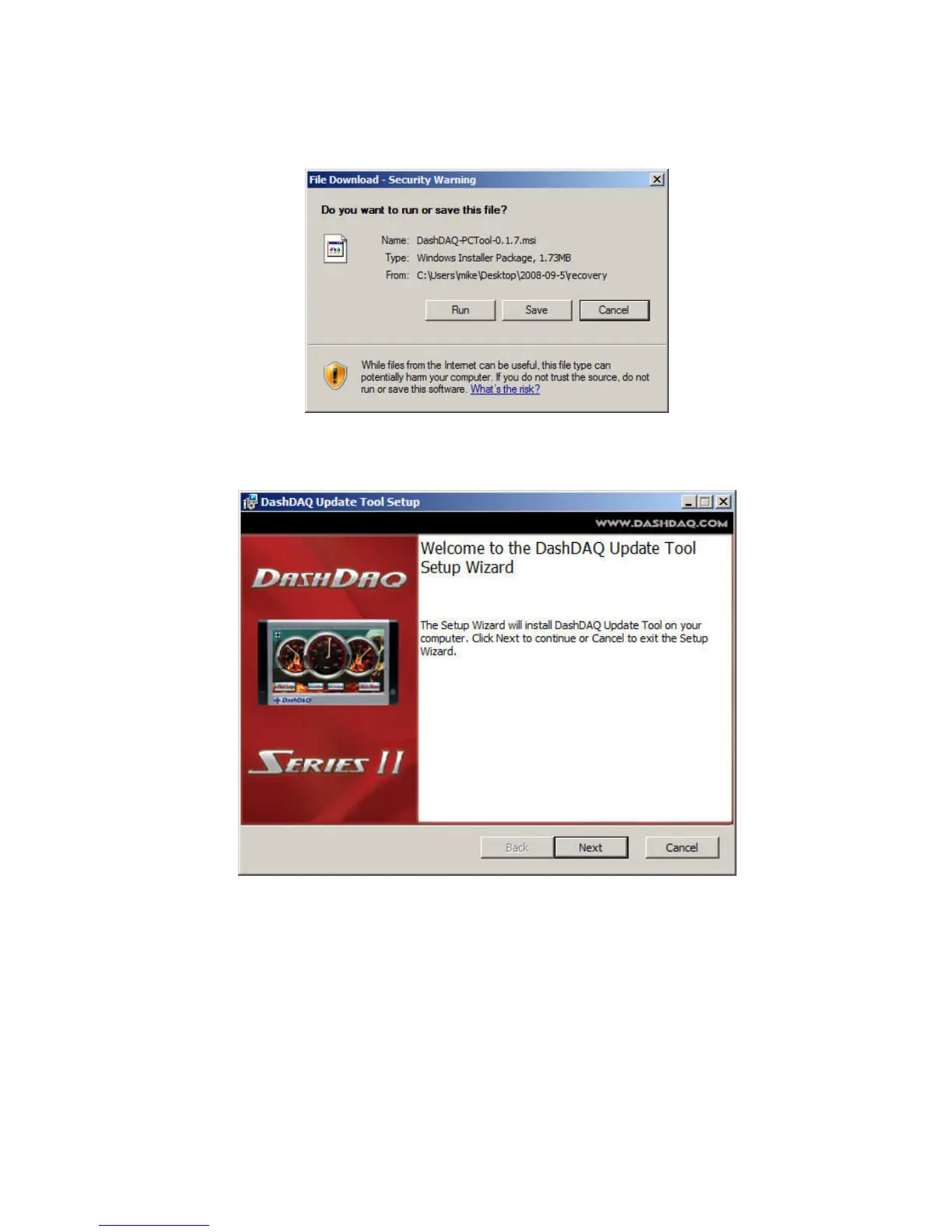
1. Click on number 3 “DashDAQ Recovery Tool”. This screen appears:
2. Click on “Run.” If the ‘Run” option does not work, save this file (DashDAQ-PCTool-2.0.4.msi) to a memorable location and
double click on it to run the DashDAQ Update Tool installer. This screen will appear next:
3. Click “Next.”
4. Check the box by “I Accept the End-User License Agreement” if you agree to abide by the license agreement.


 To Next Page