2
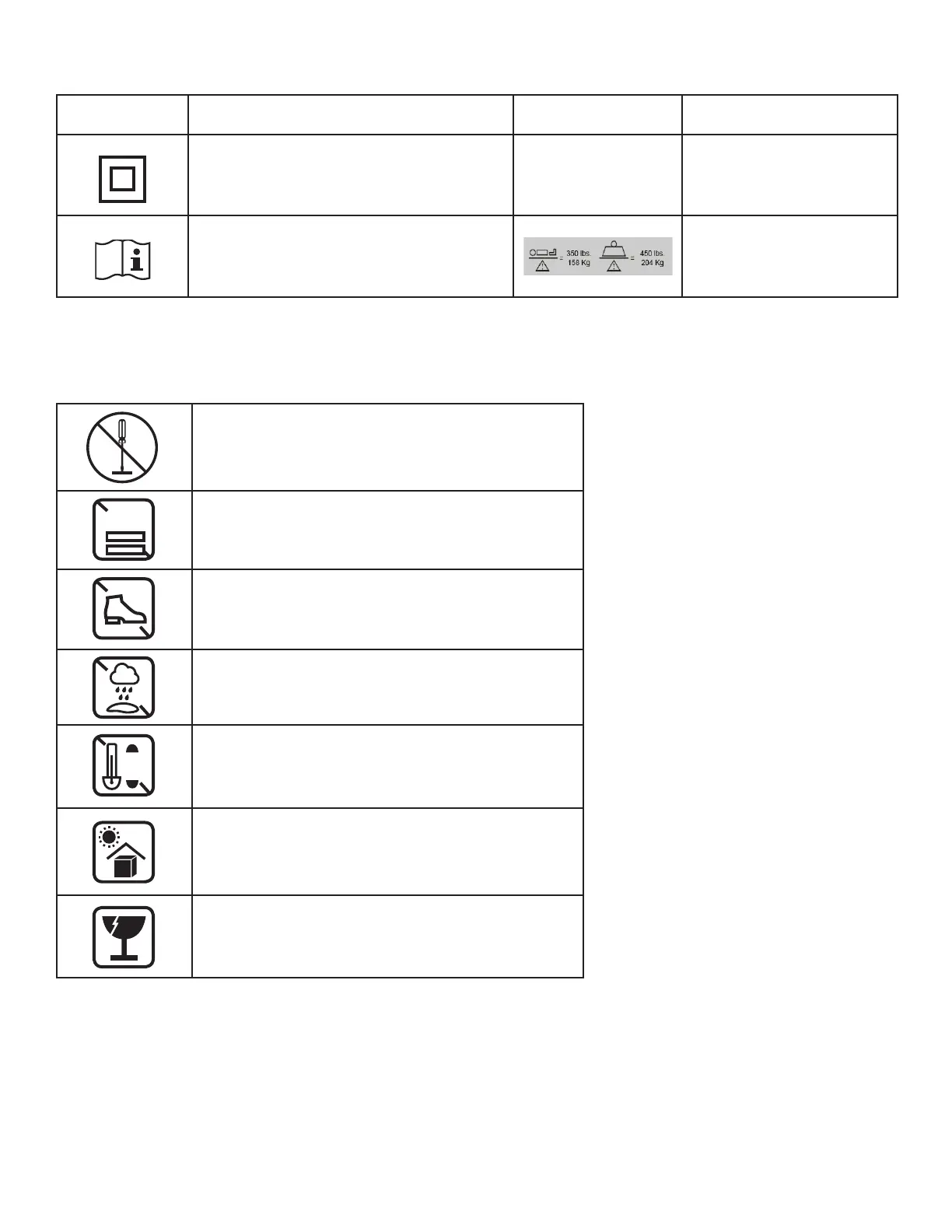
Symbols Description Symbols Description
Class II equipment
The owner’s manual needs to be read before
operating the bed.
Maximum patient weight and
safe working load
PRODUCT SYMBOLS
PRODUCT HANDLING SYMBOLS
Do not remove motor cover or repair yourself. Contact
your local Provider or Dealer for technical assistance.
Do not stack more than 5 cartons high
Do not step
Keep Dry
Do not exceed 104 degrees F
Do not leave in direct sun light for extended period of
time
Handle with care
5
40
o
C
104
o
F


 To Next Page