Copyright 2010 Baker Hughes Company.
38 | PACE Indicators Instruction Manual–English
Chapter 6. Reference
Referring to the PACE SCPI communications user manual, there are three commands that can
be used to retrieve pressure readings from the PACE100X:
To obtain fastest readings you must use the following SCPI command:
:INST:SENS[x]:READ?
This command returns two readings, a filtered reading and a raw reading (unfiltered reading) from
internal sensors, thus giving the user a choice of which reading to use which is most suitable for
their application.
Example:
Note: Raw reading returned from IDOS sensors is “0” as a raw readings cannot be obtained from
IDOS sensors.
Note: Baud rates slower than 115k2 baud will slow the new data update rate pro-rata. Even at a
115k2 baud rate the readings are slower than using IEEE
488. The IDOS sensor is a slower
sensor than internal sensors.
6.6.2.1 Navigating to Communications Menu
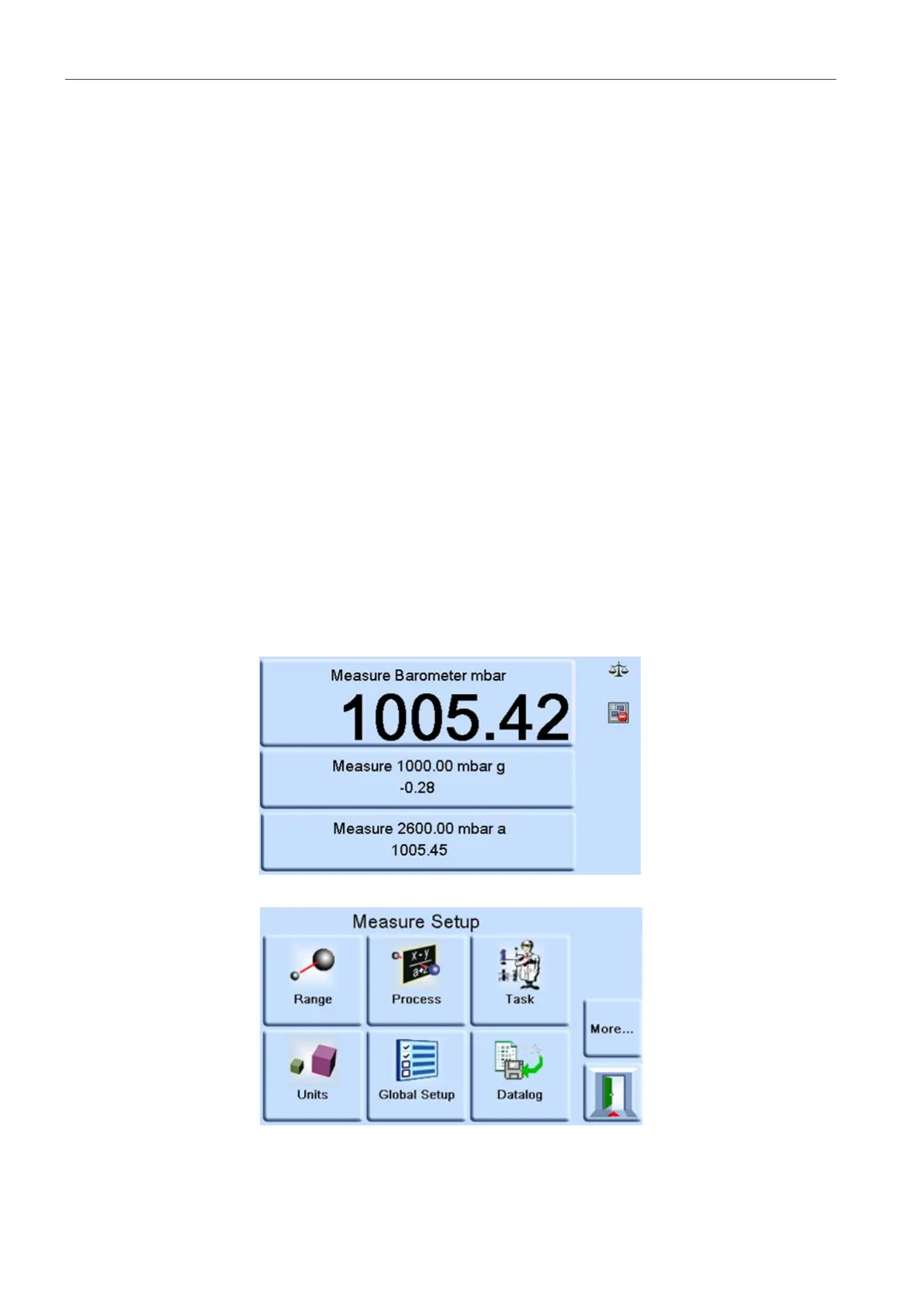
1. On the main screen, touch any of the three horizontal touch areas on the screen.
2. On the MEASURE SETUP screen, select GLOBAL SETUP.
:INST:SENS[x]:READ? Where x = 1 to 8 set in the comms range menu.
:SENS:PRES? Returns the reading top main display window with display filtering
(2
Hz update rate) applied.
:DISP[x]:WIND? Where [x] = display (1=top main, 2=middle status area, 3=bottom
function area) window.
TX> :INST:SENS[x]:READ?
RX> :INST:SENS2:READ "993.539148733033 993.543837356372"


 To Next Page